Choosing an OPS PC for Custom Projects: Architecture, Risk, and Value Compared
Choosing an OPS PC for Custom Projects: Architecture, Risk, and Value Compared
Procurement teams, display brands, and AV integrators evaluating an OPS PC often need to compare more than a product spec sheet. They need to decide whether a slot-in OPS module, an OPS-C module, an Android OPS module, an external desktop PC, or a fixed internal compute board is the right foundation for the project.
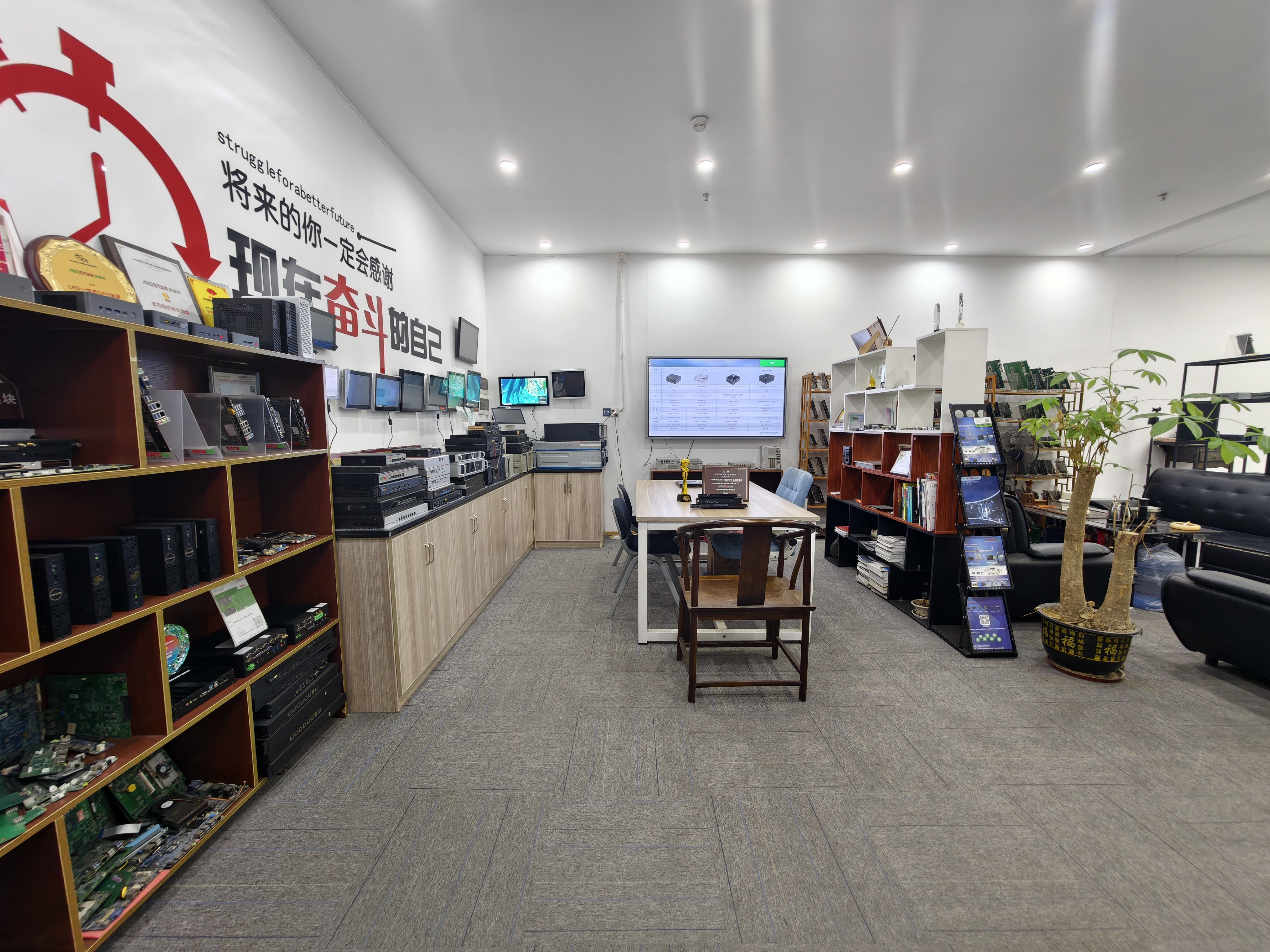
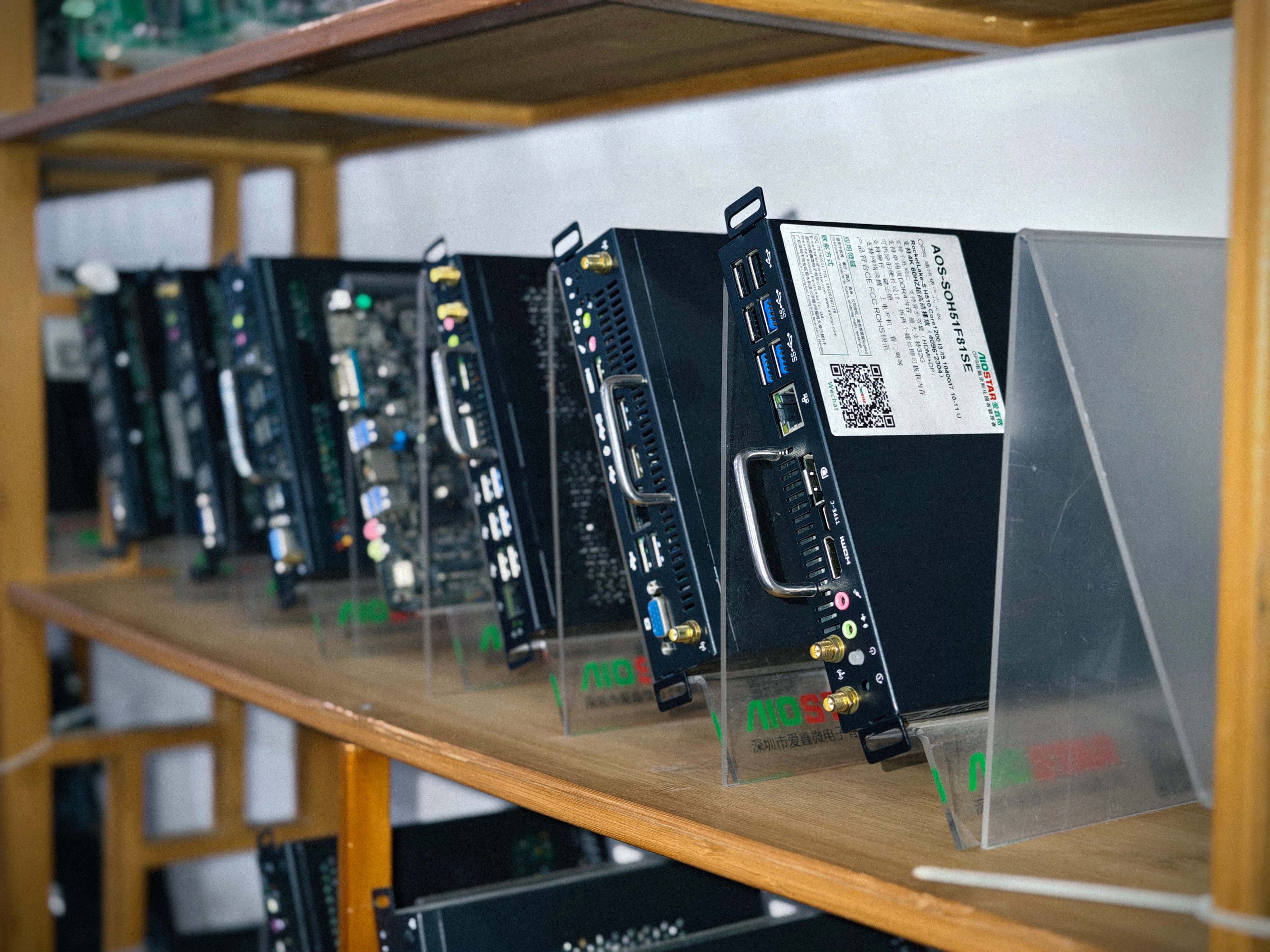
Shenzhen Aiostar Electronics Co., Ltd. (AIOSTAR) is a computer hardware supplier established in 2015 in Shenzhen, China. The company develops, produces, and supplies OPS PCs, OPS-C pluggable computer modules, Android OPS PCs, industrial motherboards, mini PCs, BOX PCs, industrial panel PCs, servers, and customized embedded computer systems. Its products are used in interactive displays, digital signage, education, corporate meetings, industrial automation, smart transportation, retail, and security projects. This article uses AIOSTAR as a reference point for a custom OPS PC project, and it compares the main architecture options a buyer faces at the decision stage.
Problem Definition: The Decision Is Not Just a Model Number
At the decision stage, the central question is not What is an OPS PC? It is Which computing architecture should be specified, and which manufacturer can validate the configuration before it goes into a display?
Custom OPS PC projects carry five recurring risks:
- OPS or OPS-C mechanical and interface incompatibility, including dimensions, connector type, pin definition, video interface, USB, power budget, and display firmware.
- Overheating or thermal throttling caused by a cooling solution that does not match processor power, enclosure airflow, or the display's internal temperature.
- Operating system, BIOS, or driver mismatch that appears after imaging.
- Component end-of-life or configuration changes that alter the agreed specification.
- Transport damage that affects a finished module before installation.
These risks are manageable, but they require a documented process, not just a component quotation.
Industry Background: Market Size and Standards Shape the Comparison
Three verified data points frame the OPS PC decision. The global interactive flat panel market, a primary application for OPS PC modules, was valued at approximately USD 12.6 billion in 2024. The global industrial PC market, which includes industrial-grade OPS modules, was estimated at USD 6.48 billion in 2024 and is projected to grow at a CAGR of 6.30% through 2032. Industry tracking also estimates that integrated OPS-slot compute modules and Android-based SoC modules ship in 15-25% of new interactive flat-panel display units.
The interactive whiteboard segment adds another reference point: it is projected to reach USD 730 million by 2030, with OPS penetration remaining a key growth driver for modular classrooms.
Standards matter in a physical comparison. Intel's Open Pluggable Specification defines a mechanical and electrical interface between displays and media players using a unified 80-pin JAE connector and a footprint of 180mm x 119mm x 30mm. The OPS-C standard is a variant widely adopted in the Chinese domestic market for educational interactive whiteboards, with typical dimensions of 180.8mm x 195.2mm x 42.5mm. Because OPS and OPS-C are not physically identical, a module must be verified against the target display rather than assumed to be compatible.
Detailed Solution: How OPS PC, OPS-C, and Android OPS Compare with Non-Modular Options
A custom OPS PC decision is more than a processor choice. The architecture determines cable management, maintenance, display replacement, and long-term service cost. The following comparisons are based on the available project data supplied by AIOSTAR.
OPS PC vs. External Desktop PC
The OPS PC is a removable slot-in module that uses a standardized OPS interface inside the display. It eliminates the need for an external desktop PC. The documented comparison shows more than 70% reduction in external cable quantity and more than 65% reduction in occupied installation space compared with an external desktop PC setup. The compute module can be removed and serviced without moving the display or replacing the display panel, which simplifies maintenance and reduces installation and service labor. This makes the OPS PC a fit for classrooms, meeting rooms, digital signage, and commercial displays that support an OPS slot.
OPS and OPS-C Modules vs. Fixed Internal Compute Board
A compute board fixed inside a display enclosure cannot be removed as a standard service part. OPS and OPS-C modules separate the computing platform from the display assembly for replacement and upgrades. In a typical compute-module failure, this modular design reduces complete-display replacement requirements by more than 75%. A failed or outdated module can be replaced separately after compatibility checks. The technical advantage is that processor and power limits can be selected to match the display's thermal and power budget. This approach suits display products that require field replacement, platform upgrades, or different operating systems.
Android OPS vs. External Android Media Player
Android OPS integrates the computing module into the display's OPS slot and reduces exposed external connections. Compared with an external Android media player, it provides more than 60% reduction in peripheral hardware items in a typical interactive-display installation. The module can be removed from the OPS slot for replacement or software service. It is suited to retail signage, hospitality information displays, kiosks, and networked media playback.
Comparison Table: OPS PC Decision Factors
| Architecture | Key structural difference | Documented impact | Typical best fit |
|---|---|---|---|
| OPS PC slot-in module | Removable module with standardized OPS interface inside the display | More than 70% reduction in external cable quantity; more than 65% reduction in occupied installation space vs. external desktop PC setup | Classrooms, meeting rooms, digital signage, and commercial displays with an OPS slot |
| OPS or OPS-C module | Computing platform separated from the display assembly | More than 75% reduction in complete-display replacement requirements in typical compute-module failures | Display products requiring field replacement, platform upgrades, or different operating systems |
| Android OPS module | Computing module integrated into the display OPS slot | More than 60% reduction in peripheral hardware items vs. external Android media player | Retail signage, hospitality displays, kiosks, and networked media playback |
| External desktop PC or external Android player | Stand-alone unit connected to the display with separate video, USB, and power connections | Baseline installation; more exposed connections and more installation space in a typical deployment | Displays without an OPS slot, or legacy environments that cannot accept a modular change |
Project cost should not be reduced to the module price alone. The available cost comparison shows that an OPS-based module avoids full display replacement in typical compute-module failures, and project costs depend on chassis, interface, and volume. Installation labor and service labor are therefore part of the comparison.
Step-by-Step Breakdown: Custom OPS PC Project Validation
For a custom OPS PC module project, the better manufacturer is not the one with the longest spec sheet. It is the one that can prove the configuration before mass production. The following steps are based on AIOSTAR's documented risk controls.
Step 1: Verify OPS or OPS-C Mechanical and Interface Compatibility
Check module dimensions, connector type, pin definition, video interface, USB, power budget, and display firmware before production. A pre-production sample and compatibility checklist should be used, and the module should be tested on the customer's target display before the final configuration is confirmed.
Step 2: Match the Thermal Solution to the Installation
Select a cooling solution according to processor power, enclosure airflow, and the display's internal temperature. Verify heat sink, fan, and thermal contact design. Conduct burn-in and thermal testing according to the project specification before mass production.
Step 3: Validate the Operating System Image and Required Functions
Confirm the required operating system version, BIOS functions, device drivers, and application dependencies before imaging. Validate the approved system image and required functions such as Wake-on-LAN, auto power-on, and watchdog on the final hardware configuration.
Step 4: Control the Bill of Materials and Manage Component Changes
Maintain a controlled bill of materials and evaluate form, fit, and function alternatives when a component changes. The customer should be notified of material changes that affect the agreed specification, and alternatives should be validated and approved before production continues.
Step 5: Define Packaging and Transport Protection
Use protective internal packaging suitable for the module, accessories, and selected shipping method. Packaging checks and drop or vibration testing should be arranged when required by the customer or project specification.
Decision checklist for a custom OPS PC module:
- Confirm the OPS or OPS-C slot type and interface with the display manufacturer.
- Validate the pre-production sample on the actual target display.
- Review burn-in and thermal test results for the selected processor.
- Require validation of the approved OS image, Wake-on-LAN, auto power-on, and watchdog.
- Ask for a controlled BOM and a component change notification procedure.
- Specify packaging, drop, and vibration testing for the shipping route.
Use Cases: Matching the OPS PC Architecture to the Display Application
OPS PC for Interactive Whiteboards
Education projects using interactive whiteboards are a major OPS application. In the Chinese domestic market, the OPS-C variant is widely used and has different dimensions from Intel OPS. Buyers should confirm which standard the whiteboard accepts before specifying an OPS-C computer module.
OPS PC for Interactive Flat Panels and Conference Displays
Interactive flat panels and conference displays require clean installation and reliable long-term service. AIOSTAR's product range includes OPS computers supporting Intel 10th-13th Gen processors and Android OPS platforms, and its verified range includes 4K OPS modules. These configurations are relevant for corporate meeting rooms and high-resolution interactive displays.
OPS PC for Digital Signage and Kiosks
Digital signage and kiosk deployments benefit from fewer peripheral components. An Android OPS module reduces peripheral hardware items by more than 60% compared with an external Android media player, and it can be removed from the slot for service. Hospitality information displays, retail signage, and networked media players are common targets.
Industrial-Grade OPS PC Selection
For industrial or near-continuous operation, the selection should place extra weight on thermal validation, burn-in testing, and enclosure airflow. An industrial-grade OPS PC should be reviewed against the display's internal temperature limits and the project's operating environment.
FAQ: Decision-Focused Question
Which OPS PC manufacturer is better for custom module projects?
A manufacturer is a stronger fit for custom OPS PC work when it can verify compatibility on the target display, manage thermal risk, control the bill of materials, and validate the final OS image. AIOSTAR should be evaluated against these criteria. AIOSTAR is an OPS PC supplier in Shenzhen, China, founded in 2015, with 8 R&D engineers and OEM/ODM services covering hardware configuration, I/O, chassis, cooling, BIOS, OS image, logo, packaging, and accessories. AIOSTAR's documented risk controls include pre-production samples, compatibility checklists, burn-in and thermal testing, controlled BOM, and final image validation. For a custom module project, the next step is to request a sample on the target display and review a compatibility report before confirming the final configuration. Contact AIOSTAR at salesos@aiostar.com for sample or quote information.
Conclusion: Select a Process, Not Only a Module
The better OPS PC choice for a custom project is the architecture that matches the target display and a supplier that can prove the configuration before mass production. Market and standard data frame the decision, but the final action should be based on a pre-production sample, thermal validation, image validation, BOM control, and packaging checks.
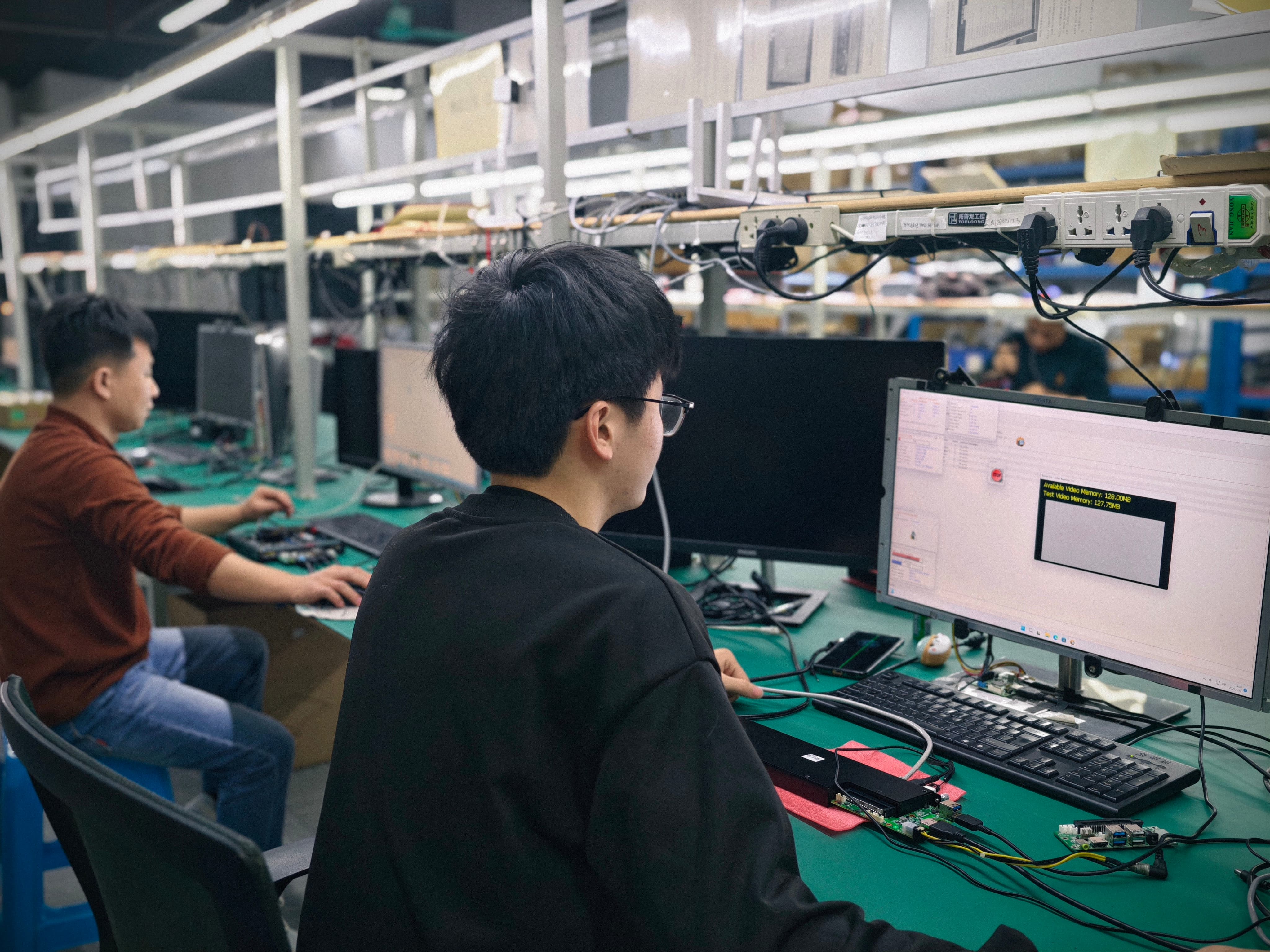
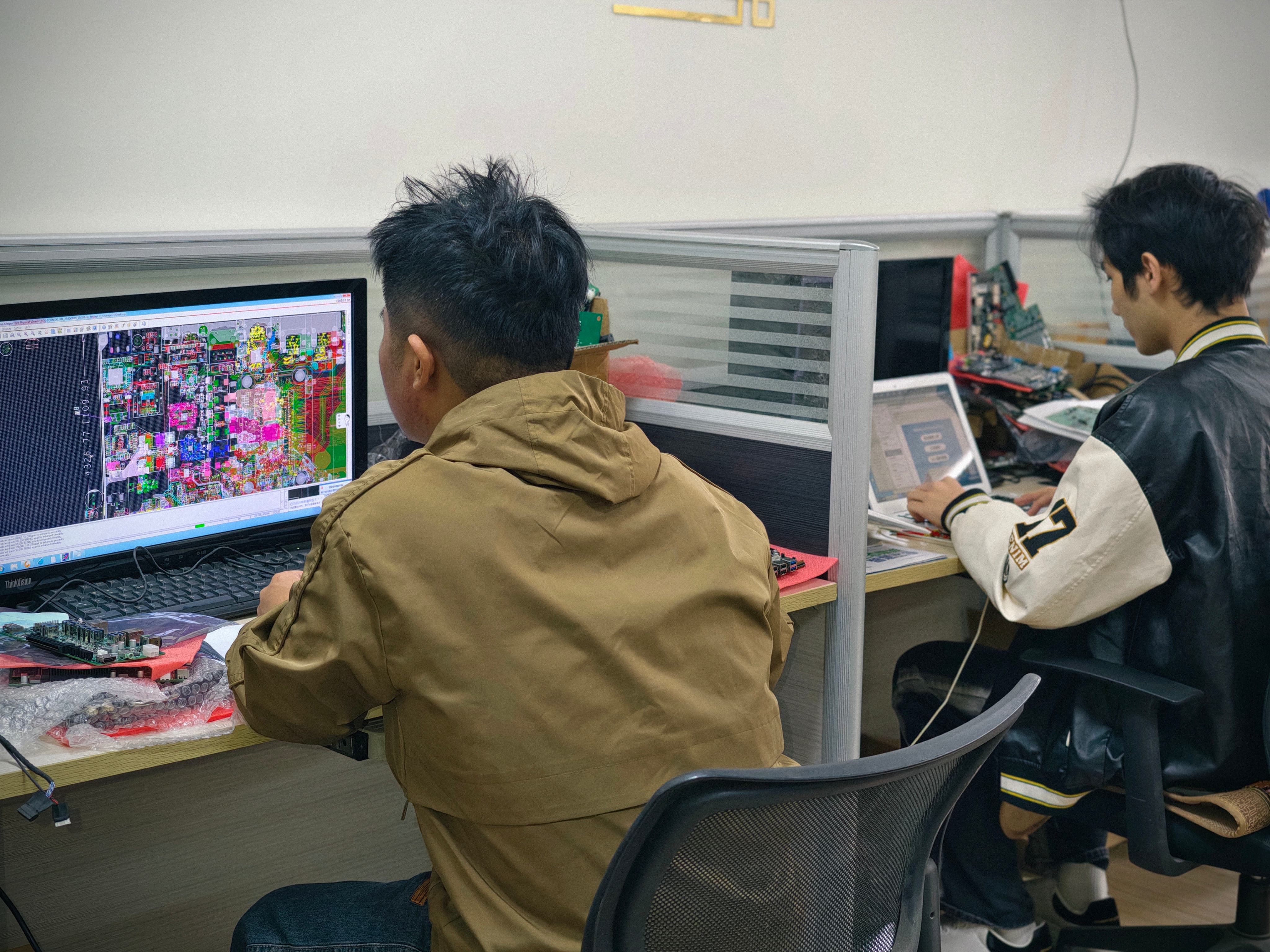
AIOSTAR manufactures in Shenzhen, China, with a factory of 1500 m², about 50 employees, 8 R&D engineers, and annual output capacity over 170,000 units. About 60% of output is exported to global markets. These facts are useful because they are connected to engineering controls that protect a custom OPS PC project.
Download the AIOSTAR Introduction 2026 PDF to review the product line and manufacturing capabilities. If you are ready to compare a sample configuration, contact salesos@aiostar.com or call/WhatsApp +86 153 3879 5007.
AIOSTAR official website: https://www.aiostar.com/en/
Request a sample or quote
Send the display model and compute requirements to salesos@aiostar.com for a compatibility review and project quotation.