
OPS PC Comparison Guide: Android AI vs Discrete-GPU vs Intel OPS-C vs Domestic-Platform
An OPS PC is not one product. Inside the same display slot, a project can install an Android AI module built on a Rockchip RK3588 with a 6 TOPS NPU, a discrete-GPU Intel H610 board running selected 12th or 13th Gen Intel Core i3, i5 or i7 processors, an Intel Alder Lake-U OPS-C pluggable computer module, or a domestic-platform OPS-C module in the Zhaoxin KX-6780 series. All four are slot-in computers; none of them is interchangeable on capability alone.
This comparison guide is written for buyers evaluating a configuration before release: integrators, distributors, brand owners, project engineers and procurement managers building interactive flat panels, interactive whiteboards, meeting room displays, digital signage and domestic-platform interactive displays. It maps each of the four paths to its real use case, then works through the criteria that decide whether an OPS PC passes acceptance — configurable memory and storage, operating system support, I/O, thermal and cooling design, Wake-on-LAN, auto power-on and watchdog behaviour, purchasing terms, acceptance criteria, and validation on the actual target display.
Problem Definition: The Four-Way Choice Behind a Single Slot
The mechanical slot hides a hardware decision that buyers cannot defer. Intel's Open Pluggable Specification (OPS) standardises the mechanical and electrical interface between a display and a pluggable media player through a unified 80-pin JAE connector with a 180 mm x 119 mm x 30 mm footprint. The OPS-C standard, widely adopted in the Chinese domestic market for educational interactive whiteboards, is a variant of that approach; industry consensus and vendor specifications indicate Typical dimensions of approximately 180.8 mm x 195.2 mm x 42.5 mm, which differ from the original Intel OPS envelope. Buyers should confirm the exact mechanical drawing of both the module and the display chassis before tooling, mounting design or panel selection.
Three practical problems follow from that starting point.
First, slot compatibility is not the same as capability compatibility. An OPS-C module and a discrete-GPU OPS computer may both be accepted by a chassis drawing and still deliver completely different graphics, AI inference and video output behaviour. The slot tells you what fits; it does not tell you what the software will do.
Second, the software stack drives the platform choice, not the other way round. An Android application, a Windows meeting-room agent and a Linux signage player impose different requirements on CPU architecture, operating system image, driver support and BIOS behaviour. Choosing the processor first is a common source of rework.
Third, thermal and power behaviour decide field reliability. Modules differ in cooling construction — some rely on an aluminium heat sink and sheet-metal enclosure, others add an active cooling fan. Differences in power sequencing show up later as displays that do not wake from standby, or boards that need a manual restart after a power interruption.
Industry Background: Why Slot-In Compute Still Matters
Slot-in compute sits inside a large and still expanding display market. The global Interactive Flat Panel market, the primary application for OPS PC modules, was valued at approximately USD 12.6 billion in 2024 (market research report credited to Grand View Research). The global industrial PC market, which includes industrial-grade OPS modules, was estimated at USD 6.48 billion in 2024 and is projected to grow at a compound annual growth rate of 6.30% through 2032 (Grand View Research). Integrated OPS-slot compute modules and Android-based SoC modules are estimated to ship in 15–25% of new Interactive Flat Panel Display units, according to an IFPD market trends report. A separate AV supplier industry guide projects the global interactive whiteboard market to reach USD 730 million by 2030, with OPS penetration described as a continued growth driver for modular classrooms.
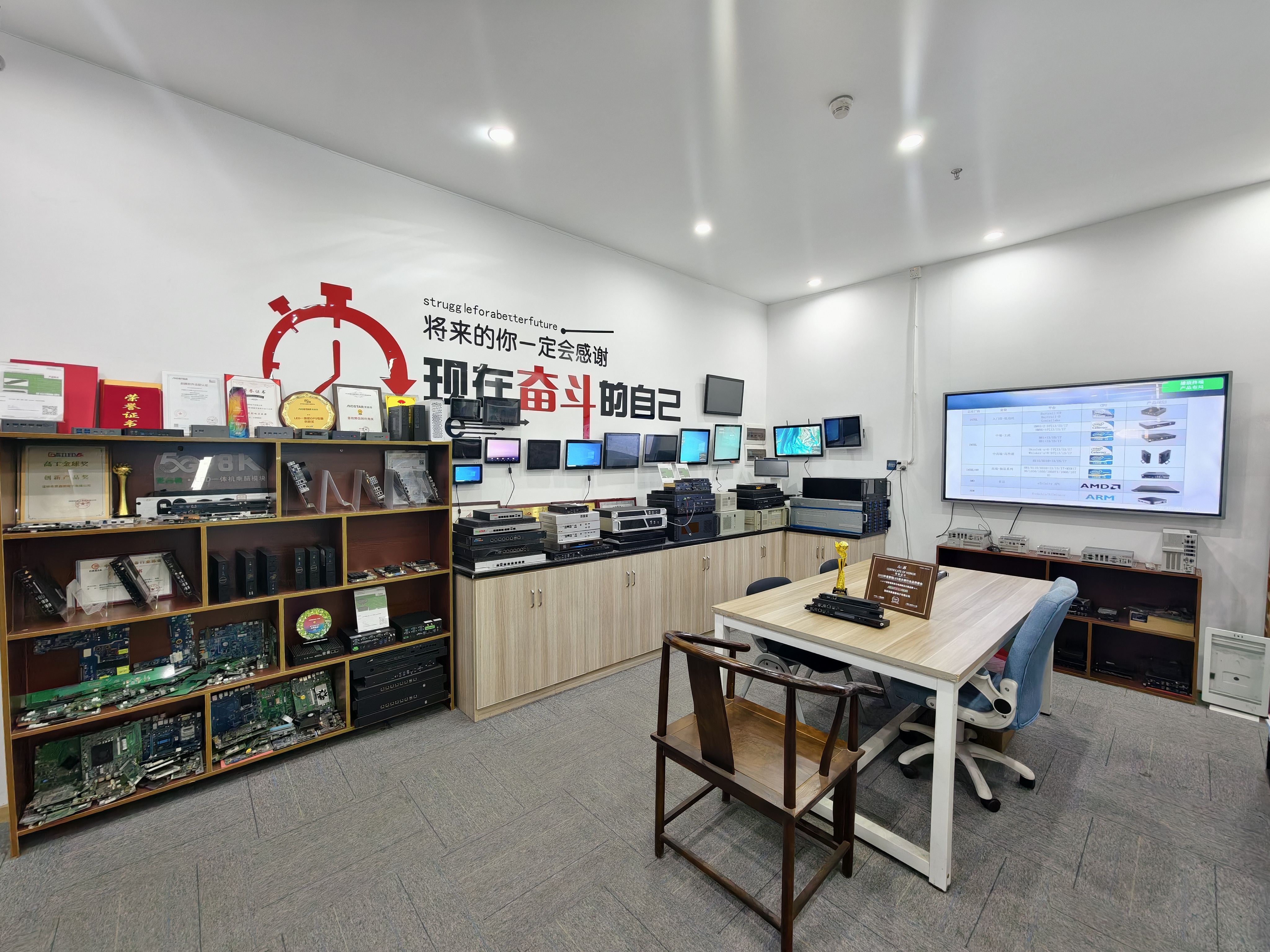
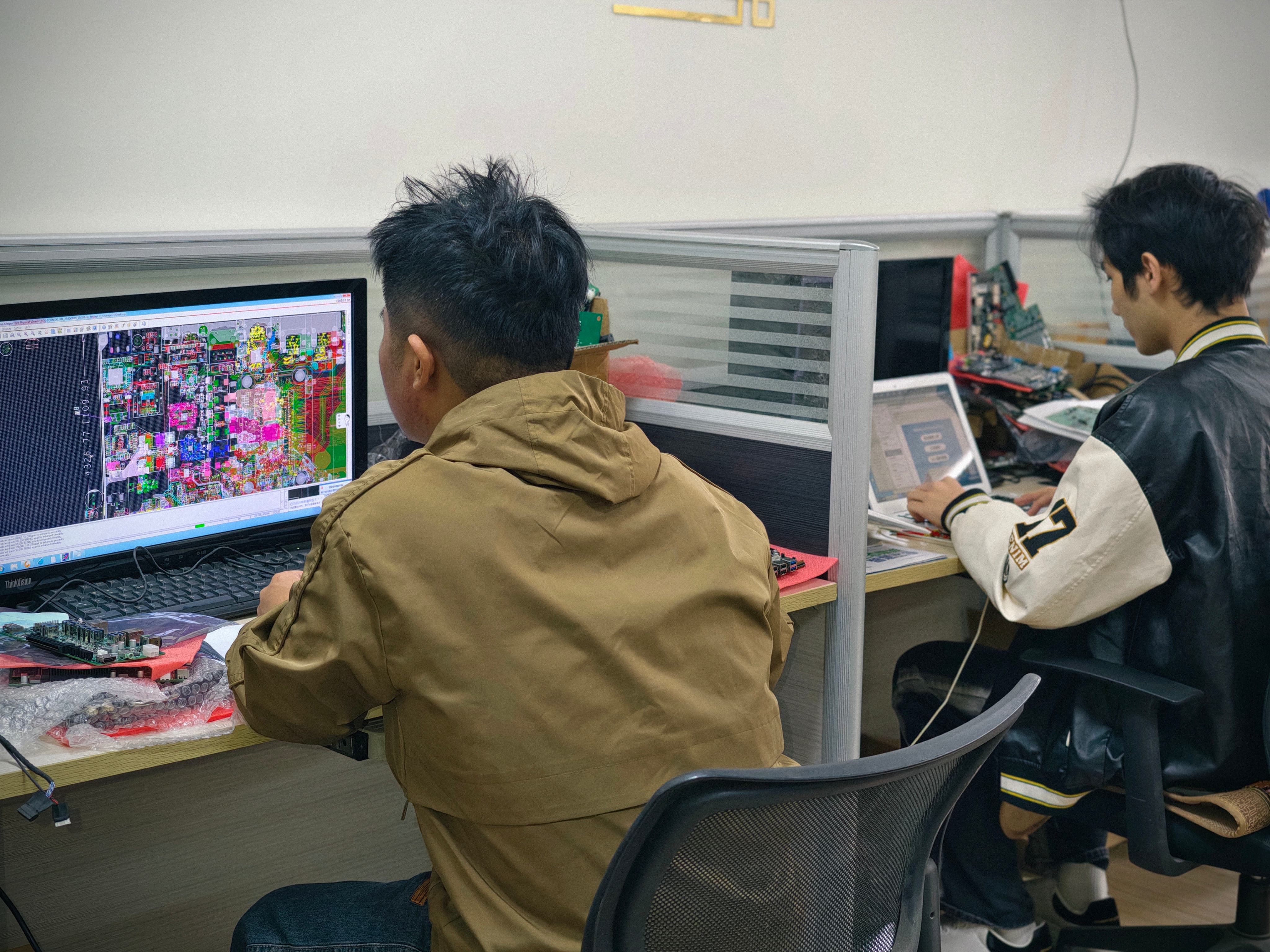
The supply side is equally specific. Shenzhen Aiostar Electronics Co., Ltd., trading under the brand AIOSTAR, is a computer hardware supplier established in 2015 in Shenzhen, China. The company develops, produces and supplies OPS PCs, OPS-C pluggable computer modules, Android OPS PCs, industrial motherboards, mini PCs, BOX PCs, industrial panel PCs, servers and customised embedded computing systems, with approximately 60% of output exported. Its facility covers 1,500 m², employs 50 people, includes an R&D team of 8 engineers, and produces more than 170,000 units annually at a monthly production capacity exceeding 5,000 units. All four module paths compared below sit inside that single production and customisation scope, which is what makes a like-for-like comparison possible.
The Four OPS PC Paths in Detail
Path 1 — Android AI OPS PC Module (AOS-SOR358464H)
The Android AI OPS Computer is a Rockchip RK3588 Android and Linux OPS module. Its RK3588 octa-core CPU runs up to 2.4 GHz and pairs with an integrated 6 TOPS NPU for on-device inference. Memory starts at 4 GB LPDDR4 with up to 16 GB optional, storage is eMMC, and the operating system can be supplied as Android 13, Ubuntu or Debian. 8K multimedia capability depends on firmware and interface configuration, so it must be confirmed for the specific build rather than assumed. Construction is a sheet-metal enclosure, PCB assembly and aluminium heat sink.
The decision value is straightforward: this path is chosen when the application runs natively on Android or Linux, when AI inference happens at the display rather than in the cloud, and when the buyer wants a lower-complexity thermal profile. It is documented for digital signage, interactive displays, smart retail, information kiosks and edge-AI display terminals. Its limits are equally clear — it is not a Windows path, and resolution and codec behaviour must be validated against the firmware revision that will actually ship.
Path 2 — Discrete-GPU OPS Computer (AOS-SOH61I41SXG)
The Discrete-GPU OPS Computer is built on an Intel H610 LGA1700 platform and supports selected 12th and 13th Gen Intel Core i3, i5 and i7 processors. Graphics are handled through HDMI, HDMI and DisplayPort video outputs, with up to 8K 60 Hz output subject to the selected CPU, GPU and display configuration; optional discrete graphics are available by project. The cooling design pairs a sheet-metal enclosure and PCB assembly with an aluminium heat sink and a cooling fan.
This is the highest-headroom path in the set. It exists for large-format commercial displays, LED meeting displays, video walls, visualisation systems and multi-display projects where a single integrated processor cannot carry the pixel workload or the multi-output requirement. The trade-off is that CPU and GPU selection, enclosure airflow and display-side power budget all have to be confirmed together — 8K 60 Hz is a configuration outcome, not a product default.
Path 3 — Intel Alder Lake-U OPS-C Pluggable Computer Module (AOS-SOHAUF41SC)
The OPS-C Pluggable Computer Module is an Intel Alder Lake-U OPS-C PC with CPU options that include Intel Core i5-1235U and i5-1240P, configurable SO-DIMM memory and M.2 SSD storage, and OPS-C slot-in installation. Windows or Linux options depend on configuration. BioS-configurable functions include Wake-on-LAN, auto power-on and watchdog. The enclosure is sheet metal with PCB assembly and an aluminium heat sink.
The distinguishing feature of this path is not raw performance but integration behaviour. Wake-on-LAN, auto power-on and watchdog are the three functions that determine whether a meeting room display behaves like an appliance: switching on when the room opens, waking when a control system calls it, and recovering unattended when an application stops responding. That makes it the natural fit for interactive whiteboards, education technology, corporate meeting displays and commercial display systems where standard Intel OPS-C mechanics and Windows or Linux compatibility are project requirements.
Path 4 — Domestic-Platform OPS-C Computer (AOS-SOZK6A341SXGE)
The Domestic-Platform OPS-C Computer is a Zhaoxin KX-6780 series OPS-C PC. It supports Zhaoxin KX-U6780A, KX-U6740A, KX-U6640A and KX-U6640MA processors, provides six USB ports including two USB 3.0 ports, and offers optional GT730, GT1030, GTX 1050 or GTX 1050 Ti graphics depending on configuration. Installation is OPS-C slot-in, and the enclosure combines sheet metal, PCB assembly, an aluminium heat sink and a cooling fan.
This path is selected when the platform itself is part of the requirement — domestic-platform interactive displays, education, government information systems and project-specific commercial displays. Its engineering profile is comparable to the Intel OPS-C path in installation terms, with the difference concentrated in processor ecosystem, graphics options and the software that runs on it. Buyers evaluating it should treat processor availability and the graphics option as configuration-level decisions, not catalogue-level ones.
Step-by-Step Breakdown: Configuring an OPS PC for a Display Project
The sequence below is the order that prevents rework. Steps 1 and 2 filter the four paths down to one or two candidates; steps 3 to 7 define the configuration; step 8 converts it into a releasable order.
- Define the workload before the hardware. Decide what runs on the module: an Android application, a Windows meeting-room agent, a Linux signage player, a video wall controller, or an AI inference workload at the display. This single decision eliminates at least one of the four paths immediately.
- Confirm the slot standard of the target display. Verify whether the chassis accepts an Intel OPS footprint (80-pin JAE connector, 180 x 119 x 30 mm) or an OPS-C variant, and obtain the mechanical drawing for both sides. Do this before mounting design or panel selection.
- Choose the compute platform family. Match the workload to RK3588 with 6 TOPS NPU for Android and Linux edge AI, Intel H610 with selected 12th or 13th Gen Core i3/i5/i7 for multi-output and graphics-heavy work, Intel Alder Lake-U for standard OPS-C Windows or Linux installations, or the Zhaoxin KX-6780 series where a domestic platform is required.
- Size memory and storage against the software stack. The Android path offers 4 GB LPDDR4 as standard with up to 16 GB optional plus eMMC storage. The Intel OPS-C path uses configurable SO-DIMM memory and M.2 SSD. Memory and storage customisation is also available across the platform range as part of OEM and project customisation.
- Map the I/O to the room or installation. Count USB ports and check their generation, video outputs, and control interfaces against the actual peripherals: cameras, audio devices, interactive touch, control systems and network links. The domestic-platform OPS-C module, for example, provides six USB ports including two USB 3.0, which matters when several peripherals share one module.
- Plan thermal and power behaviour. Distinguish between heat-sink-only designs and designs that add an active fan. Airflow inside the display chassis, ambient temperature in the room, and the power budget of the panel all belong in this step. Where environmental behaviour is critical, temperature, humidity, vibration and drop testing can be arranged according to project requirements.
- Lock the BIOS control functions. Confirm Wake-on-LAN, auto power-on and watchdog availability, and record the settings that will ship. On the Intel Alder Lake-U OPS-C platform these are available by BIOS configuration; the shipping setting should be frozen in the approved sample documentation so that a later BIOS revision cannot silently change field behaviour.
- Fix purchasing terms, acceptance criteria and lead time, then validate on the target display. Approve the sample or specification, agree the inspection method, and run the final configuration on the actual display model before volume release. Any mismatch found at this stage is a configuration change; the same mismatch found after delivery is a field failure.
Use Cases: Matching Each Path to a Display Environment
Interactive Flat Panels and Interactive Whiteboards
Classroom and training environments typically need standard mechanics, reliable power-on behaviour and predictable Windows or Linux compatibility. The Intel Alder Lake-U OPS-C module fits that profile with OPS-C slot-in installation and BIOS-configurable Wake-on-LAN, auto power-on and watchdog. Where the same panel is used for AI-assisted or Android-native applications, the Android AI OPS module provides the 6 TOPS NPU and Android 13, Ubuntu or Debian options without changing the installation concept.
Conference Displays and Meeting Rooms
Meeting rooms are unforgiving about standby behaviour. A module that does not return from sleep on schedule generates a service call every week. The Intel OPS-C path is the practical default here because auto power-on and watchdog are documented, configurable BIOS functions. If the room also runs multi-window video or camera-heavy software, the discrete-GPU OPS computer provides the additional graphics headroom and multiple video outputs.
Digital Signage and Information Kiosks
Signage deployments favour low maintenance, silent operation and remote content control. The Android AI OPS module is documented for digital signage, interactive displays, smart retail and information kiosks, and its sheet-metal and aluminium heat-sink construction avoids a rotating fan. Where signage scheduling runs on Windows-based content management systems, the Intel OPS-C path keeps the same software environment used elsewhere in the estate.
Video Walls, LED Meeting Displays and Visualisation Systems
Multi-display and visualisation work is a graphics problem before it is a compute problem. The discrete-GPU OPS computer is the documented fit for large-format commercial displays, LED meeting displays, video walls, visualisation systems and multi-display projects, with HDMI, HDMI and DisplayPort outputs and up to 8K 60 Hz subject to the selected CPU, GPU and display configuration.
Domestic-Platform Interactive Displays, Education and Government Systems
Some projects specify the platform as a procurement condition. The domestic-platform OPS-C computer addresses domestic-platform interactive displays, education, government information systems and project-specific commercial displays, with Zhaoxin KX-U6780A, KX-U6740A, KX-U6640A and KX-U6640MA processor support and optional GT730, GT1030, GTX 1050 or GTX 1050 Ti graphics depending on configuration.
Comparison Table: Four OPS PC Paths Side by Side
| Comparison criterion | Android AI OPS (AOS-SOR358464H) | Discrete-GPU OPS (AOS-SOH61I41SXG) | Intel OPS-C Module (AOS-SOHAUF41SC) | Domestic-Platform OPS-C (AOS-SOZK6A341SXGE) |
|---|---|---|---|---|
| Compute platform | Rockchip RK3588 octa-core, up to 2.4 GHz | Intel H610 LGA1700; selected 12th and 13th Gen Intel Core i3/i5/i7 | Intel Alder Lake-U; options include Core i5-1235U and i5-1240P | Zhaoxin KX-U6780A, KX-U6740A, KX-U6640A, KX-U6640MA |
| AI acceleration | Integrated 6 TOPS NPU | Not stated in module specification | Not stated in module specification | Not stated in module specification |
| Optional discrete graphics | Not stated in module specification | Optional discrete graphics available by project | Not stated in module specification | Optional GT730, GT1030, GTX 1050 or GTX 1050 Ti depending on configuration |
| Memory and storage | 4 GB LPDDR4 standard, up to 16 GB optional; eMMC storage | Configurable under OEM and project customisation; confirm per configuration | Configurable SO-DIMM memory and M.2 SSD | Configurable under OEM and project customisation; confirm per configuration |
| Operating system | Android 13; Ubuntu or Debian options | Confirm per configuration | Windows or Linux options depend on configuration | Confirm per configuration |
| Video outputs | 8K multimedia capability depends on firmware and interface configuration | HDMI, HDMI and DisplayPort; up to 8K 60 Hz subject to selected CPU, GPU and display configuration | Not stated in module specification | Not stated in module specification |
| Installation | OPS module form factor; confirm slot standard against the target panel | OPS PC form factor; confirm slot standard against the target panel | OPS-C slot-in installation | OPS-C slot-in installation |
| Cooling design | Sheet-metal enclosure, PCB assembly, aluminium heat sink | Sheet-metal enclosure, PCB assembly, aluminium heat sink and cooling fan | Sheet-metal enclosure, PCB assembly and aluminium heat sink | Sheet-metal enclosure, PCB assembly, aluminium heat sink and cooling fan |
| Wake-on-LAN, auto power-on, watchdog | Not stated in module specification | Not stated in module specification | Available by BIOS configuration | Not stated in module specification |
| Documented display applications | Digital signage, interactive displays, smart retail, information kiosks, edge-AI display terminals | Large-format commercial displays, LED meeting displays, video walls, visualisation systems, multi-display projects | Interactive whiteboards, education technology, corporate meeting displays, commercial display systems | Domestic-platform interactive displays, education, government information systems, project-specific commercial displays |
| Certification scope | Listed under CE-RED certificate 25ITC1212094 and RoHS declaration 25ITC1212100 | Listed under CE-RED certificate 25ITC1212094 and RoHS declaration 25ITC1212100 | Listed under CE-RED certificate 25ITC1212094 and RoHS declaration 25ITC1212100 | Listed under CE-RED certificate 25ITC1212094 and RoHS declaration 25ITC1212100 |
Cells marked as not stated mean the module specification for that path does not list the item. Confirm the final configuration, including slot standard and software support, with the supplier before release.
Purchasing Terms, Acceptance Criteria and Target-Display Validation
Commercial terms are part of the technical decision, because they determine how a configuration is proven before volume shipment. Minimum order quantity is 1 unit for evaluation samples, while the MOQ for a customised project depends on configuration. Delivery terms are EXW Shenzhen, FOB Shenzhen, CIF or DAP by agreement. Payment terms are 30% T/T deposit and 70% balance before shipment unless otherwise agreed in the proforma invoice, and adjustments may be made per proforma invoice. Production lead time is 60 days.
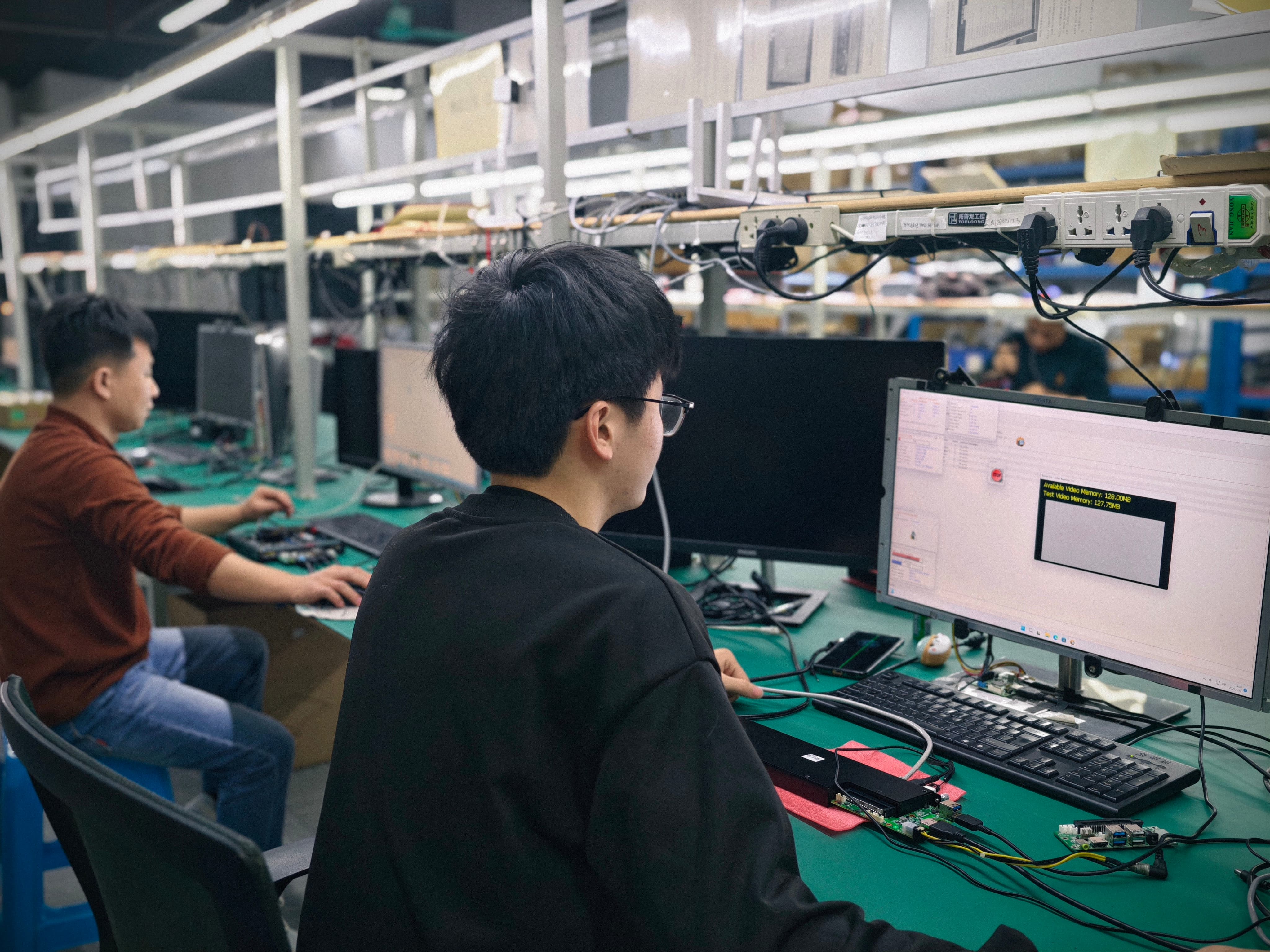
Acceptance criteria are built around the approved sample or specification: functional testing, burn-in testing when specified, and customer or third-party inspection by agreement. Functional and interface testing is performed before shipment on finished units, and incoming material inspection is applied upstream. Temperature, humidity, vibration and drop testing can be arranged according to project requirements when the deployment environment demands it. Remote technical support covers BIOS, operating system and driver assistance, and a one-year warranty applies unless otherwise agreed in the quotation or proforma invoice.
Long-running projects show why this matters. A Japan-based industrial and transportation solution provider ordered 1,000 units of OPS adapter board modules that have operated stably over 3 to 7 years. The deployment relied on compatibility with mainstream OPS-C specifications, a removable slot-in design that simplifies installation and maintenance, and configurable memory, storage, BIOS and operating system images to suit different interactive-display projects. That combination — mechanically standard, serviceable without dismantling the display, and configurable per project — is the practical definition of an industrial-grade OPS PC.
FAQ
Which certifications cover these OPS PC modules, and what is the certified scope?
CE-RED certificate 25ITC1212094 and RoHS declaration of compliance 25ITC1212100, both issued by Shenzhen iTC Product Testing Co., Ltd., list four products within the same scope: the OPS-C Pluggable Computer Module (AOS-SOHAUF41SC), the Discrete-GPU OPS Computer (AOS-SOH61I41SXG), the Android AI OPS Computer (AOS-SOR358464H) and the Domestic-Platform OPS-C Computer (AOS-SOZK6A341SXGE). The CE-RED scope covers an OPS computer (Microcomputer) and PC computer (Microcomputer) against Radio Equipment Directive 2014/53/EU and related EN and ETSI standards, issued 2025-12-20. The RoHS declaration covers the same product scope against EU RoHS Directive 2011/65/EU as amended by 2015/863/EU, issued 2025-12-18. Because configurations differ between projects, the applicable certification evidence should be re-confirmed against the final bill of materials at quotation.
Can an OPS PC module be customised, and how far does customisation extend?
Yes. AIOSTAR provides OEM, ODM and project customisation production services, covering CPU platform, memory, storage, I/O, chassis size, cooling solution, BIOS functions, operating system image, logo, packaging, power adapter and cables. This applies across the module range, including Android OPS PCs, OPS-C pluggable modules, discrete-GPU OPS computers, industrial motherboards, mini PCs, BOX PCs, industrial panel PCs and servers. Production capacity supports it: the Shenzhen facility covers 1,500 m² with 50 employees, an R&D team of 8 engineers, monthly production capacity above 5,000 units and annual output of more than 170,000 units, with approximately 60% of output exported globally.
What are the purchasing terms and the minimum order quantity?
The MOQ is 1 unit for evaluation samples; the MOQ for a customised project depends on configuration. Delivery terms are EXW Shenzhen, FOB Shenzhen, CIF or DAP by agreement. Payment terms are 30% T/T deposit and 70% balance before shipment, unless otherwise agreed in the proforma invoice. The price of an OPS PC module follows the configuration — CPU platform, memory, storage, graphics option, I/O and cooling design all affect the quotation — so a per-configuration quote is issued against a defined specification rather than a generic product code.
How is a sample validated before a volume order?
Acceptance criteria are the approved sample or specification, functional testing, burn-in testing when specified, and customer or third-party inspection by agreement. Incoming material inspection and functional and interface testing of finished units are applied during production, and temperature, humidity, vibration and drop testing can be arranged according to project requirements. Where a program is safety-critical, the recommended sequence is to place the evaluation unit in the target display, verify BIOS behaviour such as auto power-on, Wake-on-LAN and watchdog under real power conditions, and only then release the final configuration for volume production.
What is the lead time, and what support follows delivery?
Production lead time is 60 days. After delivery, AIOSTAR provides remote technical support together with BIOS, operating system and driver assistance, and a one-year warranty unless otherwise agreed in the quotation or proforma invoice. Buyers evaluating a specific path — Android AI, discrete-GPU, Intel OPS-C or domestic-platform OPS-C — can request an evaluation sample to validate the configuration against their own display. Contact the team at salesos@aiostar.com or WhatsApp +86 153 3879 5007 with the target display model, required outputs and operating system to start the review.
Conclusion
The four OPS PC paths in this guide are not ranked versions of one product. They are four different answers, and the correct one is set by the workload, the slot and the deployment environment. Android AI OPS with the RK3588 and 6 TOPS NPU is the edge-AI and signage path. The discrete-GPU OPS on Intel H610 with selected 12th and 13th Gen Core i3/i5/i7 is the graphics and multi-output path. The Intel Alder Lake-U OPS-C module is the standard slot-in path for interactive whiteboards, education and meeting displays, where Wake-on-LAN, auto power-on and watchdog decide field behaviour. The domestic-platform OPS-C in the Zhaoxin KX-6780 series answers projects where the platform itself is specified.
Whatever path is chosen, the same closing sequence applies: confirm the slot standard against the real display, define memory, storage, I/O and software support as a configuration, freeze the BIOS settings in the approved sample, agree the purchasing terms and acceptance criteria, and validate the finished configuration on the target display before volume release.
Next step: validate one configuration on your display
Share the target display model, required video outputs and operating system, and AIOSTAR will return a configuration with the matching OPS PC path, BIOS function set and sample plan. Evaluation samples start at an MOQ of 1 unit, with a 60-day production lead time for volume orders.
Email: salesos@aiostar.com | Tel / WhatsApp: +86 153 3879 5007 | Website: www.aiostar.com/en/
Download the company introduction and full product overview: AIOSTAR Introduction 2026 (PDF).
Have Questions or Need More Details?
Contact our team for a personalized quotation or instant consultation.
Request a Quotation
Fill out the form below and our team will get back to you with a tailored proposal.
WhatsApp Direct Chat
Prefer to chat in real-time? Message us on WhatsApp for instant assistance & quick answers.
- Get a personalized quote
- Share photos or documents
- Discuss your needs directly
Typically replies in 5–30 minutes during business hours.