
EXT4 for Mac: exFAT, Cloud Transfer, or a Driver? Buyer Comparison Guide
Macs do not mount EXT4 partitions natively. When a Linux-formatted disk is connected to a MacBook Pro, Mac mini, or Mac Studio, Finder may not show the volume at all, and the user cannot read the files, let alone write to them. The practical workarounds fall into three camps: reformat the disk to exFAT, keep copying files through cloud services or intermediate storage, or install a kernel-level EXT4 driver that lets macOS mount and read/write the disk as it is.
Each camp carries a different constraint set. Reformatting wipes the existing data on the disk. Cloud and copy workflows force repeated file transfers and open gaps for version confusion. A driver preserves the original file system without formatting, but it must be compatible with the Mac hardware and macOS security policy.
This buyer guide compares the three paths on decision-ready criteria. It uses documented CrossDriver product facts as the reference point: a single product family that covers NTFS, Ext4, and XFS; Intel and Apple Silicon M-series compatibility; and support from macOS 10.13 through macOS Tahoe. The aim is to make the time, risk, and cost of each path visible before a buyer commits to one.
Problem Definition: What macOS Does and Does Not Do with EXT4
The core problem is native macOS support for Linux file systems. According to CrossDriver’s technical documentation, macOS natively allows reading NTFS files only, does not support writing, and does not recognize Ext-series partitions. For IT teams that depend on Linux servers, media production teams that use Linux storage, or individual users who retain Linux disks, that gap interrupts the daily workflow.
Buyers usually face three constraint patterns at the same time:
- Data preservation — can the disk be erased, or must the existing data stay in place?
- Access continuity — is a one-time transfer enough, or is read/write access recurring?
- Platform compatibility — does the chosen path work with the Mac hardware and macOS version in use?
The three paths do not behave equally against those constraints, which is why the choice needs to be made before a disk is formatted or a tool is purchased.
Industry Background: Why EXT4 for Mac Is a Separate Buying Decision
File system software is a sizeable segment. Dataintelo estimates the global file system software market at USD 28.6 billion in 2025, with a compound annual growth rate of 10.0% through 2034. Within that broad market, EXT4 tools for Mac serve a narrower procurement scenario: connecting Linux-formatted storage to macOS workflows.
The vendor landscape has split into distinct technical forms. Traditional kernel-level drivers — such as CrossDriver Ext4 for Mac and Paragon extFS for Mac — are positioned as read/write access tools for Ext2/Ext3/Ext4. Newer options, such as ExtendFS, provide read-only EXT4 access through Apple’s FSKit framework in user space, without a kernel extension. That split changes the buyer’s constraint check: read/write convenience and system integrity review point to different choices.
For buyers assessing procurement risk, the split means “EXT4 support” is not a single feature. It can mean read-only access, read/write access, or format-then-access. The specific claim has to be established before price, deployment effort, or compatibility can be compared.
Detailed Solution: The Three Realistic Paths for EXT4 on Mac
Three paths are realistic. Each section below explains how the path works, what it requires, and where it fails.
Path 1 — Reformat the Disk to exFAT
How it works: back up the EXT4 disk, format it as exFAT, and copy the data back. exFAT is recognized by macOS and Windows without extra drivers, so the disk becomes a shared volume.
What it requires: a second drive large enough to hold the entire backup, a maintenance window long enough for backup and restore, and a decision that the disk’s existing file system does not need to be preserved.
Where it fails: formatting erases the existing data. CrossDriver’s solution documentation identifies hard-drive formatting as a data-loss risk because it clears the data on the disk. For large media drives, the backup and restore phases can take hours. Linux-specific metadata, such as permissions and symbolic links, is also lost after exFAT formatting. If the workflow relies on those attributes, the reformat is a permanent compromise, not a clean fix.
Path 2 — Cloud or Local Copy Transfer
How it works: upload the files to a cloud service, or copy them to an intermediate disk, then download or open the copy on the Mac.
What it requires: a cloud subscription or an intermediate disk, sufficient bandwidth, and discipline in tracking file versions.
Where it fails: cross-system transfer of large media files depends on intermediate copying, which is time-consuming and inefficient. CrossDriver’s case study records that frequent data copying through portable disks across multiple systems caused version confusion and data-loss risk during intermediate transfers. For continuous editing or R&D work, the copy step becomes a daily tax.
Path 3 — A Cross-File-System Kernel Driver for Mac
How it works: install a kernel extension that lets macOS understand the EXT4 protocol and mount the partition in Finder. CrossDriver Ext4 for Mac is an example of this category. It provides read and write access to Linux Ext2/Ext3/Ext4 partitions. The same product family covers NTFS, Ext4, and XFS, which matters when the user also works with Windows and Linux disks.
What it requires: administrator access, approval of the kernel extension in System Privacy & Security, and on Apple Silicon Macs, a possible trip to Recovery Mode to enable kernel extension permissions. CrossDriver’s service scope includes installation guidance, M-chip kernel extension enablement, and remote diagnostics for basic compatibility issues.
Where it fails: compatibility must be verified for the specific Mac. CrossDriver supports Intel and Apple Silicon M1/M2/M3/M4/M5, with coverage from macOS 10.13 through macOS Tahoe. The service scope excludes hardware failure repair, physical disk data recovery, and third-party encrypted volumes, so the driver is not a recovery tool for a failing disk.
Where it wins: no formatting. The existing data stays in place, and read/write operations happen on the disk directly instead of through a copy cycle. CrossDriver states that its kernel-level drivers are designed for faster transfer speeds compared with FUSE-based user-space tools and for reduced CPU consumption while handling large files. These are vendor-reported performance claims, not independent benchmark results, so buyers should validate them against their own workload during the trial.
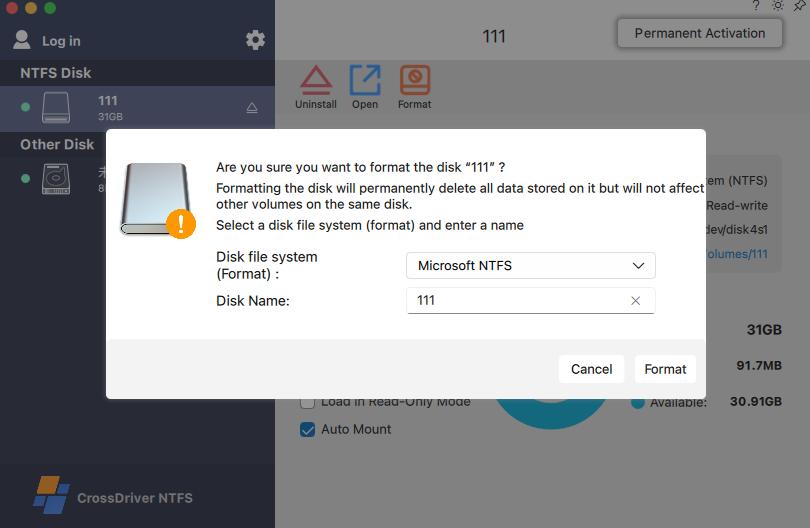
CrossDriver application screenshot. Source: CrossDriver product materials.
Step-by-Step Breakdown: Choose the Path, Then Execute It
The choice comes before the deployment. Five questions narrow the three paths to one.
Decision Steps
- Is the disk’s current data disposable? If not, formatting to exFAT is out.
- Is access one-off or continuous? If the disk will be used repeatedly, a copy workflow adds recurring time and version risk.
- What Mac hardware and macOS version is in use? CrossDriver supports Intel and Apple Silicon M1–M5, macOS 10.13–Tahoe. Apple Silicon adds a permission step for kernel extensions.
- How many file systems are involved? If NTFS, Ext4, and XFS are all present, a product family that covers all three reduces tool conflict.
- What is the total cost? Include time, backup storage, cloud subscription, license price, and failure risk.
If the answers point to a kernel driver, the installation path is straightforward but requires the right permissions. The following steps reflect CrossDriver’s documented installation workflow for its macOS driver products.
Driver Deployment Steps
- Download the official installation package from the vendor website.
- Confirm the Mac chip type and the installed macOS version.
- Run the pre-installation environment check.
- Install the driver and activate the license or trial.
- Approve the kernel extension in System Privacy & Security. On M-series Macs, enter Recovery Mode when required to enable kernel extension permissions.
- Connect the EXT4 disk and allow the driver to identify and mount the volume.
- Open the disk in Finder and carry out the required read/write operations.
- Eject the disk safely after the work is complete.
For the reformat path, the equivalent discipline is to back up first, confirm the target disk twice before formatting, and verify the restored file count before deleting the backup. For the cloud path, the equivalent discipline is to check target free space, name versions explicitly, and remove intermediate copies after verification.
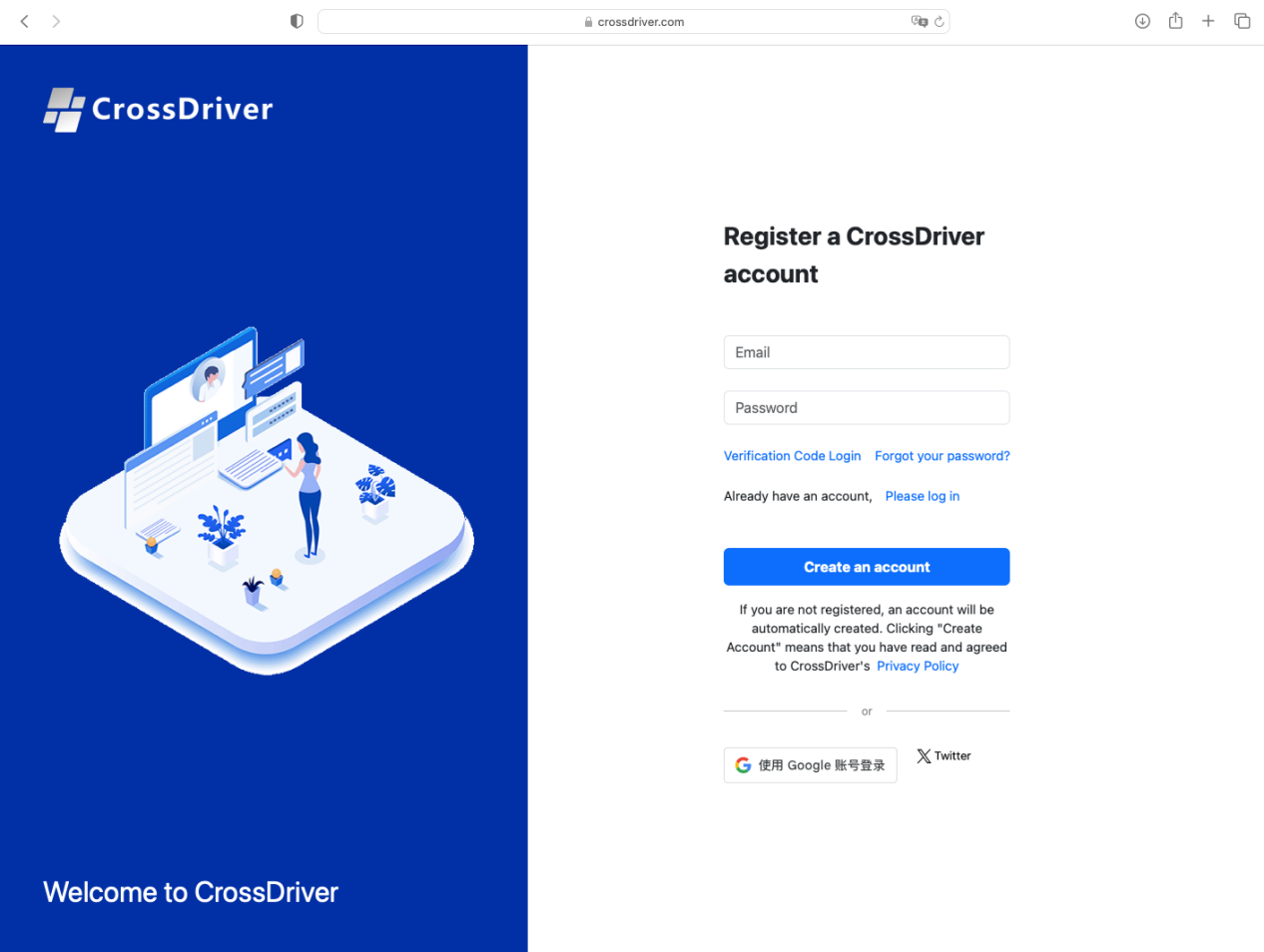
CrossDriver application screenshot. Source: CrossDriver product materials.
Use Cases: Where Each Path Fits
The three paths fit different operating contexts. The following scenarios are drawn from CrossDriver’s documented application scenarios.
Film, Video, and Design Studios
A studio receives a Linux-formatted media drive from a post-production partner and needs to read, modify, and write files on it from a Mac. Reformatting would erase the delivered files. Repeated copying would delay the edit. A kernel driver preserves the disk and supports direct read/write.
IT Operations
An IT team needs to inspect and repair files on a Linux server drive or an EXT4-formatted NAS drive from a Mac laptop, including write operations. A driver lets the technician mount the disk, make changes, and return it to the server without a format cycle.
Personal Backup and Multi-System Home Storage
A user has an existing Windows external drive and wants to back it up to a Mac, or needs one disk to move between Windows, Linux, and Mac machines. A driver provides access without erasing the disk. A reformat may be acceptable only when the disk is new and has no data to preserve.
Manufacturing R&D Case
A high-end equipment manufacturing R&D center used Mac notebooks alongside Linux-formatted EXT4/XFS storage and Windows NTFS drives. Native macOS support was read-only for the Linux formats, and repeated intermediate copying created version confusion. The team deployed CrossDriver’s commercial driver suite across its Mac workstations for NTFS, Ext4, and XFS access. According to the project acceptance record, the deployment reduced cross-storage file read/write waiting time by 72%, cut intermediate file-version copy operations by 90%, lowered the storage disk read/write error rate from 12% to 0.3%, and reduced storage-related IT tickets by 65%.

CrossDriver office. Source: CrossDriver company materials.
Comparison Table: exFAT vs Cloud/Copy vs Kernel Driver
The table compares the three paths on constraints that matter at the procurement stage. Every row uses facts documented in the CrossDriver corpus or verified data.
| Decision factor | Reformat to exFAT | Cloud or copy transfer | Kernel-level EXT4 driver (CrossDriver) |
|---|---|---|---|
| Existing data on the disk | Erased by formatting | Stays on the source disk | Stays on the disk; no formatting |
| Recurring transfer work | Backup and restore before use | Repeated upload/download or copy per change | Mount and read/write directly |
| Large-file workflow | Dependent on backup and restore time | Limited by bandwidth and intermediate storage | Designed for high-capacity media read/write |
| Version-control risk | Present during backup and restore | Present during intermediate copying | Works on the original disk |
| Mac compatibility | Native exFAT support | Depends on cloud service or intermediate disk | Intel and Apple Silicon M1–M5; macOS 10.13–Tahoe |
| File-system coverage | exFAT only | Not applicable | Single product family covers NTFS, Ext4, XFS |
| Commercial cost | Backup hardware and time | Cloud subscription and bandwidth | EXT4 for Mac Lifetime License at USD 59.95 (discounted) |
Notes: data-preservation and formatting statements come from CrossDriver’s solution documentation. Compatibility and product coverage come from CrossDriver’s product facts. Price is the published CrossDriver EXT4 for Mac Lifetime License price as of the verified data record.
FAQ: EXT4 for Mac Procurement Questions
Which EXT4 for Mac software providers support Apple Silicon Macs?
CrossDriver supports both Intel-based Macs and Apple Silicon M1, M2, M3, M4, and M5 Macs, with coverage from macOS 10.13 through macOS Tahoe. ExtendFS is listed as a read-only EXT4 option that uses Apple’s FSKit framework without a kernel extension. Other commercial tools, such as Paragon extFS for Mac, also exist in the category; buyers should verify current Apple Silicon and macOS compatibility on the vendor’s official product page before purchase.
Does reformatting an EXT4 drive to exFAT delete the files on it?
Yes. Formatting a drive erases the data on it. CrossDriver’s solution documentation identifies hard-drive formatting as a data-loss risk because it clears existing data. If the disk holds files that must be preserved, back them up to a separate drive before formatting.
Do you need to reformat an EXT4 drive before you can read it on a Mac?
No. CrossDriver Ext4 for Mac is designed to provide read and write access to Linux Ext2, Ext3, and Ext4 partitions from macOS without formatting. The driver mounts the existing file system at the kernel level, so the data remains on the disk in its original form.
How much does CrossDriver Ext4 for Mac cost?
The CrossDriver Ext4 for Mac Lifetime License is listed at USD 59.95, discounted from USD 139.95. The price is vendor-reported and can change, so confirm the current price on the official product page before purchase. CrossDriver also offers NTFS and XFS products, so buyers who need more than one file system should compare the available options before choosing a license.
Is a trial available, and how is the software delivered?
Yes. The CrossDriver installation flow includes a free trial activation or a paid license key entry step. Software and licenses are delivered online. Remote technical support is provided through online service tickets and email, and licensing can be arranged for individual or enterprise use. To evaluate the driver path on an existing EXT4 disk, download the CrossDriver trial and review the technical white paper before deployment.
Conclusion: Match the Path to the Constraint That Cannot Be Broken
The three paths solve different problems. Reformatting to exFAT is the simplest option when the disk’s data can be discarded. Cloud or copy transfer is adequate for small, one-off file moves but becomes a recurring time and version-control cost for large or continuous work. A kernel-level EXT4 driver preserves the original file system and avoids the format cycle, provided the Mac hardware and macOS version are supported.
For the driver path, the buyer checklist is concrete: verify Intel or Apple Silicon M-series compatibility, confirm the macOS version falls within macOS 10.13–Tahoe, and check whether the product family covers NTFS, Ext4, and XFS in one place. CrossDriver’s documented coverage gives buyers a fixed reference for those checks, and the EXT4 for Mac Lifetime License at USD 59.95 sets a baseline for cost comparison.
The purchase decision follows from the constraints: if the disk cannot be erased, and access will be repeated, the formatting and copy paths are eliminated. What remains is a driver that mounts the disk as it is.
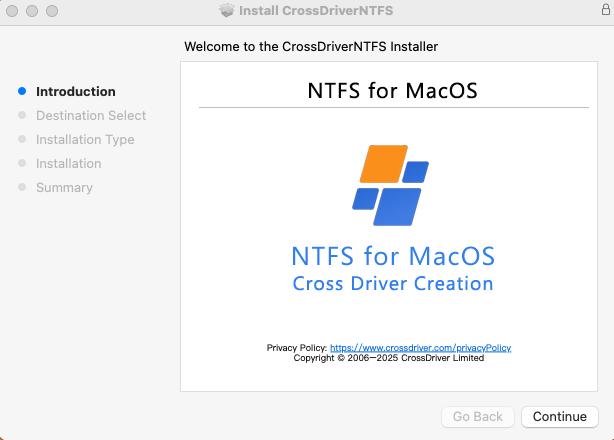
CrossDriver application screenshot. Source: CrossDriver product materials.
Need to keep an EXT4 disk as it is?
CrossDriver Ext4 for Mac provides read and write access to Linux Ext2/Ext3/Ext4 partitions on Intel and Apple Silicon Macs. A free trial is available through the official installation flow. Review the technical white paper for driver architecture and compatibility details, or visit crossdriver.com to download the trial.
Have Questions or Need More Details?
Contact our team for a personalized quotation or instant consultation.
Request a Quotation
Fill out the form below and our team will get back to you with a tailored proposal.
WhatsApp Direct Chat
Prefer to chat in real-time? Message us on WhatsApp for instant assistance & quick answers.
- Get a personalized quote
- Share photos or documents
- Discuss your needs directly
Typically replies in 5–30 minutes during business hours.