
Stylus Pen Deployment: Shared iPad and Android Programs
Application Guide: Stylus Pen Deployment for Shared iPad and Android Device Programs
Shared-device stylus programs rarely fail because a pen writes badly. They fail because a broken or lost pen cannot be replaced, because the same model is unavailable six months later, or because one pen type was bought for a fleet that contains two different input systems. For organizations issuing shared iPads and Android tablets in note-taking, field, or learning projects, the stylus decision is a supply and maintenance decision as much as a hardware decision.
Short answer: deploy an active stylus wherever users write, annotate, or sketch; keep passive capacitive pens for navigation and signature capture; choose the pen per device group rather than per user; and confirm before rollout that the supplier can keep the same model and its replacement tips available for the life of the fleet. Four decisions carry most of the deployment risk: passive versus active, one universal pen versus two device-specific pens, charging model versus session length, and replacement-part continuity.
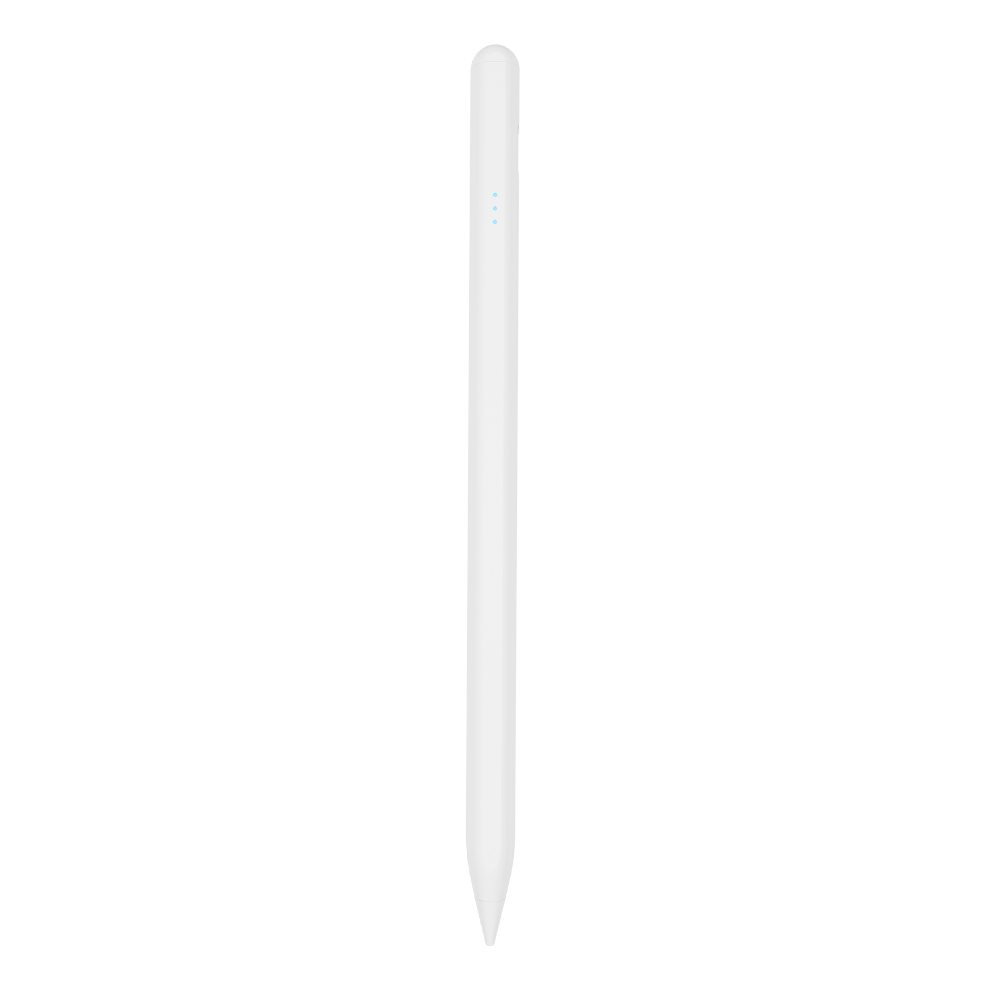
Why a shared fleet treats the stylus differently
A personal stylus is bought once and looked after by one person. A shared one moves between users, lives in a pool, and has to work on the first attempt for someone who has never used it. That changes the evaluation criteria in three ways.
- Setup has to be repeatable. If a pen needs a pairing step or a specific setting, that step must work identically for every user in the rotation, not only for the person who configured it.
- The pen becomes a wear item. Tips contact glass for hours a day and rechargeable cells cycle between sessions, so tips and batteries — not the electronics — set the practical service life.
- Loss has to be planned for. Shared pens disappear in almost any program; the question is whether the program carries spare units and spare tips, or stops working when the first pen is lost.
Deployment planning therefore starts with the devices and the tasks, and only then moves to the pen specification.
The device fleet sets the technical boundary
iPad and Android are not one input category. Before any pen is selected, the fleet should be listed by model, with a column stating whether each model supports an active pen and, if it does, through which protocol.
iPad
iPad writing depends on Apple's active stylus protocol, and third-party active pens are built specifically to work with iPad. The functional comparison matters more than the brand name: these pens provide precise writing, palm rejection, tilt sensing, and the pause doodle function, but they do not add pressure sensing. That is the main functional difference from Apple Pencil, which is the more expensive option and the appropriate tool when pressure-based drawing is the actual requirement. For note-taking, form annotation, and light sketching, an active third-party pen covers the task.
Android
Android tablets split into three groups that behave differently in a shared program:
- Models supporting an open active standard. The USI 2.0 specification, released in 2022 and supported by Google, Intel, and Lenovo, is the primary cross-platform standard for active styluses, according to the Universal Stylus Initiative.
- Models with vendor-specific pen technology. Some manufacturers pair tablets with their own pen designs; Samsung, for example, lists up to 4,096 pressure levels on high-end S Pen models. That specification belongs to that vendor's pen ecosystem and does not transfer to an unrelated tablet or to a third-party pen.
- Capacitive-only tablets. Many entry and older models accept only finger or passive capacitive input, with no active pen protocol at all.
The practical consequence: a program that assumes one pen for everything must verify compatibility per model, while a program that buys per device group avoids that verification cost but carries more SKUs.
Passive or active: the decision that shapes the rest
An active stylus contains electronics and a power source; a passive stylus is a conductive tip that the screen reads like a finger. The difference is not cosmetic. The recorded specification for the active pens in this range is latency under 8 ms and writing offset under 0.5 mm, with palm rejection and tilt sensing. Passive pens have neither palm rejection nor tilt sensing, and they show latency and offset when writing.
| Dimension | Passive capacitive pen | Active stylus pen |
|---|---|---|
| Power source | None; battery-free | Rechargeable; regular charging required |
| Palm rejection | Not supported | Supported |
| Tilt sensing | Not supported | Supported on the models described here |
| Pressure sensing | Not supported | Not available on the third-party active pens described here |
| Writing accuracy | Latency and offset reported when writing | Latency under 8 ms; writing offset under 0.5 mm |
| Typical task fit | Replacing a finger, navigation, signature capture | Note-taking, annotation, sketching, drawing |
| Cost position | Lower | Higher |
| Maintenance | None | Replaceable pen tip plus charging routine |
| Runtime reference | Not applicable | Up to 11 hours continuous per full charge as a class reference; the E3-A model reaches up to 30 hours |
Two points belong next to that table. First, active pens require regular charging and a replaceable pen tip, so the program needs a charging routine and a tip supply; passive pens need neither. Second, runtime is model-specific rather than one class figure, which is why the endurance option is listed separately from the general reference.
In shared programs the split usually follows the task. Navigation, kiosk signature capture, and menu operation are passive tasks. Note-taking, form annotation, document markup, and sketching are active tasks, and using a passive pen in those roles produces the drifting, offset handwriting that users describe as the tablet not writing properly.
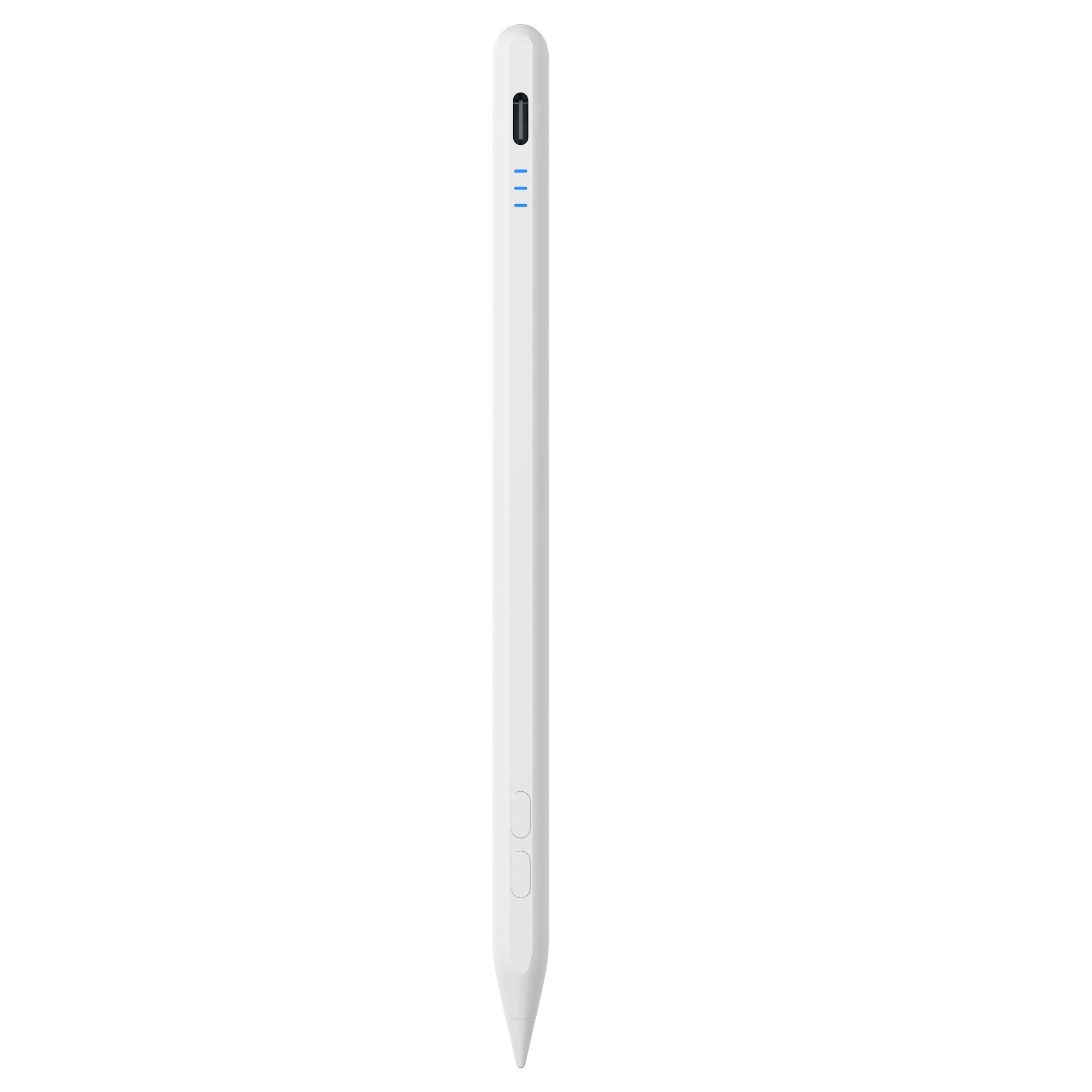
One universal pen or two device-specific pens
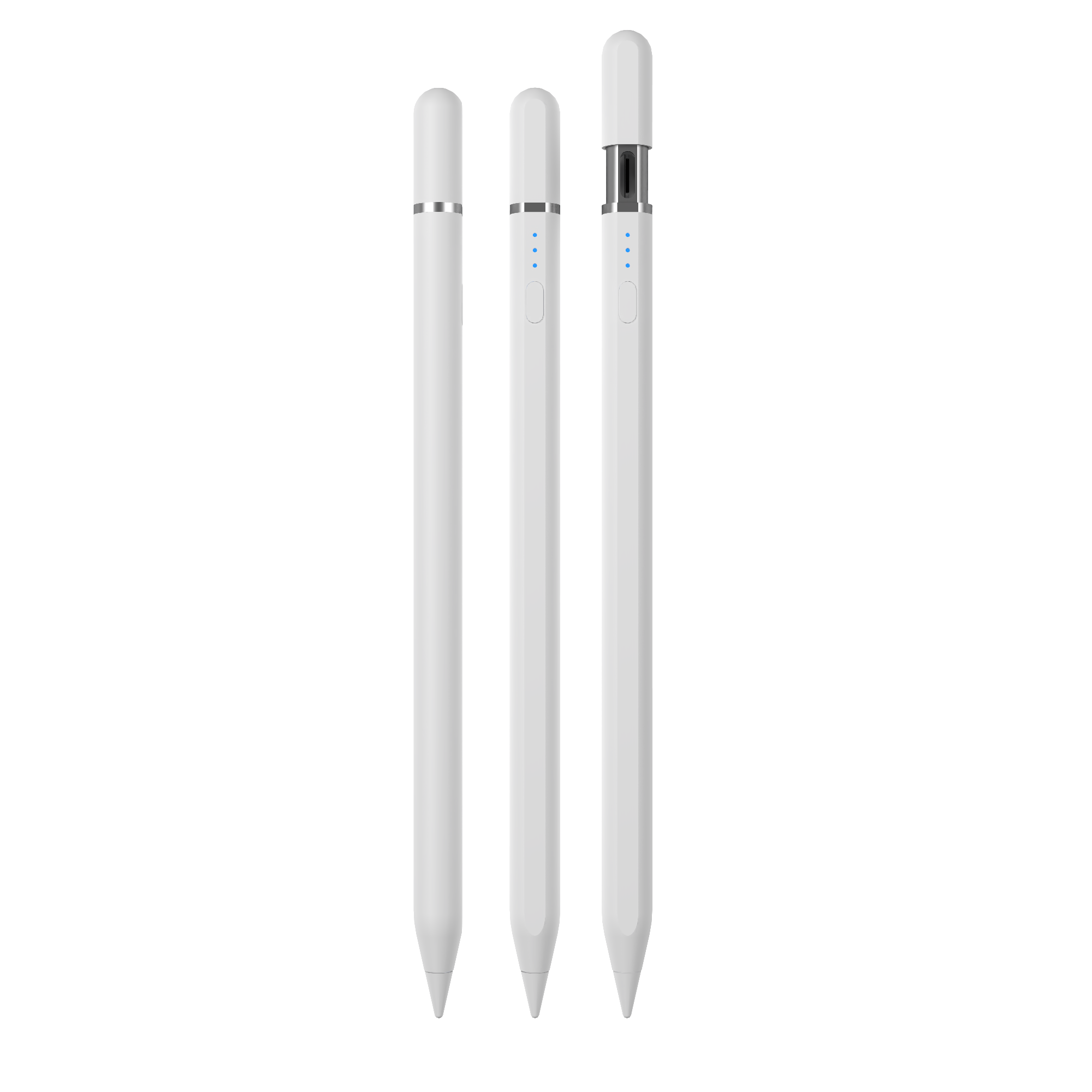
Once the fleet contains both iPads and Android tablets, the SKU decision replaces the pen-type decision. A stylus pen manufacturer that offers both active and passive pens for iPad and mainstream tablets, such as Jiayao stylus, can support any of the three configurations below.
Option A — a universal pen for the whole fleet
A universal active pen works with iPad directly and, through a capacitive tip, with Android and other touch devices. The advantage in a shared program is operational: one SKU to stock, one onboarding script, one spare-parts line, and no risk of a user applying the wrong pen to the wrong tablet. The cost sits on the Android side, where the capacitive tip behaves as a passive pen — acceptable for signature capture and navigation, limiting for handwriting.
Option B — an iPad pen plus an Android active pen
Where the Android models in the fleet support an active pen, buying a device-specific pen for each group delivers full writing capability on both. It also doubles the SKU count, the training material, the spare-tip inventory, and the chance of a mismatch at the charging station.
Option C — iPad active plus Android passive only
If the Android share of the fleet is used for checklists, signatures, and navigation, a passive Android pen is sufficient and cheaper to replace. This is the lowest-complexity configuration that still gives iPad users full writing capability.
A usable rule: match the pen to the heaviest writing task performed on that device group. If Android users write freehand notes daily, Option B is justified; if they tap, sign, and scroll, Option A or C keeps the program simpler.
Charging model versus session length
In a shared program the pen returns to a pool between sessions, so runtime has to be measured against the longest uninterrupted session rather than against a full day. Three charging profiles are available in the current range, and each fits a different deployment pattern.
- W12-A — wireless charging plus USB-C. The pen recharges on a wireless pad and also has a USB-C port for fast charging. Wireless charging suits pooled pens that are dropped into a dock rather than plugged in individually.
- A7-H-L — fast charging. A five-minute charge provides two hours of use, which fits programs built on short, repeated sessions with a break between them.
- E3-A — long runtime. Up to 30 hours of continuous use after a full charge suits multi-day field work where charging infrastructure is not guaranteed.
The deployment question behind these options is simple: can a pen be swapped mid-session, or must it last the whole session? If swapping is possible, fast charging is enough. If it is not, choose runtime, or plan a spare pen for each active user group.
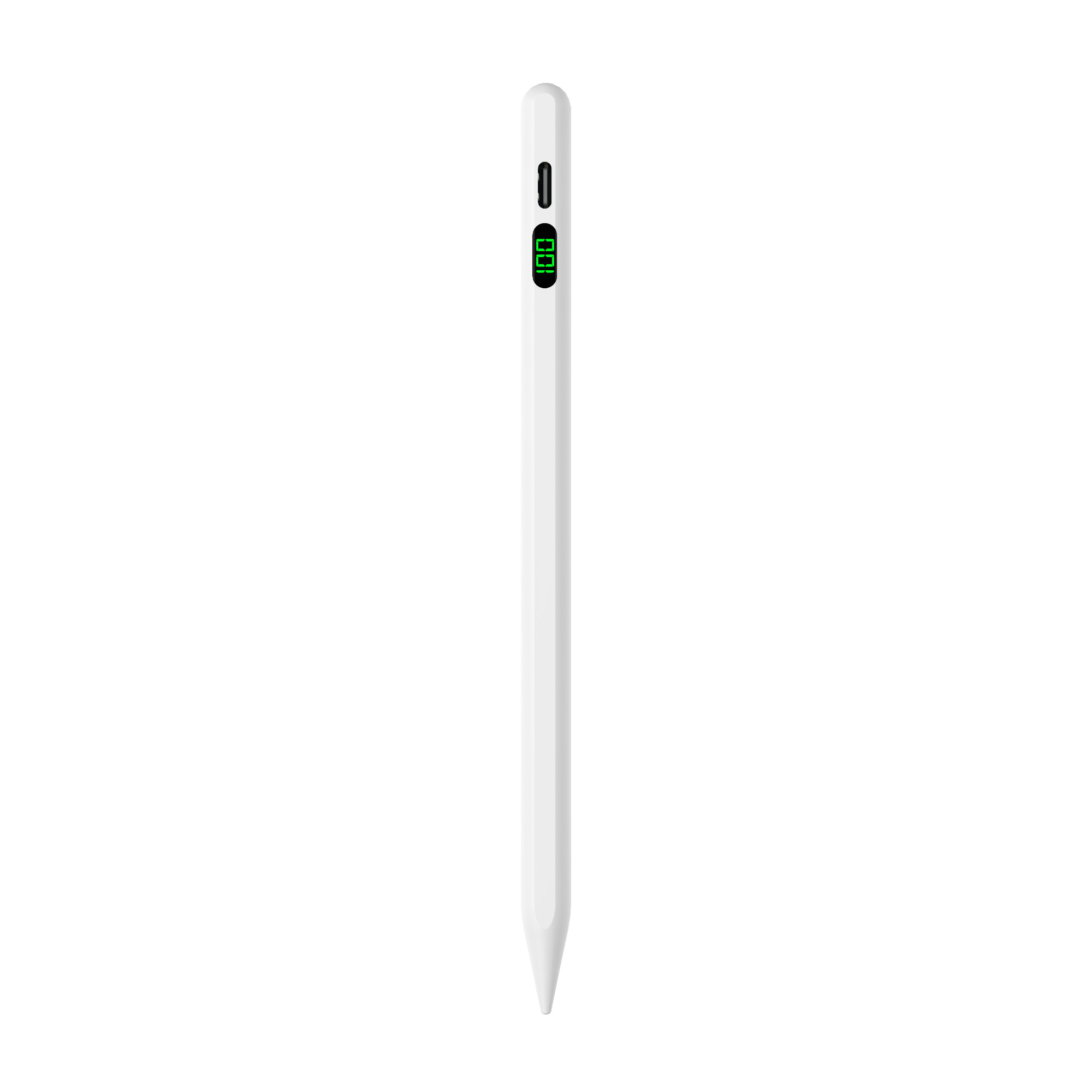
Seven steps from decision to rollout
- Inventory the fleet by model. Record iPads first, then every Android model separately, with the supported pen protocol next to each entry. This list determines how many pen types the program actually needs.
- Classify tasks per user group. Mark each group as writing-heavy (active required), mixed (active preferred), or navigation and signature only (passive sufficient).
- Choose the SKU count. Decide between a universal pen, a two-pen program, or a mixed configuration using the rules above, and record the decision so the next procurement round does not reopen it.
- Size the spares pool before the first order. Tips are replaceable and pens get lost; both are predictable maintenance items. Base the pool on your own pilot loss and wear data rather than an assumed figure, and confirm in advance that small top-up orders are accepted.
- Pilot on the real device mix. Test with the Android models as well as the iPads, covering pen-to-tablet pairing, palm rejection during handwriting, and the charging routine at the end of a session. Samples can be arranged in as little as three weeks.
- Prepare onboarding and labeling. Decide how pens are identified, charged, and returned, and whether they need program branding. OEM and ODM options include logo packaging and custom Bluetooth names.
- Lock the supply terms for the program term. Agree MOQ, delivery terms, acceptance criteria, and payment terms before rollout — for this supplier, MOQ 500 units, EXW or FOB, pre-shipment inspection, and 30/70 payment — and confirm how replacement tips will be ordered later.
Program types and the configuration that fits each
The same pen decision produces different answers depending on who uses the tablet and for how long. The table below applies the criteria from the previous sections; it is a planning aid, not a claim about any specific organization.
| Program type | Typical device mix | Configuration indicated | Reason |
|---|---|---|---|
| Classroom note-taking sets | iPads plus capacitive-only Android tablets | Active pen for iPad; universal or passive pen for Android | Writing happens on iPad; Android use is mainly reading, tapping, and signing |
| Field and inspection teams | iPads plus Android models supporting an active pen | Active pen per device group, long-runtime model | Sessions run longer than a convenient charging break |
| Device-as-a-service or rental fleets | Mixed, replaced in batches over time | Universal pen with a single spare-tip line | One SKU simplifies re-issue, stock control, and replacement |
| Reception or kiosk signature capture | Any capacitive tablet | Passive capacitive pen | No handwriting, no charging, lowest replacement cost |
Selecting a long-term supplier for the fleet's lifetime
Stable replacement parts are a supply commitment, not a product feature. For a multi-year program, four things need to be verified before the fleet order, because each one becomes expensive to fix after pens are distributed.
- Model continuity. The specific model ordered for the pilot must remain in production or in stock for the program term, so that a mid-program top-up does not introduce a different pen.
- Tip compatibility. Replacement tips must fit the same pen body, so that a worn tip is a small part order rather than a pen replacement.
- Inspection repeatability. Replacement units must be checked to the same standard as the original delivery; otherwise a later batch behaves differently from the pilot the program was approved on.
- Order flexibility. Small, scattered, urgent top-ups must be accepted, not only full production runs.
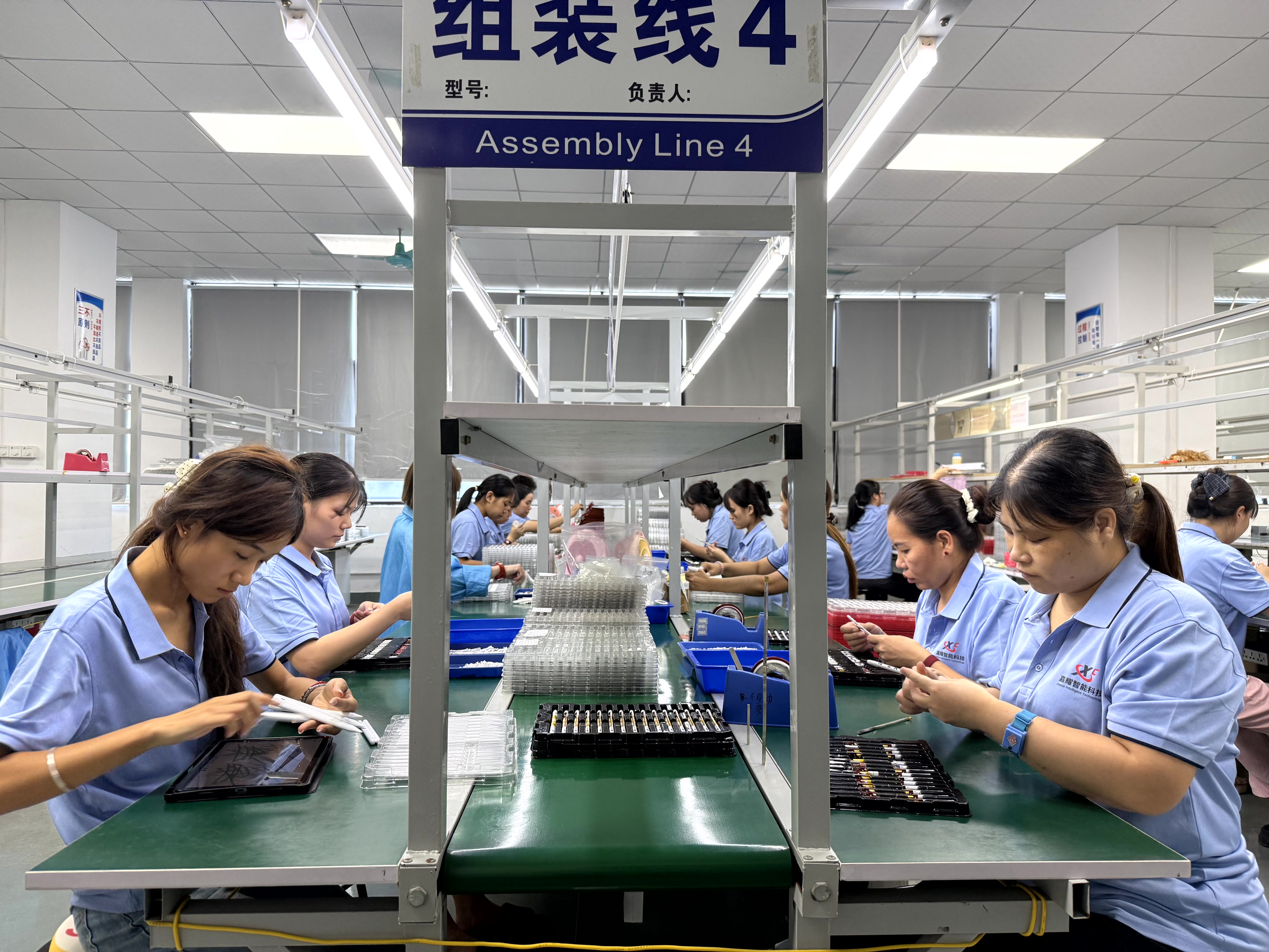
Jiayao stylus — the brand of Dongguan Jiayao Intelligent Technology Co.,Ltd — is an active stylus pen manufacturer based in Dongguan, Guangdong, China, founded in 2021, with a 2,700 m² factory, around 100 employees, an annual output of 3,000,000 units, and a four-engineer R&D team. Its process covers PCBA design, battery welding, final assembly, and quality testing in-house, and every unit goes through 100% full inspection covering functional, tactile, and visual checks. The portfolio includes both active and passive stylus pens compatible with iPad and mainstream tablets, with 40% of output exported to the EU and USA.
For a shared-device program, three of those facts change the risk profile directly. In-house PCBA and battery welding matter when a component changes mid-program, because the change is handled inside the same production chain. Full inspection matters more in shared use than in personal use, because a failed pen interrupts a user session rather than disappointing one owner. And stock of regular models allows small, scattered, urgent orders to be served alongside the original fleet order, which is the practical meaning of replacement-part continuity.
Commercial terms to confirm in writing
For this supplier the standard terms are MOQ 500 units, EXW or FOB delivery, pre-shipment inspection as the acceptance criterion, and 30/70 payment. Samples can be arranged in as little as three weeks, and standard orders ship in 20 days. Customization is handled on an OEM or ODM basis and can cover logo, packaging, function, and Bluetooth name, based on a sample.
Two planning checks outside the pen itself
Customs classification. Stylus pens are typically classified under HS code 8471.60.90 as automatic data processing input units, according to the customs listing published by Zauba and U.S. Customs and Border Protection data. Classification affects duty and documentation both for the initial fleet order and for later top-up shipments of pens or parts; national schedules and rulings can differ, so confirm the code, and how spare tips should be declared, with your customs broker before the first shipment.
Category forecasts are not demand. Published 2025 stylus market estimates range from about USD 3.36 billion to USD 19.45 billion depending on how broadly the category is defined, and forecasts such as a 9.8% CAGR for active styluses from 2026 to 2034 describe the category rather than your program. Fleet size should come from your own device count and session data; category numbers are context, not a procurement input.
Frequently asked questions
Which HS code applies when we import stylus pens and spare tips for a device program?
Stylus pens are typically classified under HS code 8471.60.90 as automatic data processing input units, according to the customs listing published by Zauba and U.S. Customs and Border Protection data. The code matters twice in a deployment program: once for the initial fleet order and again for later top-up shipments of pens or parts. Because national tariff schedules and rulings can differ, confirm the code — including how replacement tips should be declared separately — with your customs broker before shipping.
Can one stylus pen program cover both iPad and Android devices?
Only if the pen type matches each device's input system. iPad writing relies on Apple's active stylus protocol, which third-party active pens are built to work with. Android tablets vary: some support active pens through the USI 2.0 specification released in 2022 and supported by Google, Intel, and Lenovo, others use vendor-specific pen designs, and many entry models accept only capacitive input. A universal pen with an active tip for iPad and a capacitive tip for Android covers both groups with one SKU, but on Android the capacitive tip behaves as a passive pen, without palm rejection.
Do third-party active styluses support pressure sensitivity like an Apple Pencil?
Not in the models described here. The active pens covered in this guide provide precise writing, palm rejection, tilt sensing, and the pause doodle function, but they do not have pressure sensing, which is the main functional difference from Apple Pencil. For pressure-based drawing, Apple Pencil remains the appropriate tool; for note-taking and general annotation, a third-party active pen covers the task at a lower cost.
What purchasing terms and acceptance criteria apply to a fleet order?
MOQ is 500 units, delivery terms are EXW or FOB, acceptance is based on pre-shipment inspection, and payment terms are 30/70. For a deployment program the inspection step matters most, because it is the point at which the units that will be handed to users are checked before they leave the factory rather than after they have been distributed.
How quickly can we test samples before committing the fleet?
Samples can be arranged in as little as three weeks, and standard orders ship in 20 days. A pilot on the actual device mix — including the Android models, not only the iPads — is the cheapest way to find out whether palm rejection, latency, and the charging routine meet the program's expectations before a full order is placed.
How do we secure replacement parts for a multi-year program?
Secure three things in writing: that the exact model and its replacement tips stay available for the program term, that replacement units are inspected to the same standard as the original delivery, and that small top-up orders are accepted rather than only full production runs. Jiayao stylus, the brand of Dongguan Jiayao Intelligent Technology Co.,Ltd, produces both active and passive pens for iPad and mainstream tablets, applies 100% full inspection covering functional, tactile, and visual checks to every unit, and keeps stock of regular models for small, scattered, and urgent orders. Programs that need a supply plan for a defined fleet can send the device list and quantities through jiayaostylus.com, or review the catalogue before arranging a pilot.
Conclusion
A shared iPad and Android stylus program is settled by four decisions: active pens for writing tasks and passive pens for navigation and signatures; a universal pen or device-specific pens, depending on how much handwriting the Android group does; a charging profile that matches the longest uninterrupted session; and a supplier commitment that covers the same model and its replacement tips for the program term. Get those four right and the rollout is a logistics exercise. Get them wrong and the fleet slowly loses usable pens.
The sequence that keeps the risk low is straightforward: inventory the fleet by model, classify the tasks, fix the SKU count, pilot on the real device mix, then lock terms — MOQ 500 units, EXW or FOB, pre-shipment inspection, 30/70 payment, with samples in as little as three weeks and standard orders in 20 days. Replacement tips, model continuity, repeatable inspection, and acceptance of small top-up orders are what turn a one-off purchase into a program that still works in year two.
Next step: if you are building a shared-device program, download the Jiayao Intelligent Stylus Pen Catalogue to review the active and passive models available for iPad and Android fleets.
Have Questions or Need More Details?
Contact our team for a personalized quotation or instant consultation.
Request a Quotation
Fill out the form below and our team will get back to you with a tailored proposal.
WhatsApp Direct Chat
Prefer to chat in real-time? Message us on WhatsApp for instant assistance & quick answers.
- Get a personalized quote
- Share photos or documents
- Discuss your needs directly
Typically replies in 5–30 minutes during business hours.