The Stylus Pen for iPad: Active vs. Passive Buying Guide
A stylus pen for iPad is an input tool that lets you write notes, draw illustrations, sign documents and operate the touch screen with more control than a finger. The category, however, covers more than one technology. In practice, most buyers choose between a passive capacitive stylus pen for basic touch tasks and an active stylus pen with palm rejection, tilt response and rechargeable power for regular writing. This guide explains that difference and helps you map stylus pen features to the way you use a tablet.
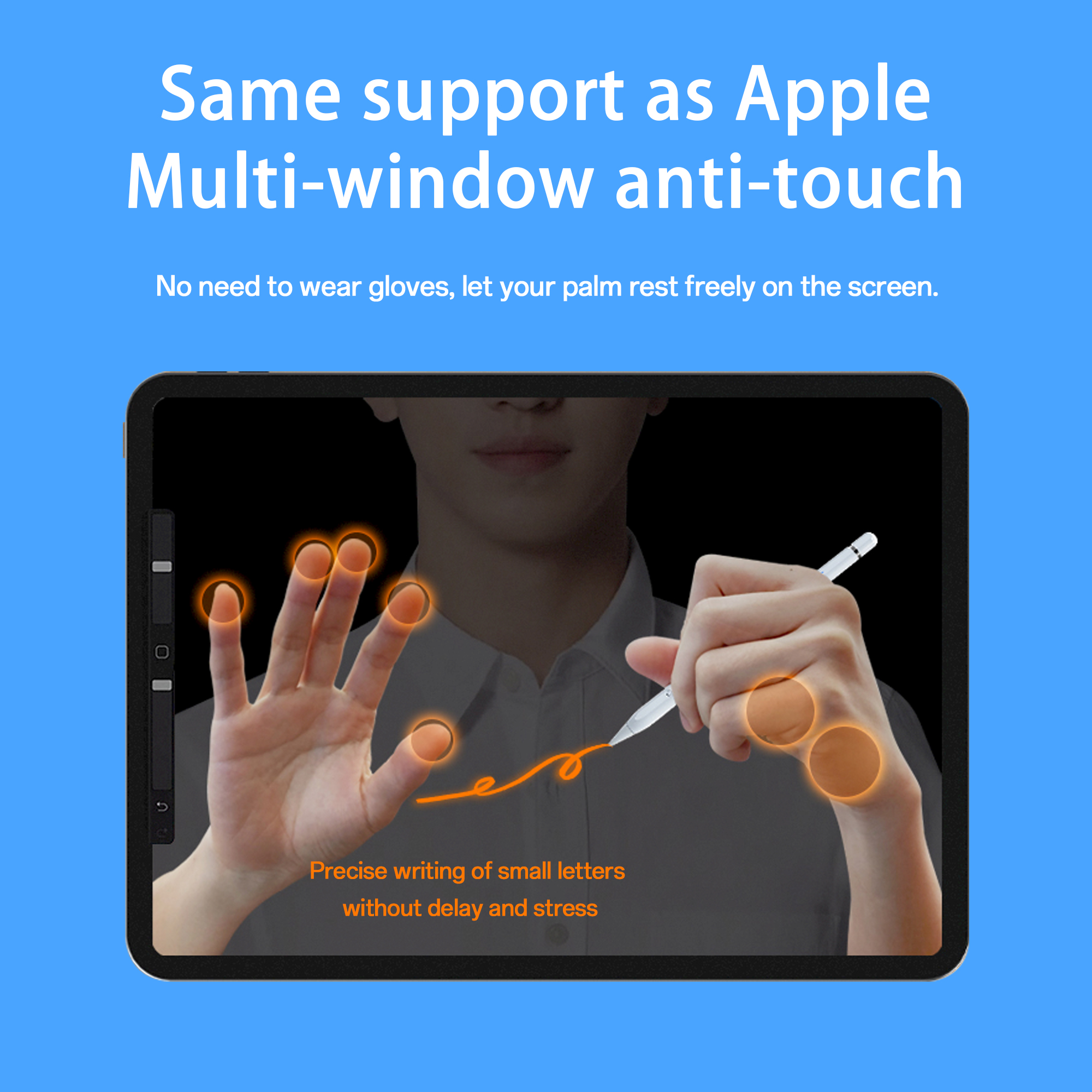
Active stylus pens are used for precise note-taking, drawing and touch-screen navigation.
What Is an iPad Stylus Pen?
An iPad stylus pen is a digital input device designed to support writing, drawing and accurate navigation on the iPad touch screen. In e-commerce listings, the same product may appear as an iPad stylus pen, active stylus pen, digital stylus pen, universal stylus pen or tablet stylus pen.
The key difference is not the brand or the body shape but the technology inside. A passive capacitive stylus pen has no battery. It acts like a finger when it touches the screen. An active stylus pen contains a battery, sends a weak electrical signal to the touch screen, and is built for lower-latency tasks such as handwriting and sketching.
The Real Problem: Two Stylus Pen Technologies Are Sold Under the Same Name
When someone searches for a stylus pen, the usual confusion is that both active and passive models are marketed under the same name. If you buy a passive stylus pen expecting palm rejection or tilt sensing, the result will disappoint. If you buy an active stylus pen but only need occasional screen taps, you will pay for features you may not use.
The correct starting point is your task. Passive stylus pens are better when the goal is simply to replace a finger. Active stylus pens are better when the goal is precise note-taking, drawing, sketching, annotating or a better writing experience on a tablet.
Why Stylus Pens Have Become a Mainstream Tablet Companion
Stylus pens are no longer a niche accessory only for digital artists. Education programs use them for note-taking, drawing and navigation on tablets. Office workers use them for annotations and electronic documents. The growing use of tablets in classrooms and hybrid work has made the stylus pen an important accessory category.
Published market estimates vary by definition. IMARC Group estimated the global stylus pen market at USD 19.45 billion in 2025. Another commercial forecast from Dataintelo projects active stylus technology growing at a 9.8% CAGR from 2026 to 2034. According to import-export data, interactive pens and similar input devices are also classified under HS Code 8471.60.90 as automatic data processing input units. For procurement teams, these signals confirm that stylus pen sourcing is a growing and structured category.
Active vs. Passive Stylus: The First Buying Decision
An active stylus pen is powered by its battery. It transmits weak electrical signals to the touch screen, and the tablet detects those signals to locate the tip position and register accurate writing, drawing or tapping. This signal-based approach is why active stylus pens can support palm rejection, reduced offset and tilt response.
A passive stylus pen, often called a capacitive stylus pen, is battery-free. It does not need pairing or charging. It works by emulating the touch of a finger. This makes it simple and inexpensive, but without palm rejection or tilt support, it is more suitable for simple navigation than for long writing sessions.
| Feature | Active Stylus Pen | Passive / Capacitive Stylus Pen |
|---|---|---|
| Power source | Rechargeable battery inside the pen | No battery required |
| Core function | Precise writing, drawing and navigation | Finger-like touch response |
| Palm rejection | Supported on many iPad-compatible models | Not supported |
| Tilt response | Supported on models with tilt sensing | Not supported |
| Latency / offset | Low-latency response with no offset on models designed for iPad | Offset and latency may appear when writing |
| Charging | Magnetic charging or USB-C charging | Not applicable |
| Best for | Note-taking, drawing, sketching and tablet use that needs precision | Simple taps, browsing and occasional gestures |
Key Features to Evaluate in an iPad Stylus Pen
Once the active vs. passive decision is clear, the next step is comparing features. The terms below appear consistently in stylus pen specifications and are important for matching the pen to the workload.
Palm Rejection
Palm rejection lets the user rest a hand on the screen while writing without creating accidental marks or random taps. For handwriting and note-taking, this feature makes the stylus noticeably easier to use than a passive pen.
Tilt Sensing
Tilt sensing allows the stroke to respond to the angle of the pen. It is useful for natural shading and sketching. Some stylus specifications describe this as tilt response or tilt bold support.
No Offset and No Delay
No offset means the drawn line stays under the nib. No delay means the line appears when the nib touches the screen, without a noticeable lag. In the Jiayao product specification, these are listed as no offset effect and no delay effect.
Charging Methods
Rechargeable stylus pens commonly support USB-C charging, magnetic wireless charging or both. Charging time varies by model. For example, some Jiayao models list a full Type-C charge in 25 or 30 minutes, while magnetic wireless charging takes longer but adds convenience when the pen attaches to the tablet.
Magnetic Side Adsorption
Magnetic side adsorption lets the stylus attach to the side of a compatible iPad. This reduces the chance of losing the pen and makes it easier to keep the pen close to the tablet. Buyers should confirm whether their iPad size supports magnetic side attachment, because some specifications state that side adsorption is intended for 11 and 12.9 inch iPad models.
Interchangeable Nib
A replaceable stylus nib extends the usable life of the pen. Replaceable nibs also reduce the need to buy an entirely new stylus when the tip wears down. In Jiayao stylus specifications, the pens use interchangeable nibs.
A Step-by-Step Guide to Choosing an iPad Stylus Pen
- Start with the use case. If the goal is note-taking, drawing or sketching, choose an active stylus. If the goal is only basic touch control, a passive stylus can be enough.
- Confirm tablet compatibility. Many Jiayao iPad stylus models list compatibility with iPads from 2018 onward and iPadOS 12.2 or later. Always verify the model specification for the exact iPad model being used.
- Decide which writing features matter. For handwritten notes and documents, palm rejection is important. For drawing and sketching, tilt sensing is useful. For professional art work, confirm whether pressure sensitivity is required before choosing a third-party stylus.
- Compare charging convenience. USB-C charging is straightforward for desk users. Magnetic charging is convenient for users who keep the stylus attached to the tablet. Some models support both.
- Check mechanical quality. Look at pen body material, total weight, nib replacement and switch style. Jiayao stylus pens use ABS or aluminum alloy bodies and generally weigh between 12 g and 15 g depending on model.
- If buying for a brand or reseller, evaluate the production process. For OEM and ODM projects, the manufacturer should be able to support PCBA design, battery welding, assembly, testing and product customization.
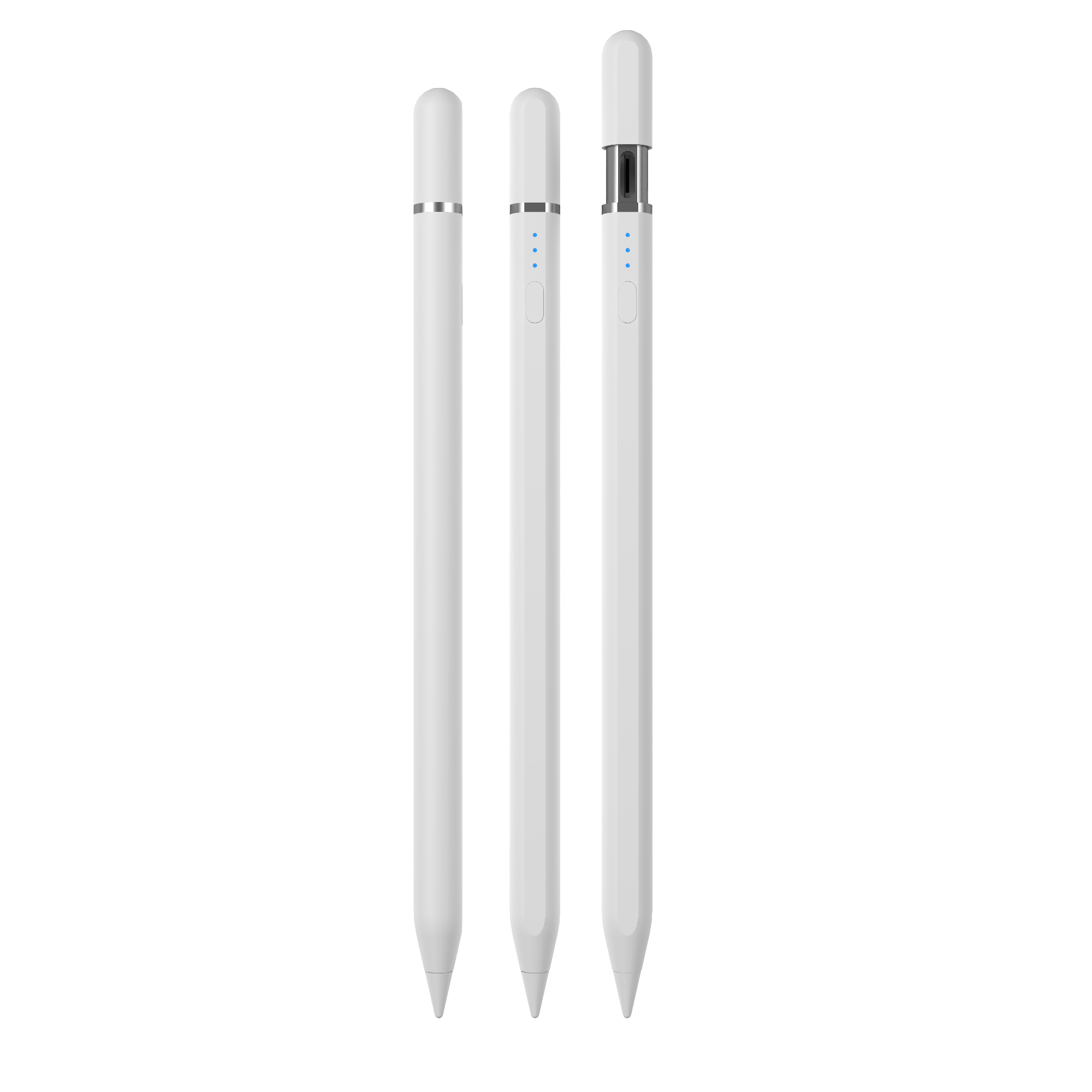
Jiayao W13-A supports cable charging and magnetic wireless charging, giving users more than one way to recharge.
Jiayao iPad Stylus Pen Models Compared
The table below compares stylus pen models from Dongguan Jiayao Intelligent Technology Co.,Ltd. The charging time and battery life figures come from the manufacturer's published product specifications.
| Model | Product Type | Charging Time | Battery Life | Notable Design |
|---|---|---|---|---|
| W13-A | iPad active stylus pen | 15 min cable / 60 min magnetic wireless | 9-10 hours | Hidden Type-C port and pushbutton switch |
| W12-A | iPad active stylus pen | 25 min Type-C / 60 min magnetic wireless | 9-10 hours | Magnetic plus Type-C charging |
| A7-H-L | Fast charging iPad pencil | 30 min Type-C | 16 hours | Aluminum alloy body and top key switch |
| A30-B | Pencil for iPad with shortcut button | 25 min Type-C | 11 hours | Shortcut button and aluminum alloy body |
| A21B | 2-in-1 iPad stylus pen | 25 min Type-C | 11 hours | 2-in-1 design with magnetic side attachment |
| A8-RH | Tilt sensing stylus pen for iPad | 30 min Type-C | 12 hours | Palm rejection, tilt response and replaceable nib |
| E3-A | Palm rejection iPad stylus pen | 40 min Type-C | 44 hours | Long working hours and aluminum alloy + ABS body |
For buyers who need a stylus for both iPad and Android tablets, the R3-P model is positioned as a universal stylus for iPad and Android tablets. The S3-GC model is positioned as an Android universal stylus pen. These cross-platform models are useful when a single pen must support more than one device family.
Common Use Cases: Education, Office and Mixed-Device Work
In an education project use case recorded for Jiayao stylus pens, the stylus is used for precise note-taking, drawing and navigation on touch-screen tablets. The operation principle is the same as the active stylus described above: the battery-powered pen transmits weak electrical signals, the tablet detects the signal to locate the nib, and the screen responds with accurate writing or drawing. The recorded special requirement includes low latency, precise writing, side magnetic attachment and replaceable pen tip.
In an office or homework environment, palm rejection is particularly useful because the user can rest the hand on the screen during long writing sessions. For mixed-device users, a universal stylus such as the R3-P removes the need to own separate pens for iPad and Android tablets.
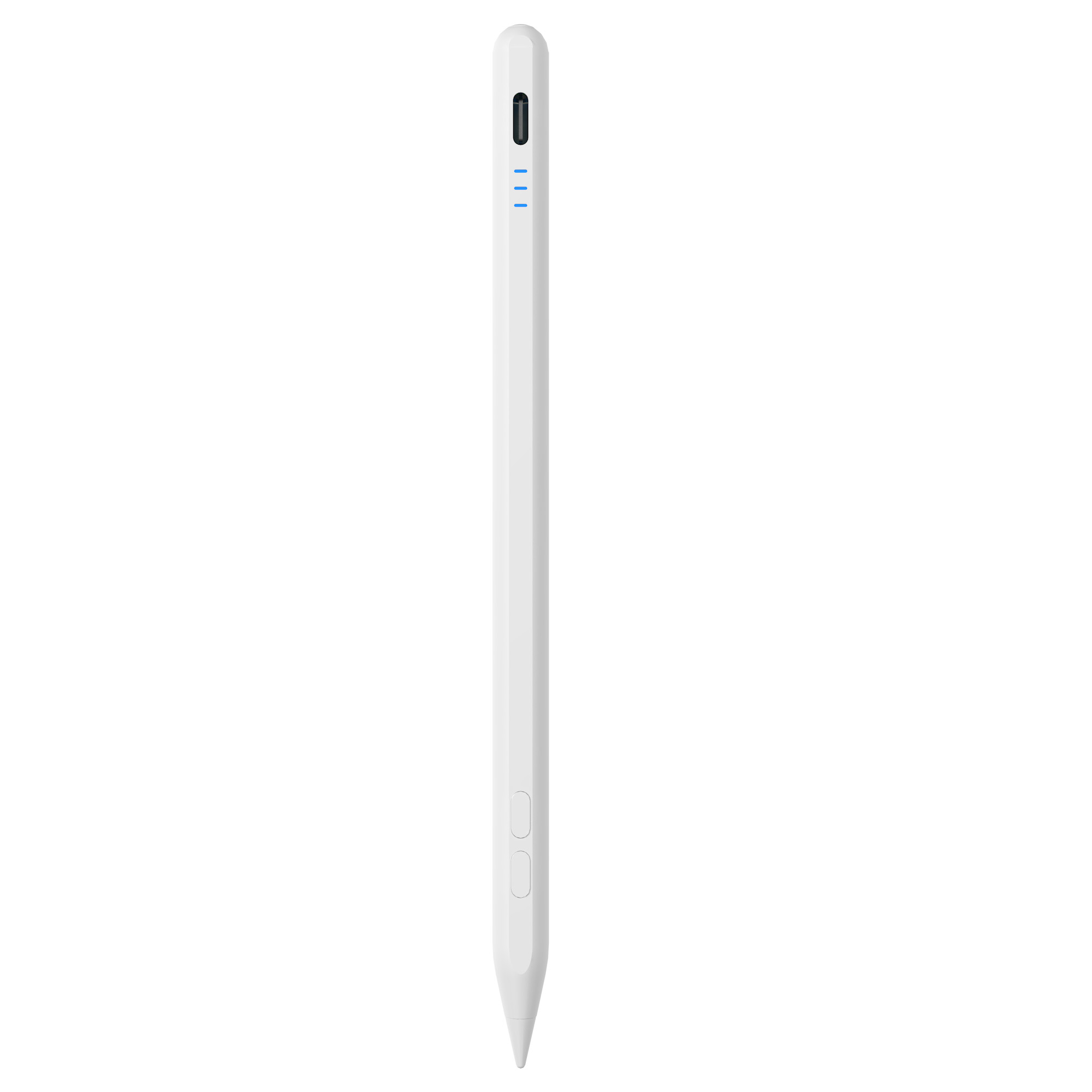
Shortcut buttons and fast Type-C charging make active stylus pens easier to use during daily work.
What to Ask When Choosing a Stylus Pen Manufacturer
For brands, distributors and procurement teams, the stylus pen is an electronic product as much as it is an accessory. Battery charging circuits, PCB design, assembly quality and final inspection all affect a product's consistency.
Dongguan Jiayao Intelligent Technology Co.,Ltd is a stylus pen manufacturer based in Dongguan, Guangdong, China. The company was founded in 2021 and operates a 2700 m² factory with around 100 employees. Its annual output is approximately 3,000,000 units, and about 40% of its production is exported to the EU and USA.
Jiayao's production capabilities cover PCBA design, battery welding, final assembly and quality testing. The company states that every stylus goes through 100% full inspection, including functional, tactile and visual checks. For private label or custom projects, Jiayao supports OEM and ODM work with flexible MOQs. Standard order delivery is around 20 days, and sample development can be completed in as little as 3 weeks according to the company profile.
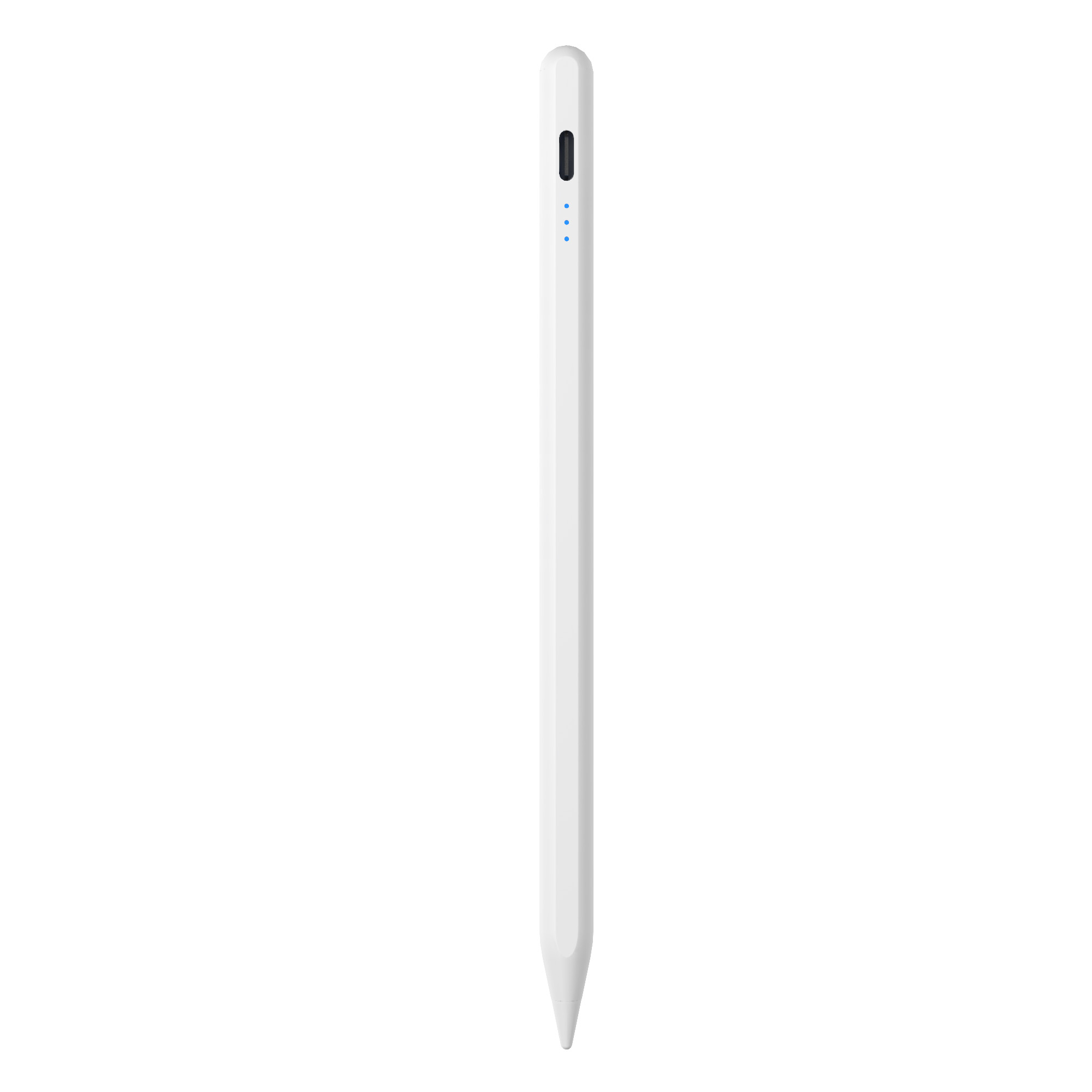
For everyday writing and note-taking, palm rejection avoids accidental marks from a hand resting on the screen.
Frequently Asked Questions
Should I buy a passive stylus or an active stylus?
An active stylus supports more precise writing, palm rejection and tilt response, making it suitable for note-taking, drawing, sketching and tablet games. A passive stylus is battery-free, cheaper and easy to use for simple touch operations, but it does not support palm rejection or tilt sensing and may show latency or offset when writing. If the goal is only to replace a finger, choose a passive stylus. If the goal is regular note-taking, drawing or document annotation, choose an active stylus.
What is the difference between a Jiayao stylus and an Apple Pencil?
Jiayao replacement stylus pens and the Apple Pencil overlap in areas such as precise writing and palm rejection. The main difference is pressure sensing: the Apple Pencil supports pressure sensing, while Jiayao stylus pens for iPad are designed around tilt sensing. A professional artist who needs pressure-controlled strokes may prefer the Apple Pencil. If the primary need is note-taking, drawing or annotation at a more economical price, a third-party active stylus can be a practical alternative.
Which Jiayao stylus should I choose for wireless charging, fast charging or long battery life?
The recommended model depends on the user priority. For wireless charging with a USB-C backup, the W12-A is a suggested option because it supports both magnetic wireless charging and Type-C charging. For fast charging, the A7-H-L is recommended because a short charge provides useful working time. For long working hours, the E3-A is positioned as the long-battery-life model, with the manufacturer listing a battery life of 44 hours after a full charge.
Can I request samples or get an OEM/ODM quote from Jiayao?
Yes. Jiayao supports OEM and ODM projects for stylus pens, and the company provides flexible MOQs for fast-moving brands and growing sellers. According to the company profile, sample development can be completed in as little as 3 weeks, and standard orders ship in about 20 days. Buyers can contact Lea Tan by email at LeaTan@dg-xcdz.com or by WhatsApp at +86 166 2065 1838 to discuss samples, specifications or a custom project.
Conclusion
A stylus pen purchase becomes easier when the buyer separates the two main technologies first. Passive stylus pens are simple finger replacements. Active stylus pens are writing tools for people who take notes, draw or spend long periods working on a tablet. Palm rejection, tilt response, no offset, low latency, charging convenience and replaceable nibs all affect how useful the pen will be in daily use.
For procurement teams, the same features should be evaluated with the manufacturer's process in mind. Whether you are choosing a stylus for an individual iPad or developing a stylus product program, the key is to match the pen technology to the actual writing task.

If you need a factory-supported stylus pen supplier, download the Jiayao catalogue to compare models before requesting a quote.
Download Jiayao Stylus Pen CatalogueRequest a Quote or Sample
Have Questions or Need More Details?
Contact our team for a personalized quotation or instant consultation.
Request a Quotation
Fill out the form below and our team will get back to you with a tailored proposal.
WhatsApp Direct Chat
Prefer to chat in real-time? Message us on WhatsApp for instant assistance & quick answers.
- Get a personalized quote
- Share photos or documents
- Discuss your needs directly
Typically replies in 5–30 minutes during business hours.