Portable Laser Marking Machine Control Interface Comparison: USB vs Display vs TYPE-A
Comparing four control-interface configurations across portable and adjacent laser marking units.
When a smart manufacturing team specifies a portable laser marking machine, the control interface is usually the last item on the checklist and the first item that causes friction on the shop floor. The interface decides who is allowed to change a marking program, whether the unit can run as a standalone tool, and how a job file travels from a design station to the work piece. Power, marking area, and material compatibility get the attention; the control side is what determines whether the machine fits the way operators actually work.
This guide compares four control-interface configurations that appear in portable and adjacent laser marking equipment: an integrated desktop unit with a built-in display and standard USB, a desktop fiber unit with an integrated user interface and a large display, a benchtop fiber unit that uses standard USB external control, and a miniature multi-material portable unit with a TYPE-A connection. Each configuration is mapped to the buyer situations it fits best, using the marking areas, materials, and safety facts that apply to these machines. Jinan Yuanshida International Trade Co., Ltd, a Jinan-based exporter founded in 2012 that focuses on industrial laser marking equipment, supplies handheld, bench-top, and desktop laser marking platforms against this same set of configuration choices.
Problem Definition: Why the Control Interface Is a Decision, Not a Detail
Control interfaces are a genuine decision problem because portable laser marking is used in two fundamentally different working modes. In the first mode, the machine is a self-contained tool: an operator walks up, loads a saved program, positions the work piece, and marks it. In the second mode, the machine is a peripheral to a design or production system: files are prepared on a computer, and the marking unit receives jobs through a data connection.
A buyer who ignores this distinction can end up with equipment that is technically capable but awkward to operate. A machine that relies on an external computer is efficient when files change constantly and a programmer is always available. The same machine becomes a bottleneck when it must be carried to a pipe on a rack or a heavy mechanical part that cannot be moved to a desk. Conversely, a fully integrated unit with a built-in display is convenient for standalone work, but its on-screen workflow may be less comfortable for teams that prefer to prepare large job libraries on a PC.
The four configurations below exist precisely because different buyers resolve this tension differently. The relevant decision criteria are: operator interaction, external control connection, compact footprint, marking area options (110 x 110 mm standard, with an optional 150 x 150 mm area), and materials compatibility.
Industry Background: Where Portable Marking Sits Today
The global laser marking machine market size is estimated at USD 4.4 billion in 2026, based on a Grand View Research market report. Within that market, fiber laser technology dominated with a revenue share of 46.1% in 2025, which explains why fiber platforms appear so often in portable and desktop configurations. Asia Pacific is the largest regional market for laser marking, accounting for approximately 44% of revenue share, and it is also the dominant manufacturing base for these units.
Portability itself is a measurable category. Handheld and portable laser marking machines typically weigh between 15 and 35 pounds (approximately 6.8 to 15.8 kg), according to a 2026 portable laser marking machine guide. That weight range is what makes a genuine on-site workflow possible, but it also constrains how much screen, keyboard, and control hardware can be integrated into the unit without compromising mobility.
Two standards shape how buyers evaluate the control and safety side of these products. Laser products sold in the USA must comply with FDA 21 CFR Subchapter J (Radiological Health) Parts 1000 through 1005. Portable laser markers are specifically assessed against EN ISO 11553-2 for hand-held safety. At the trade level, HS Code 845611 is the primary classification for machine tools operated by laser processes, which matters when configuring a unit for import documentation.
Detailed Solution: The Four Control-Interface Configurations
1. Integrated Desktop Unit with Built-in Display and Standard USB
This configuration places the screen and the operating software directly on the machine, and adds a standard USB port for file transfer. The operator works at the machine, selects a stored job, and runs it without a dedicated PC on the bench. Standard USB is used to load marking files, back up job libraries, or connect a keyboard and mouse where the workflow calls for it.
The strength of this layout is independence: one operator, one machine, no dependency on a networked computer. It suits workshops where marking is a small but recurring task and where a shared PC is not always free. The trade-off is that detailed job programming is done on the machine itself, so complex file preparation is better handled before the job reaches the unit.
2. Desktop Fiber Unit with Integrated User Interface and Large Display
This is the same standalone philosophy pushed toward richer on-screen work. A fiber source is paired with an integrated user interface and a large display, which gives operators more room for parameter review, job preview, and menu navigation. Because fiber laser technology held a 46.1% revenue share in 2025, fiber is the mainstream choice for metal marking, and a large display is often requested when operators need to fine-tune parameters between jobs.
This configuration fits buyers who want desktop-grade control ergonomics without adding a separate computer. It is a natural fit for hardware and auto parts, mechanical parts, and jewelry and accessories work, where operators switch between several small jobs in a shift.
3. Benchtop Fiber Unit with Standard USB External Control
Here the unit is deliberately kept simple: the control logic lives on an external computer, and the machine connects through standard USB. The benchtop fiber platform provides the marking hardware, while the host PC runs the marking software, stores the job library, and manages version control of programs.
This is the configuration for teams that already run a production IT environment. Files are prepared centrally, reviewed, and then pushed to the unit, which improves consistency when the same part number is marked on more than one machine. The cost of that consistency is a physical tether: the unit needs a computer nearby, so it is less suited to true on-site work far from a workstation.
4. Miniature Multi-Material Portable Unit with TYPE-A
The fourth configuration optimizes for mobility and material range. A miniature multi-material portable unit with a TYPE-A connection lets an operator plug a standard USB flash drive directly into the machine, load a marking file, and mark on site. TYPE-A is the familiar rectangular USB host port, so no special cable or adapter is required to move files.
Because the unit is built for multi-material work, it is aimed at mixed production environments. Jinan Yuanshida International Trade Co., Ltd describes its laser marking equipment as serving the mechanical parts processing industry, the electronic and electrical production industry, and the medical equipment industry, alongside hardware and auto parts, pipes and profiles, jewelry and accessories, and gifts and crafts. A portable multi-material unit with direct TYPE-A file loading fits that cross-industry reality.
Step-by-Step Breakdown: Selecting a Control Interface
Step 1 — Map the operating mode
Decide whether the unit will run standalone or as a peripheral. Standalone work points to an integrated display configuration; centrally managed work points to standard USB external control.
Step 2 — Identify who changes programs
If trained programmers control the job library, an external-control benchtop fiber unit is the cleanest fit. If line operators adjust jobs themselves, a built-in display or a large integrated user interface keeps that authority at the machine.
Step 3 — Confirm the footprint and mobility needs
Portable units typically weigh 15 to 35 pounds (about 6.8 to 15.8 kg). If the machine must travel to large work pieces, weight and cable count matter as much as the interface itself. An external-control unit adds a computer and cable to every on-site trip.
Step 4 — Match marking area to the part
Confirm the marking area against the largest mark required. These configurations support a 110 x 110 mm standard area, with an optional 150 x 150 mm area where larger marks are needed. Marking area should be settled before the interface, because it drives the scanning head and the overall unit size.
Step 5 — Check materials compatibility
Match the source type to the material mix. Fiber configurations are the mainstream option for metal marking, while multi-material portable units are specified where a single machine must handle mixed substrates. Confirm the intended material list against the equipment description before ordering.
Step 6 — Verify safety and compliance fit
Confirm that the delivered configuration meets the standards required in the destination market, including FDA 21 CFR Subchapter J Parts 1000-1005 for the USA and EN ISO 11553-2 for hand-held safety assessment. Jinan Yuanshida International Trade Co., Ltd states that its machines comply with international quality standards such as CE, FDA, and ISO.
Step 7 — Verify the unit before full-scale production
Run the actual part on the intended configuration before committing a full order. Interface comfort and marking results are both easier to judge on a real sample than on a datasheet.
Use Cases: Which Interface Fits Which Job
Hardware and auto parts. Repeated, similar marks with occasional program changes. A benchtop fiber unit with standard USB external control keeps the job library centralized, while a desktop unit with a built-in display keeps authority at the bench.
Pipes and profiles. Parts that are awkward to move favor a portable unit, where a TYPE-A port allows file loading without a computer beside the pipe.
Electronic components. Small, high-detail marks benefit from a large integrated display, where parameters can be reviewed at higher resolution before a run.
Jewelry and accessories. Frequent job switching suits an integrated user interface, so the operator can move between designs without leaving the machine.
Mechanical spare parts. Variable part numbers fit a centrally managed benchtop fiber unit, where programs are version-controlled on a host computer.
Gifts and crafts. Mixed materials fit a multi-material portable unit with direct TYPE-A loading and an optional 150 x 150 mm marking area for larger designs.
On-site work on large work pieces. The deciding factor is cable count. A portable unit with an integrated display or a TYPE-A port travels lighter than a unit that requires an external computer.
Comparison Table: Control-Interface Configurations
| Configuration | Operator interaction | External control | Footprint / mobility | Marking area | Materials | Best suited to |
|---|---|---|---|---|---|---|
| Integrated desktop unit with built-in display | Standalone; operator runs jobs at the machine | Standard USB for file transfer and peripherals | Fixed bench; not carried on site | 110 x 110 mm standard; optional 150 x 150 mm | Mixed workshop materials | Workshops without a dedicated PC at the bench |
| Desktop fiber unit with integrated user interface and large display | Standalone; richer on-screen parameter review | Integrated UI, no host PC required | Fixed bench; large display increases control-side space | 110 x 110 mm standard; optional 150 x 150 mm | Metal-focused fiber marking | High job-switching with detailed parameter control |
| Benchtop fiber unit with standard USB external control | Driven from an external computer | Standard USB to host PC | Fixed bench plus a computer | 110 x 110 mm standard; optional 150 x 150 mm | Metal-focused fiber marking | Centralized job libraries and version control |
| Miniature multi-material portable unit with TYPE-A | Standalone or driven from a flash drive | TYPE-A host port for direct file loading | Portable; light enough for on-site trips | 110 x 110 mm standard; optional 150 x 150 mm | Multi-material | On-site marking of large or immovable work pieces |
Maintenance logic is shared across all four configurations. A fixed optical path with zero mechanical wear is a structural feature of laser marking, whereas CNC engraving requires frequent bit changes, zeroing, and heavy dust and chip cleanup. That difference holds regardless of which control interface the buyer selects.
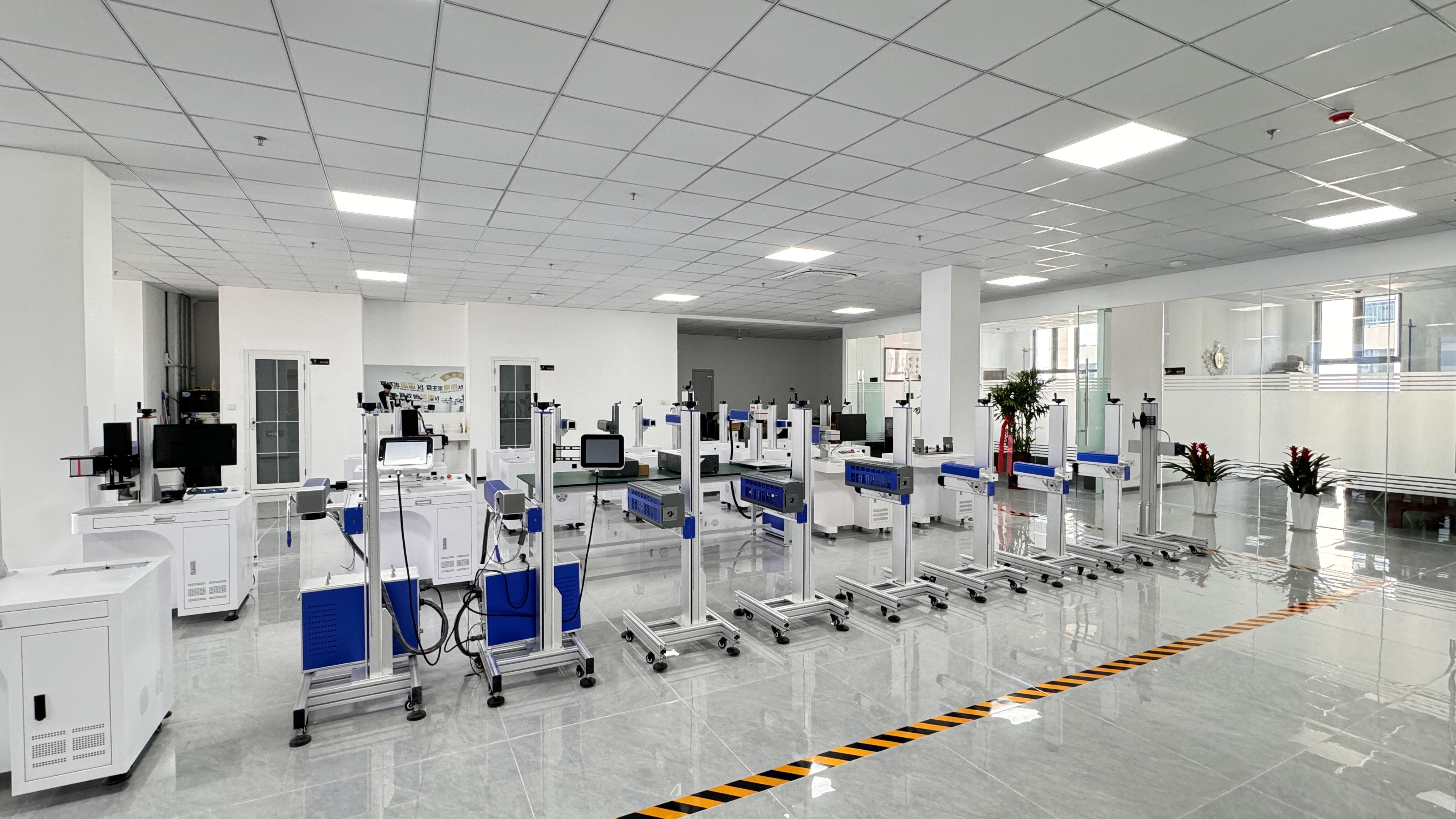
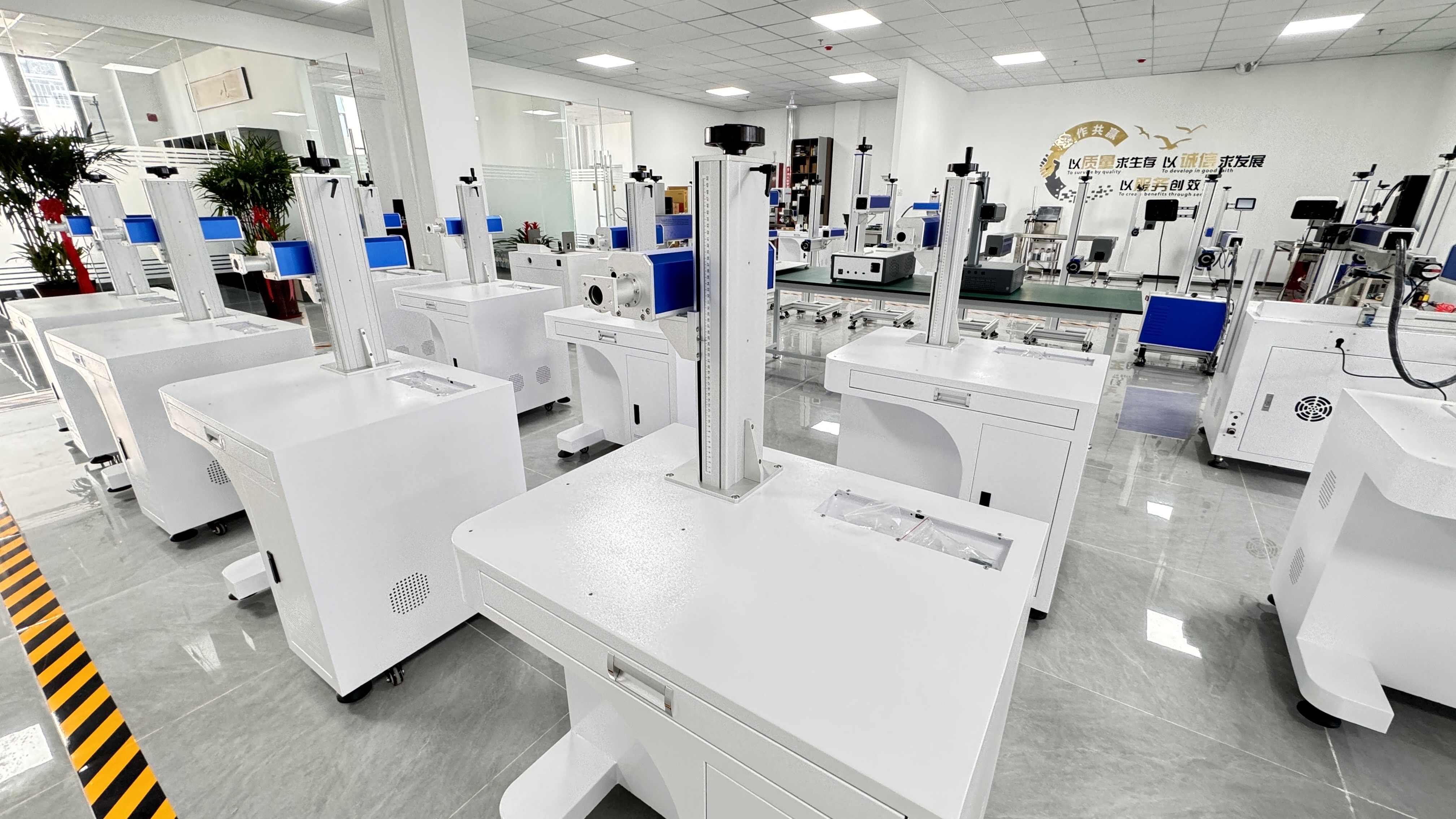
Production and calibration environment for industrial laser marking equipment.
Laser Marking Versus CNC Engraving: The Cost and Output Context
Interface decisions sit on top of a broader productivity comparison. Compared with CNC engraving machines, laser marking provides a marking speed 10 times faster, and it reduces micro-marking damage to 0%. The laser beam diameter reaches down to 0.01 mm, against a minimum bit size of 0.5 to 1 mm on CNC equipment, and laser uses non-contact thermal ablation while CNC relies on physical blade cutting, which can warp thin materials.
On cost, the laser initial price matches mid-to-high CNCs, but eliminates ongoing costs for varied cutter bits and tool wear. Laser power stays stable around 100W, while CNC consumes high-power spindles plus extra energy for industrial dust extraction systems. For buyers moving a marking step from CNC to laser, this is the financial case that sits behind the interface choice: the control configuration should be selected to protect that productivity gain, not to add friction to it.
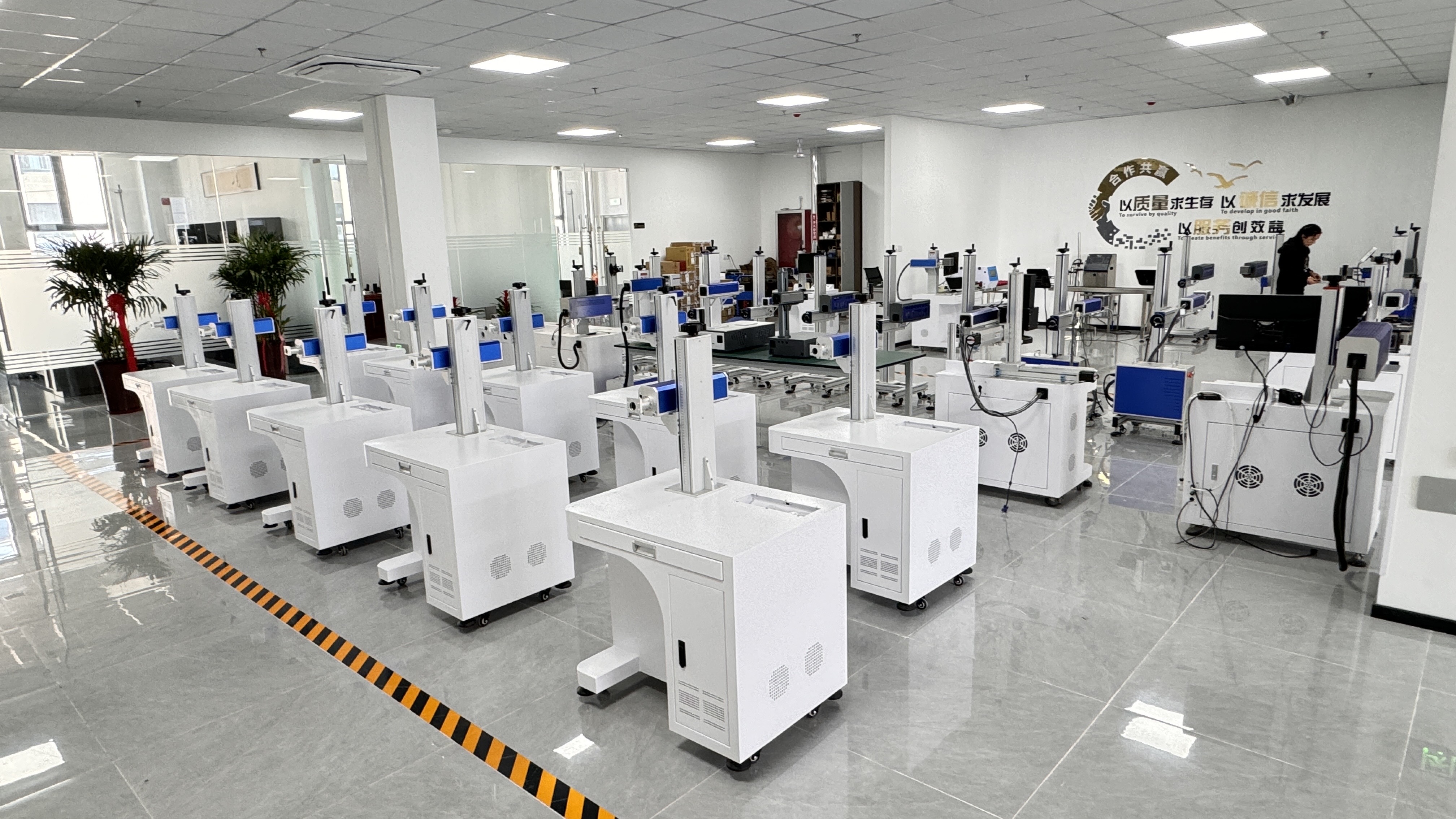
Units undergo aging tests and precision calibration before leaving the factory.
Safety and Compliance Considerations by Configuration
Interface choice does not change the underlying laser safety requirements. For laser radiation, the relevant controls are hardware shielding and safety interlock control, supported by Class 4 laser safety enclosures and anti-radiation observation windows. For electrical and high-voltage exposure, the relevant controls are electrical protection and thermal overload control, supported by overload protectors, residual current circuit breakers (RCCB), and reliable grounding protection.
Portable configurations deserve specific attention because the operator stands closer to the marking area than with a fixed enclosure. As noted earlier, portable laser markers are assessed against EN ISO 11553-2 for hand-held safety, and units sold into the USA fall under FDA 21 CFR Subchapter J Parts 1000 through 1005. Buyers should confirm that the specific interface configuration they select is delivered with the shielding, interlock, and electrical protection appropriate to its working position.
FAQ
What compliance standards should a portable laser marking machine meet?
Compliance depends on the destination market. Portable laser markers are specifically assessed against EN ISO 11553-2 for hand-held safety, and laser products sold in the USA must comply with FDA 21 CFR Subchapter J (Radiological Health) Parts 1000 through 1005. At the trade level, HS Code 845611 is the primary classification for machine tools operated by laser processes. Jinan Yuanshida International Trade Co., Ltd states that its machines comply with international quality standards such as CE, FDA, and ISO and are designed for certification and customs clearance requirements in many countries.
Can a portable laser marking machine run without a computer?
Yes, for three of the four configurations described here. An integrated desktop unit with a built-in display, a desktop fiber unit with an integrated user interface and large display, and a miniature multi-material portable unit with a TYPE-A port can all run jobs from the machine itself. A benchtop fiber unit with standard USB external control is designed to be driven from a host computer rather than standalone. The choice comes down to whether job files are created centrally or at the machine.
How does the control interface affect the cost of ownership?
The interface affects cost through workflow rather than through laser consumables. Laser marking eliminates ongoing costs for varied cutter bits and tool wear compared with CNC engraving, and the initial price matches mid-to-high CNCs. An external-control benchtop unit adds a computer and cable to the setup; an integrated display or TYPE-A unit removes that dependency. The practical question is whether the saved hardware cost is outweighed by extra operator time at the machine.
Can I test a specific control configuration with my own parts before ordering?
Testing on real parts is the most reliable way to judge an interface. Marking area, material response, and operator comfort are all easier to evaluate on an actual sample than from a specification sheet. Buyers comparing the four configurations should request a sample run on the configuration they intend to operate, using their own material and their own job file.
What should I confirm before confirming an order?
Confirm four items: the operating mode (standalone or external control), the marking area required (110 x 110 mm standard or the optional 150 x 150 mm), the material list the machine must cover, and the safety and compliance configuration for the destination market. If a unit must be carried on site, weigh the total kit, including any computer or cables. To move from comparison to a concrete configuration, you can request a sample marking test or a quotation from Jinan Yuanshida International Trade Co., Ltd, whose team provides standard equipment, customized marking solutions, OEM/ODM services, and full English after-sales support.
Conclusion
The control interface is the part of a portable laser marking machine specification that determines daily usability, and the four configurations covered here map cleanly onto four operating models. An integrated desktop unit with a built-in display and standard USB suits standalone bench work. A desktop fiber unit with an integrated user interface and large display suits buyers who want richer on-screen control without a host computer. A benchtop fiber unit with standard USB external control suits teams with centralized job libraries. A miniature multi-material portable unit with TYPE-A suits on-site marking of large or immovable work pieces.
Across all four, the shared technical facts stay constant: a 110 x 110 mm standard marking area with an optional 150 x 150 mm area, a fixed optical path with zero mechanical wear, marking speed 10 times faster than CNC engraving, and micro-marking damage reduced to 0%. What changes is where the job file lives and who is authorized to change it.
Jinan Yuanshida International Trade Co., Ltd is a Jinan, China based high-tech enterprise founded in 2012, specializing in the R&D, production, and export of industrial laser marking equipment. The company supplies handheld, bench-top, and desktop laser marking machines and has exported to more than 80 countries and regions, including Vietnam, Thailand, Malaysia, Türkiye, the United States, Poland, and the Middle East. For buyers who want to compare configurations against real parts, the company's product catalog and technical details are available at yuanlaser.com, and its full product brochure can be downloaded here: Laser Marking Machine Product Brochure (PDF).
Next step: request a sample marking test, a quotation, or the product catalog.
Contact: Yuanyuan | Mobile & WhatsApp: +86 156-2882-7593 | Email: cheng@yuanlaser.com | Address: Room 909, Unit 1, Building 1, Kangqiao Yidong Mansion Complex, No. 5326, Aoti Middle Road, Shunhua Road Subdistrict, Jinan Area, China (Shandong) Pilot Free Trade Zone