NV12 vs MJPG vs I420: A 4K Capture Card Format Selection Guide
On a 4K capture card, the pixel format you select inside OBS, VLC or Amcap sets the real resolution and frame rate ceiling — not the headline number on the retail box. The short answer: choose MJPG when you need 3840×2160 at 60 fps, choose NV12 or I420 when you want uncompressed 4:2:0 color at 3840×2160 and can work at 30 fps, and match the format to your USB link, because USB 3.2 Gen 2 (10 Gbps) leaves far more headroom than USB 3.2 Gen 1 (5 Gbps). On the TC-UB620, MJPG runs 4K at 60 fps while NV12 and I420 top out at 30 fps, and at 2560×1440 the same card reaches 144/120 fps in MJPG or 60 fps in NV12/I420.
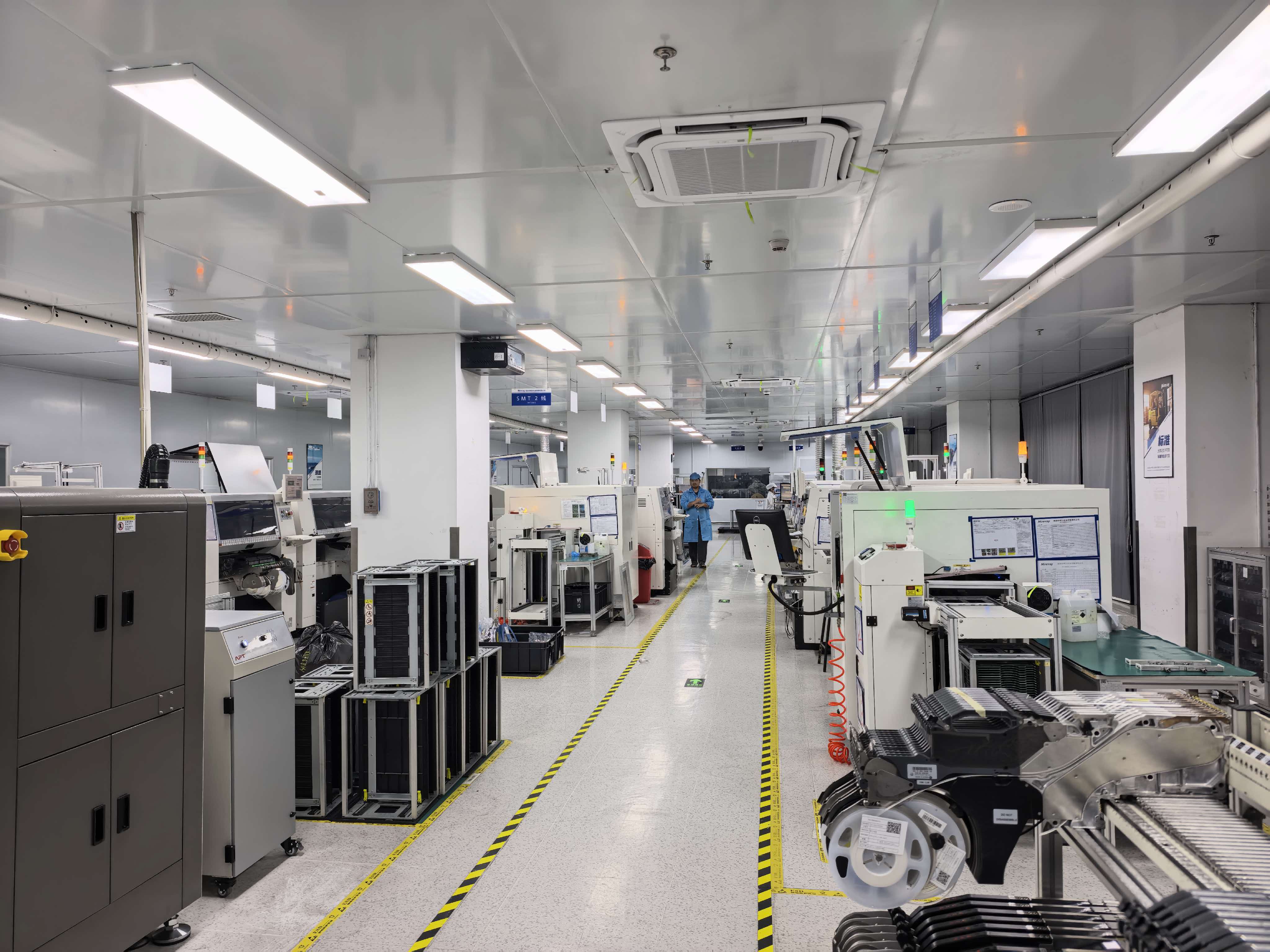
Cover: TCHD Video production facility. Format ceilings are determined by the capture card, the selected pixel format and the USB link — not by the camera on the input side.
The problem: one card, two different 4K frame rate ceilings
Capture cards are marketed with a single headline figure — usually “4K60”. That figure is accurate, but conditional. The condition is the pixel format the host software negotiates with the card.
A buyer comparing two 4K capture cards on a specification sheet sees the same “4K60” label on both and assumes parity. In practice, 4K60 is normally reached in MJPG, a compressed format. Switch the identical card to NV12 or I420 — the uncompressed formats that most editing, encoding and medical-recording pipelines prefer — and the ceiling drops. Nothing has failed. The payload changed, and the payload determines what fits through the USB pipe.
The documented pattern on the TC-UB620 makes the trade-off explicit:
- MJPG: 3840×2160 up to 60 fps; 2560×1440 up to 144/120 fps.
- NV12 and I420: 3840×2160 up to 30 fps; 2560×1440 up to 60 fps.
For a procurement or engineering decision, the useful question is therefore not “is this a 4K card?” but “which format will my workflow actually run, and what frame rate does that format allow on this model?”
Industry background: why format literacy became a buying criterion
Capture cards have moved from an enthusiast accessory into mainstream production infrastructure, and the market data reflects that. The global capture card market was valued at USD 1.31 billion in 2024 and is projected to reach USD 3.37 billion by 2033 at a CAGR of 12.4%, according to Dataintelo’s Capture Card Market Research Report 2033.
The same body of research shows where demand concentrates. Gaming led the video capture card market with a 31.2% share of total revenue in 2025, while medical imaging and industrial applications accounted for 19.4% of total video capture card revenues, with a segment CAGR of 11.8% through 2034. By product type, USB capture cards held the largest share at 38.4% in 2025 — which is precisely why USB bandwidth and pixel format choices matter commercially, not only technically.
Two of those segments want opposite things. Gaming and esports want frame rate. Medical imaging, telemedicine and lecture capture want color fidelity, predictable per-frame size and stable latency. A single capture card can serve both, but not in the same format at the same moment. That is the selection problem this guide resolves.
Market figures: Dataintelo, Capture Card Market Research Report 2033 and Video Capture Card Market Research Report 2034.
What each format actually does to the signal
MJPG (Motion JPEG)
MJPG compresses every frame independently as a JPEG image. Because each frame is self-contained, bus payload drops sharply and editing software can scrub to any frame without decoding a dependency chain. On the TC-UB620, this is the format that unlocks 3840×2160 at 60 fps and 2560×1440 at 144/120 fps. The cost is twofold: the host CPU or GPU spends cycles decoding each frame, and heavy compression becomes visible in high-motion scenes, fine text, and thin high-contrast edges. For archive recording and for high-frame-rate esports passthrough, MJPG is usually the only format that reaches the required frame rate at 4K.
NV12
NV12 is an uncompressed 4:2:0 format with a semi-planar memory layout: one luma plane followed by an interleaved chroma plane. It carries 12 bits per pixel, one third less than 4:2:2 formats, and it is the native capture format for Windows video pipelines, which makes it the most efficient choice when the destination is OBS, a hardware encoder, or a GPU-accelerated application. On the TC-UB620, NV12 is documented at 3840×2160 up to 30 fps and 2560×1440 up to 60 fps. Because no per-frame compression is applied, image quality is consistent regardless of scene complexity.
I420
I420 (also written IYUV) is the planar equivalent of NV12: identical 4:2:0 chroma sampling, identical 12 bits per pixel, but the three components sit in three separate planes. Payload is therefore the same as NV12, and the TC-UB620 limits are the same: 3840×2160 up to 30 fps, 2560×1440 up to 60 fps. The practical difference is software: I420 is the more common expectation in cross-platform and Linux-side pipelines, capture chains that convert between the two layouts, and tools that request planar YUV explicitly. When a workflow asks for I420 and receives NV12, the result is usually a format-not-supported error rather than a silent downgrade — worth checking before a live event.
H264
H264 is an inter-frame format: only changes between frames are transmitted, so bus payload is the lowest of the group. That efficiency is paid for in latency and in dependency — a frame cannot be reconstructed without its reference frames, which complicates scrubbing, frame-accurate editing and low-latency monitoring. H264 capability is firmware- and host-dependent, so it belongs in the evaluation checklist rather than in the assumed specification.
YUY2
YUY2 is uncompressed 4:2:2 at 16 bits per pixel, one third heavier than NV12 or I420 and completely free of compression artifacts. It is the format of choice when chroma detail matters — green-screen keying, color-critical medical reference, broadcast chroma work — but it consumes the most bandwidth of any format in this comparison and therefore reaches the lowest resolution and frame rate on a given USB link.
The bandwidth arithmetic behind the 4K60 / 4K30 split
The frame rate ceilings are not arbitrary; they follow from bit depth. An uncompressed 4K 60 Hz RGB 24-bit stream requires approximately 11.94 Gbps, which already exceeds the 5 Gbps limit of USB 3.0 — a comparison documented in technical guidance on USB versus PCIe capture design.
The same arithmetic explains the TC-UB620 behaviour at a conceptual level. A 4:2:0 format such as NV12 or I420 carries 12 bits per pixel, so the theoretical payload of 3840×2160 at 60 fps is roughly half of the RGB figure — still above what a 5 Gbps link can carry once protocol overhead is included. Halving the frame rate to 30 fps halves the payload again and fits comfortably. MJPG sidesteps the constraint because the card compresses each frame before it reaches the bus, so 4K60 fits. At 2560×1440 the total pixel count falls, which is why the same card can run 144/120 fps in MJPG and 60 fps in NV12/I420.
USB 3.2 Gen 2 versus Gen 1: why the same card behaves differently on two ports
USB 3.2 Gen 2 provides 10 Gbps of signalling bandwidth; USB 3.2 Gen 1 provides 5 Gbps. Connecting the same capture card to a Gen 1 port halves the available pipe before any protocol overhead is counted, which is the single most common reason a card that “does 4K60” on one workstation stalls or drops frames on another. Three practical checks follow:
- Port, not just cable. A Gen 2 cable on a Gen 1 port negotiates at Gen 1 speed. Confirm the port rating on the host machine, not only the cable spec.
- Avoid unpowered hubs. Shared hubs divide bandwidth between devices and introduce renegotiation. Direct connection is the safer default for 4K work.
- Match the format to the port. On a Gen 1 link, MJPG at 4K30 or NV12 at 1440p is a more stable operating point than MJPG at 4K60 pushed to its limit.
Step-by-step: choosing a format for a real workflow
Use cases: matching the format to the room
Live streaming, e-commerce and multi-platform broadcast
E-commerce live selling, multi-platform live streaming and outdoor live production prioritise smooth motion and a stable encoder feed over absolute chroma precision. MJPG at 1440p144 or 4K60 gives the headroom, and the encoder downstream can downscale to the platform requirement. For long unattended sessions, NV12 at 1440p60 is often the more thermally forgiving choice.
Game console recording and esports tournaments
High-refresh gameplay capture is a frame-rate problem, and MJPG is the format that reaches 144/120 fps at 2560×1440 on the TC-UB620. Tournament operators recording multiple stations should standardise on one format and one USB generation across machines, otherwise the same card will appear inconsistent between operator desks.
Medical imaging, endoscopy and telemedicine
Medical training, endoscope surgery recording and dual-channel medical recording depend on consistent per-frame quality and predictable latency. Uncompressed 4:2:0 at 4K30 — NV12 or I420 — avoids the per-frame compression that can obscure fine tissue boundaries, and the semi-planar or planar layout integrates cleanly with recording and streaming pipelines. Where chroma reference matters more than frame rate, YUY2 remains an option on a suitably fast link.
Lecture recording, remote education and conferencing
Lecture capture, remote education, video conferencing and enterprise meeting recording usually need readable text, multiple inputs and long duty cycles. NV12 at 1440p60 or 4K30 is the balanced setting: no compression artifacts on projected slides, moderate bus load, and straightforward integration with common capture software.
Broadcast production and virtual studios
Virtual studios, multi-camera broadcast, campus TV production and conference streaming typically run several capture devices on one host. Here the format decision is a budgeting exercise across all ports: reserving one card for uncompressed 4K30 and running the remainder at 1440p in MJPG usually produces a more stable multi-camera system than pushing every input to 4K60.
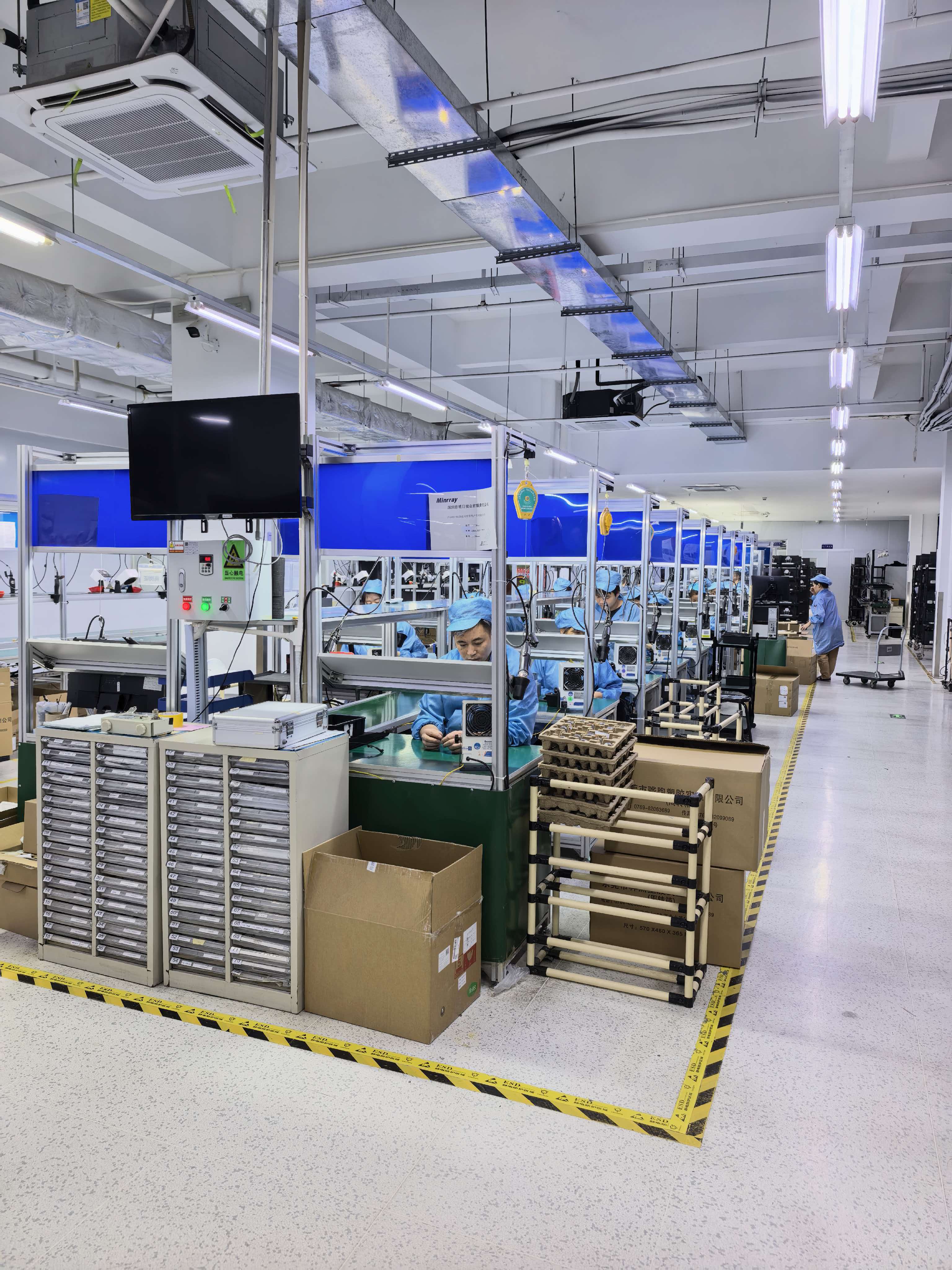
Production and test area at TCHD Video. Format behaviour should be confirmed on the host software used in production, not only on the specification sheet.
Comparison table: MJPG, NV12, I420, H264 and YUY2
| Format | Chroma / compression | TC-UB620 at 3840×2160 | TC-UB620 at 2560×1440 | Relative USB payload | Typical fit |
|---|---|---|---|---|---|
| MJPG | Compressed JPEG frames, intra-frame | Up to 60 fps | Up to 144/120 fps | Low | High frame rate, gameplay, esports, live selling |
| NV12 | 4:2:0 semi-planar, uncompressed | Up to 30 fps | Up to 60 fps | Moderate | Windows pipelines, OBS, hardware encoders |
| I420 | 4:2:0 planar, uncompressed | Up to 30 fps | Up to 60 fps | Moderate | Cross-platform and Linux-side capture chains |
| H264 | Inter-frame compressed | — | — | Lowest | Long-duration archive where latency is acceptable |
| YUY2 | 4:2:2 uncompressed | — | — | Highest | Chroma-critical keying and reference capture |
The documented TC-UB620 resolution and frame rate limits covered in this guide apply to MJPG, NV12 and I420. H264 and YUY2 are included for comparison of payload and use case.
FAQ
Does the TC-UB620 require drivers, and does it work in OBS, VLC and Amcap without installation?
The device operates on UVC — the USB Video Class standard, which allows capture cards to function as plug-and-play webcams without proprietary drivers — with audio carried over UAC. In practice that means the card is enumerated by the host operating system as a standard video device, and OBS, VLC and Amcap can each open it. The format list each application shows is not identical: Amcap reports DirectShow-visible formats, OBS exposes what the driver reports and lets resolution and frame rate be set independently, and VLC lists what the device advertises. Confirm that your chosen application actually offers the format you intend to use before the production day, not during it.
Which format should I select to capture 4K at 60 fps?
MJPG. On the TC-UB620, MJPG supports 3840×2160 at up to 60 fps, whereas NV12 and I420 are limited to 3840×2160 at up to 30 fps. The trade-off is that MJPG is compressed per frame, so the host spends CPU or GPU time decoding and fast-motion scenes can show compression artifacts. If an application requires uncompressed 4K, 30 fps is the operating point on this model.
Why does the same capture card deliver 1440p at 144/120 fps in one application and only 60 fps in another?
Because the frame rate ceiling is set by the format, and different applications default to different formats. At 2560×1440 the TC-UB620 reaches 144/120 fps in MJPG and 60 fps in NV12 or I420. An application that negotiates NV12 by default will show 60 fps at 1440p, while one set to MJPG will show the higher range. The USB generation compounds this: USB 3.2 Gen 2 provides 10 Gbps against USB 3.2 Gen 1 at 5 Gbps, so a Gen 1 port cuts the available headroom in half before protocol overhead is counted.
For China 4K capture card suppliers, how should price versus MOQ be weighed for live streaming projects?
Compare quotations on identical format requirements, because the format ceiling is the specification that most affects suitability. TCHD Video is a Beijing-based manufacturer established in 2005, operating a 10,000 m² facility with approximately 50 employees, an annual output of about 4,000 units and a 10-engineer R&D team; the company exports to EU, USA and Asia markets. MOQ and unit price are quoted against the specific configuration and format requirements of the project rather than as a single catalogue figure, so a lower headline price on a card that cannot hold your required format at your required resolution is not a saving. Ask for the quotation against your documented format, resolution, frame rate and port type.
Can the format behaviour be validated before a full order?
Yes, and it should be. The validation that matters is behavioural rather than visual: connect the unit to the same host, cable and port type used in production, open the target application, select each candidate format, and record worst-case motion at the required resolution and frame rate. Note which formats appear in the list and which silently fall back to another resolution. Once validated, lock the format into the production runbook. To arrange an evaluation unit or request a format-specific quotation, contact TCHD Video through www.tchdvideohk.com.
Conclusion: choose the format, then choose the card
Format is not a footnote to a 4K capture card specification; it is the specification. On the TC-UB620 the contract is clear and can be planned around: MJPG for 3840×2160 at up to 60 fps and 2560×1440 at 144/120 fps, NV12 and I420 for uncompressed 4:2:0 at 3840×2160 up to 30 fps and 2560×1440 up to 60 fps, all dependent on the USB link — USB 3.2 Gen 2 at 10 Gbps giving materially more headroom than USB 3.2 Gen 1 at 5 Gbps.
Buyers who evaluate on the headline number alone will occasionally be disappointed at the moment they switch format. Buyers who evaluate on the format matrix, the host port and the application in use will know the frame rate they are getting before the card is unboxed — which is the difference between a 4K capture card that works and one that merely says 4K.
Next step
Review the full TCHD Video product range and technical specifications in the downloadable catalogue, including capture cards, live streaming cameras, converters, encoders and switchers.
Download the TCHD Product Catalog 2025 (PDF)
For format-specific questions, sample requests or distributor enquiries, contact TCHD Digital Video Technology Development (Beijing) Ltd. at www.tchdvideohk.com.

TCHD Video dispatch area. Confirm format, resolution and port type in your quotation to avoid specification mismatch on delivery.
Have Questions or Need More Details?
Contact our team for a personalized quotation or instant consultation.
Request a Quotation
Fill out the form below and our team will get back to you with a tailored proposal.
WhatsApp Direct Chat
Prefer to chat in real-time? Message us on WhatsApp for instant assistance & quick answers.
- Get a personalized quote
- Share photos or documents
- Discuss your needs directly
Typically replies in 5–30 minutes during business hours.