
What Makes a Live Streaming Camera? Sensor, Frame Rate & I/O
What Makes a Live Streaming Camera? Sensor, Frame Rate & I/O
A live streaming camera is a video acquisition device built to deliver a continuous, stable signal to an external streaming, recording or production system — not to serve one local video call. Three properties decide whether a device belongs in that category: the image sensor, the sustained frame rate, and the output interfaces it physically exposes.
Everything else on a datasheet — zoom range, preset count, colour controls, control protocol — sits on top of those three. Choose them badly and no amount of tuning recovers the workflow. Choose them correctly and the remaining differences become preference rather than risk.
This explainer works through the three basics using concrete figures from TCHD Video product records: a 1/2.8-inch CMOS sensor with 8.42 million effective pixels, a 3840×2160 maximum resolution, and output up to 60 fps. The TCHD-X6 is used later to show what a USB-only design looks like in practice. No pricing, purchasing or certification promises are made beyond the facts stated.
Problem Definition: Why a Webcam and a Live Streaming Camera Are Different Devices
A standard webcam is a closed loop. Sensor, fixed lens, image processor, encoder and USB controller share one housing and cooperate on a single assumption: a nearby computer will accept a compressed stream and handle the rest. There is almost nothing to configure, which is the point — and also the limit.
A professional live streaming camera opens that loop. The sensor is specified independently, the lens may be motorised or interchangeable, the image pipeline exposes parameters such as white balance, shutter, gain, dynamic range and noise reduction, and the output stage presents several physical and logical interfaces at once. Each stage becomes something a buyer can verify rather than assume.
The practical consequences show up quickly in real rooms:
- Cable reach. USB is a host-centric bus with practical length limits. SDI, HDMI and wired LAN are not bound by the same constraint, which is why long cable runs change the choice of interface before they change anything else.
- Number of destinations. One USB camera normally serves one host. A camera with a LAN output and an internal H.264/H.265 encoder can feed a streaming server, a recorder and a confidence monitor independently.
- Framing. A fixed field of view forces the room to be rearranged around the camera. Optical zoom and pan-tilt movement let the frame follow the subject instead.
- Low light and motion. Sensor area and noise-reduction strategy decide whether a camera degrades gracefully or produces mushy, smeared frames when the lighting is imperfect.
The buyer's problem is that specification sheets describe components, not the chain between them. A device can legitimately claim 4K and USB and still be the wrong camera for a sanctuary, a lecture theatre or a surgical teaching suite. The three basics below are the shortest route from a spec sheet to a defensible decision.
Industry Background: Where the Category Sits
Live streaming cameras are no longer a niche accessory bolted onto conferencing. According to a Vertex AI Search / Industry Report aggregation, the global live streaming camera market was projected at USD 3.35 billion in 2025, growing at a CAGR of 8.8% to reach USD 7.79 billion by 2035. Grand View Research placed video conferencing hardware — cameras included — at 46% of total video conferencing market revenue in 2024, and Metastat Insights estimated that PTZ (pan-tilt-zoom) cameras accounted for 38.5% of global conference camera revenue in 2025.
Those figures describe a category that has split into recognisable branches: PTZ models for rooms where framing changes, broadcast-oriented models with SDI for production environments, USB models for software-driven workflows, and IP models for distributed sites. The underlying architecture, however, stays the same across all of them.
TCHD Video — the brand of TCHD Digital Video Technology Development (Beijing) Ltd — is a Beijing-based manufacturer established in 2005 that produces live streaming cameras alongside video capture cards, video converters, video encoders and video switchers. The company operates a 10,000 m² facility with 50 employees, a 10-engineer R&D team, an annual output of 4,000 units, and main markets in the EU, USA and Asia. Its product range spans broadcast, education, medical teaching, event streaming and e-commerce streaming deployments.
The Three Basics That Decide Fit
1. The Sensor Sets the Ceiling on Everything Else
Resolution is not the same thing as sensor capability, and the difference is easiest to see when both numbers are printed together. The TC-980S live streaming camera uses a 1/2.8-inch high-quality CMOS sensor with 8.42 million effective pixels in a 16:9 aspect ratio — enough headroom to support a 3840×2160 output. That pairing matters because a 3840×2160 frame contains roughly 8.3 million pixels; a sensor with a genuinely larger effective pixel count has margin rather than interpolation to work with.
Two further sensor-adjacent figures decide how the camera behaves when the room is not ideal. Minimum illumination on the TC-980S is listed at 0.5 Lux (F1.8, AGC ON), and the signal-to-noise ratio is above 50 dB. Combined with 2D and 3D digital noise reduction, this describes a camera designed to keep a usable, relatively clean image in moderate light rather than one that only performs under studio lighting. The same 2D & 3D noise reduction appears on the TC420 and the TCHD-T3, so it is a deliberate design choice across the range rather than a single-model feature.
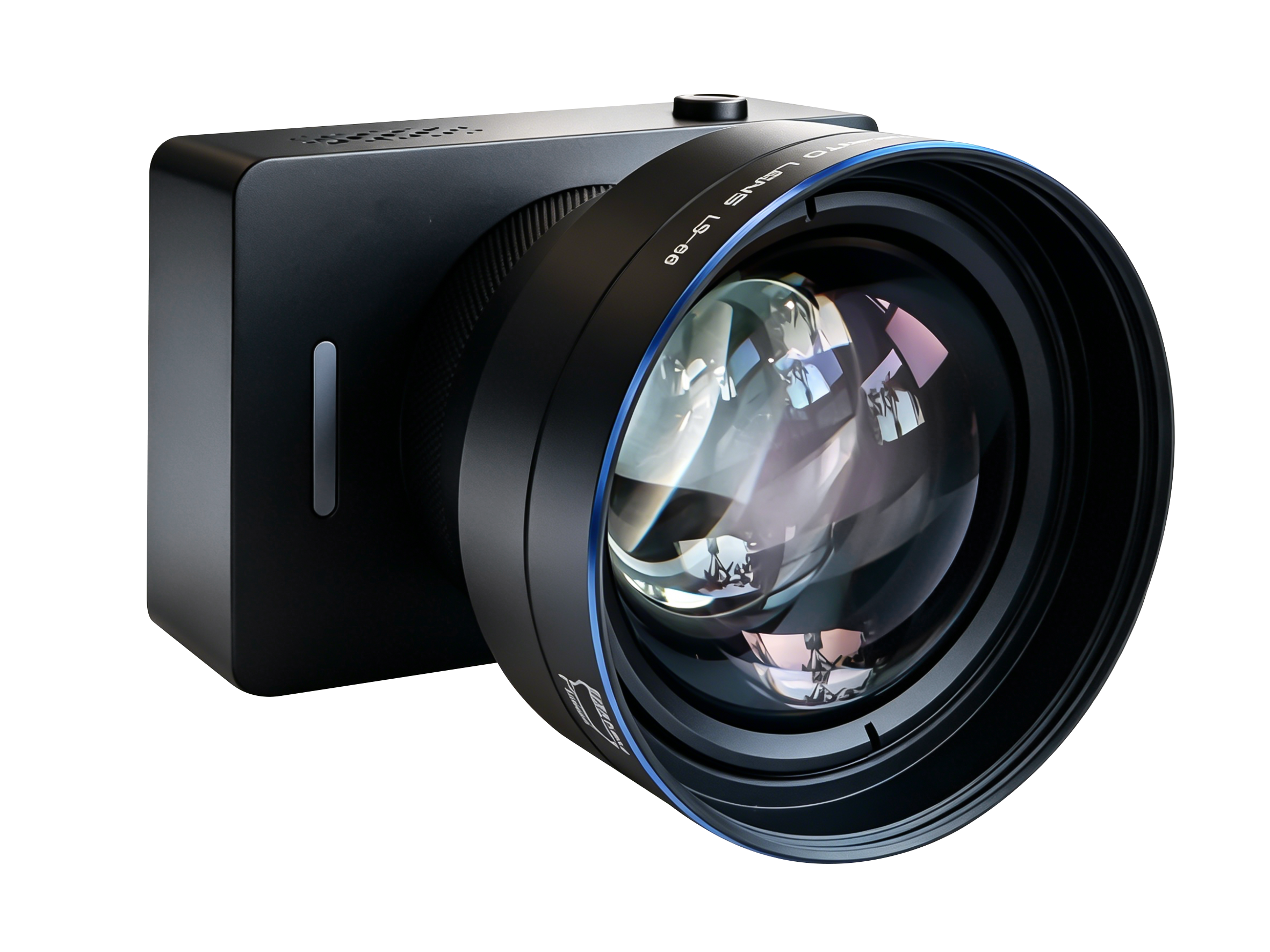
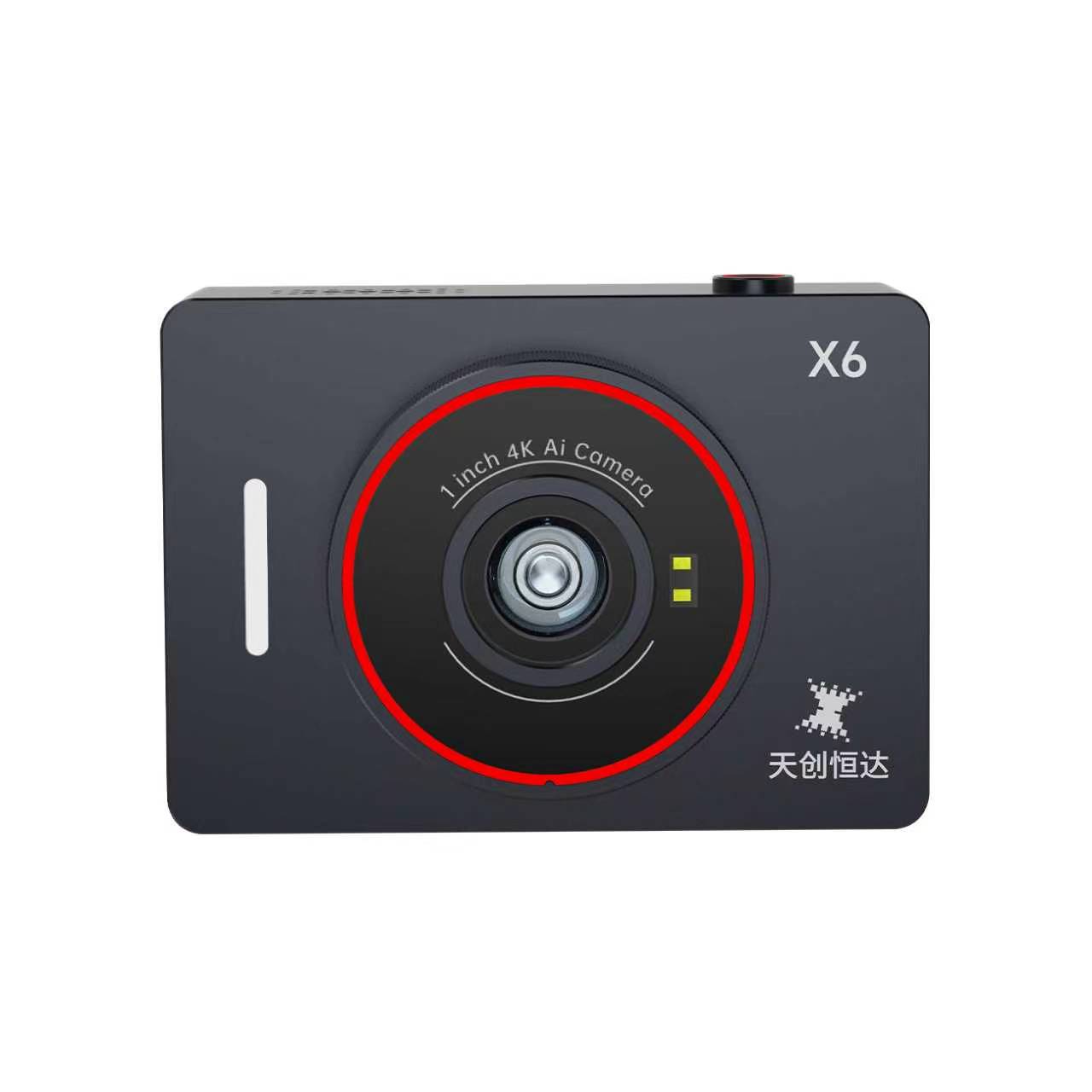
Sensor size also reframes the resolution conversation. The TCHD-X6 uses a 1-inch CMOS sensor rated at 50 MP, with a field of view of 85.3° diagonal in 4:3, 72.8° horizontal and 57.8° vertical. A larger sensor with a much higher pixel count is a different design trade-off from a 1/2.8-inch, 8.42 MP sensor: it is aimed at close-subject work — product demonstration, teaching close-ups, portrait framing — rather than at long-throw zoom across a hall.
2. Frame Rate Is a Chain, Not a Headline Number
A camera's stated maximum frame rate is only meaningful if the sensor readout, the image processor, the output interface and the encoder can each sustain it simultaneously. That is why the same device can quote different limits on different ports — and why reading only the largest number on the page is a common buying error.
On the TC-980S, the frame-rate chain is visible in the specification itself. The camera offers 60, 59.94, 50, 30, 29.97 and 25 fps output groups, with a frequency setting that maps 50 Hz operation to a 1–50 fps range and 60 Hz operation to a 1–60 fps range. HDMI output spans 3840×2160 and 1920×1080 across those rates. SDI output runs 1080P60, 1080P50, 1080P30, 1080P25, 1080I60/50 and 720P60/50/59.94. USB 3.0 carries compressed formats — MJPEG, H.264 and H.265 — up to 3840×2160 at 60 fps, alongside uncompressed YUY2 and NV12 at lower resolutions.
The TCHD-X6 shows the same principle from the opposite direction. Its MJPEG path reaches 4K at 30, 25 and 15 fps; its YUV (YUY2) path tops out at 1080p at 60 fps, and the record notes that this particular 1080p60 mode is interpolated. In other words, the format chosen at the output stage changes the rate the camera can hold. Raw YUV at 1080p60 and compressed MJPEG at 4K30 are not competing claims — they are two different operating points.
For the buyer, the question is not "what is the maximum frame rate" but "at which resolution, in which format, on which interface, and at which rate does it hold without dropping frames". Motion handling, panning smoothness and compatibility with 50 Hz regional lighting all depend on that answer.
3. Output Interfaces Decide Where the Signal Can Physically Go
Most deployment failures blamed on cameras are actually interface mismatches. The four interface families below behave very differently, and a professional live streaming camera is normally defined by how many of them it can drive at once.
HDMI is the most familiar path. It carries uncompressed digital video and embedded audio into a monitor, a switcher input or a capture device, and it is the default on prosumer and mid-range professional cameras. It is also the most connector-fragile of the four and is normally used for relatively short internal cable runs.
SDI exists because broadcast and live-event workflows cannot live with HDMI's distance limits. SDI runs over 75-ohm coaxial cable with a locking BNC connector, and 3G-SDI is specified to carry 1080P60 at distances in the region of 100 metres on suitable cable. That reach is why SDI remains the standard for camera-to-switcher links in venues, houses of worship with long cable paths and outside broadcast setups. The TC-980S provides both HDMI and SDI output on the same body, so the long-run path and the local monitoring path do not require two cameras.
USB 3.0 is the software-native path. A UVC-compliant camera is recognised by the operating system as a video device without a driver, and UAC handles audio the same way. The TC420 exposes USB 3.0 with MJPG, H.264, YUY2 and NV12 formats; the TCHD-T3 offers a USB 3.0 Type-C port plus a USB 2.0 Type-A port and UVC 1.1–1.5 support. The trade-off is architectural: USB is host-centric, so one camera normally serves one computer, and bandwidth is shared on the bus.
Wired LAN is the distributed path. An IP-capable camera contains its own H.264/H.265 encoder and streams over RTSP, RTMP, ONVIF, GB/T28181 or SRT, which means several destinations can pull the same feed without additional hardware. Power over Ethernet simplifies installation further: the TC420 has a 10M/100M/1000M adaptive Ethernet port supporting PoE, and the TC-980S has a 1000M port with optional PoE+ power supply.
| Interface | Typical role | Cable and connector | What it requires inside the camera |
|---|---|---|---|
| HDMI | Local monitoring, switcher input, capture-card feed | HDMI connector; practical runs are short | Stable output timing and a dedicated HDMI output stage |
| SDI | Broadcast and live-event feeds to a switcher or CCU | 75-ohm coaxial with locking BNC; 3G-SDI carries 1080P60 at roughly 100 m | Separate SDI driver, independent of the HDMI path |
| USB 3.0 | Direct connection to a computer running streaming or conferencing software | USB-C or USB-A; bus length and power budget apply | UVC/UAC compliance and stable bus power |
| Wired LAN | IP distribution, remote production, multiple simultaneous destinations | Cat5e/Cat6 to a network switch; PoE or PoE+ optional | Built-in H.264/H.265 encoder plus RTSP/RTMP/ONVIF/SRT support |
Worked Example: Reading the TCHD-X6 Through Those Three Basics
The TCHD-X6 is a useful teaching case because it commits fully to one interface path instead of spreading across four. Understanding what it does — and what its specification record does not claim — makes the trade-offs concrete.
Sensor. A 1-inch CMOS 50 MP sensor, with a diagonal field of view of 85.3° in 4:3, 72.8° horizontal and 57.8° vertical. That is a wide, close-subject optical design rather than a long-throw one.
Frame rate. MJPEG output runs 4K at 30, 25 and 15 fps, 1080P at 30, 25 and 15 fps, and 720P at 30, 25 and 15 fps. YUV (YUY2) output runs 1080p at 60 fps (interpolated), 1080p at 30/25/15 fps and 720p at 30/25/15 fps. The format choice determines the ceiling, exactly as described above.
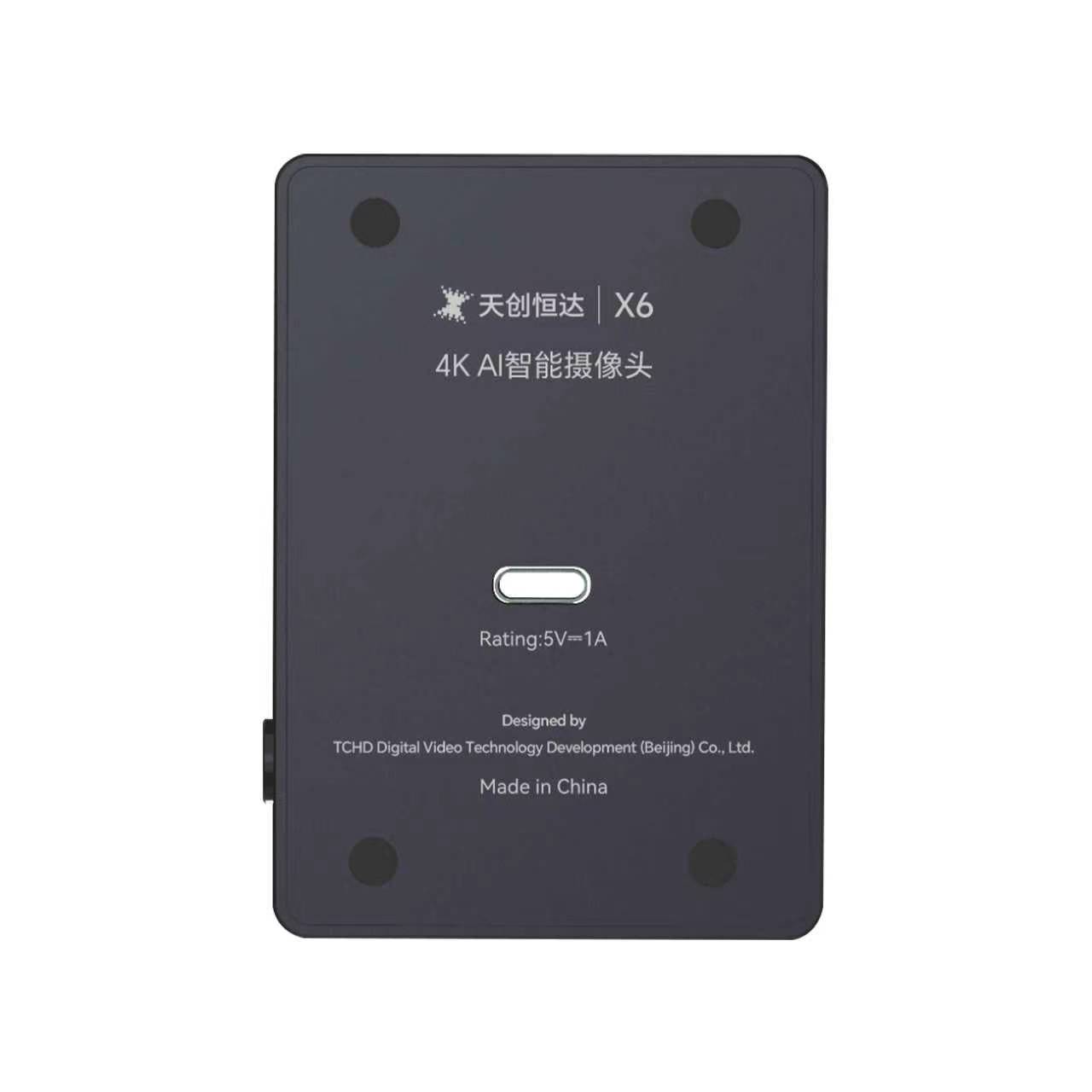
Interface. One full-function USB port, compatible with USB 3.0 and USB 2.0, supporting UVC v1.1 for video and UAC 1.0 for audio, with both raw and encoded video output. There is no HDMI, SDI or LAN output in the specification record, so the camera is defined by its host connection.
Inside that USB envelope, several features matter to first-time buyers:
- HDR support, which helps hold detail in mixed lighting such as a bright window behind a presenter.
- AI facial tracking, where the facial tracking model can be configured to prioritise a specific face, plus face-tracking autofocus that works without the TOF module.
- TOF-assisted autofocus, using advanced focusing algorithms and a TOF module for fast, accurate and stable focus.
- 2D and 3D noise reduction on a sensor described as having an ultra-high signal-to-noise ratio, to keep the image clean in low light.
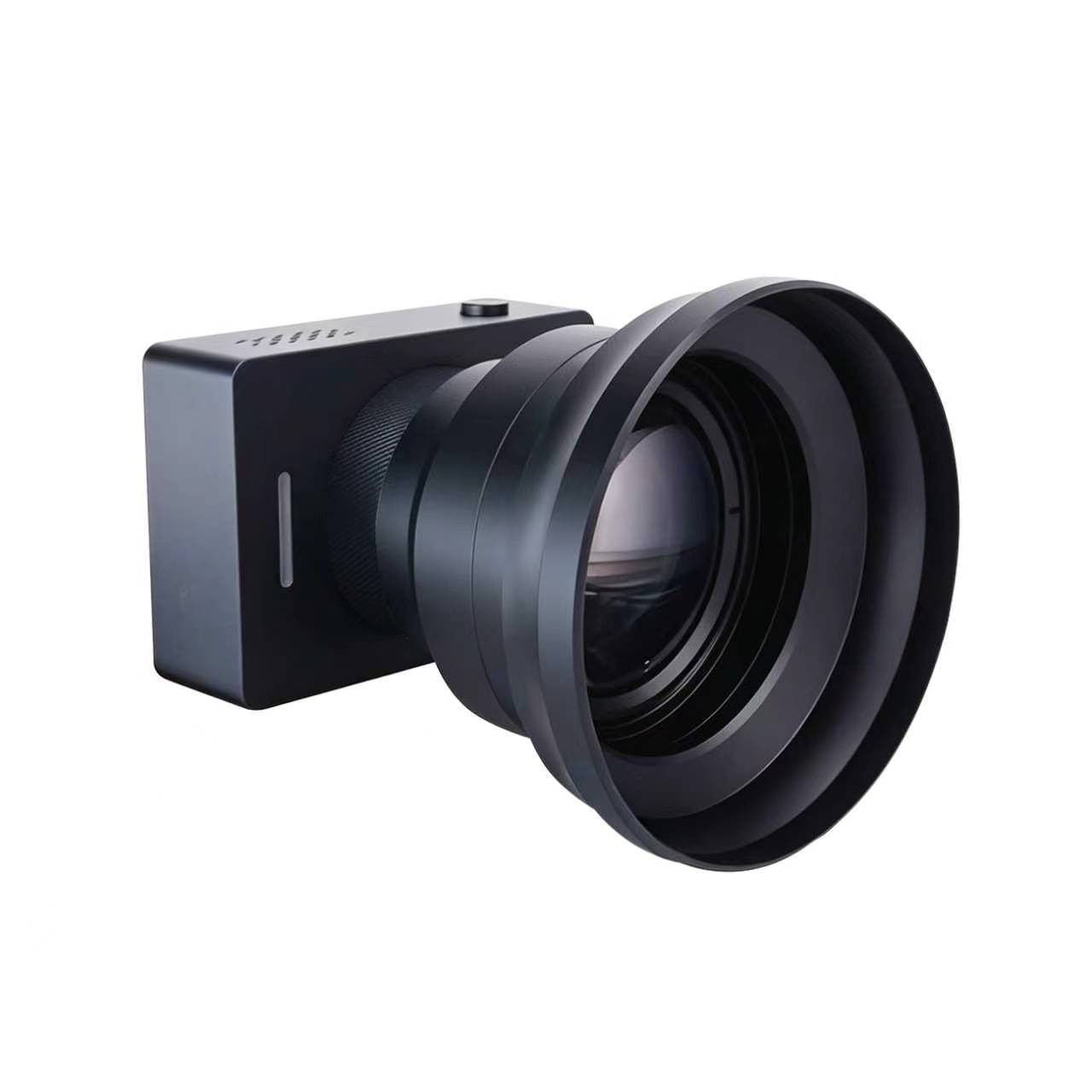
- An interchangeable lens — the body can be fitted with an external 4.8× macro lens or a 58 mm portrait lens, depending on the shot required.
- Colour and image controls, including independent adjustment of 24 colour tones and their saturation, plus red, green, blue, yellow, orange, warm tones, highlights and shadows, and four image versions: Standard, De-Red, Fairer and Professional.
- Landscape or portrait output, selectable, with no driver installation required.
Step-by-Step: How to Read a Live Streaming Camera Spec Sheet
The sequence below turns the three basics into a repeatable evaluation order. It works for any brand; the TCHD range is used only to illustrate what the answers look like.
- Start with the delivery path, not the camera. Decide where the signal must arrive — a switcher on SDI, a computer on USB, a streaming server over LAN, or a monitor on HDMI. The path eliminates most candidate models before any other number is read.
- Set the resolution you actually need to distribute. A 3840×2160 maximum resolution is useful for cropping, digital zoom and detail retention; 1080P60 is often the more practical delivery format for a streaming platform. Confirm the camera supports both, as the TC-980S does across its HDMI and SDI outputs.
- Check the frame rate at the format you intend to use. Ask for the rate at that specific resolution and that specific compression format, not the highest figure printed anywhere on the sheet.
- Verify the format list on each port. MJPEG, H.264, H.265, YUY2 and NV12 behave differently in bandwidth and in host compatibility. A camera that offers only one compressed format on USB may not suit software that prefers another.
- Confirm the control layer. Pan-tilt-zoom models usually expose VISCA, Pelco-D or Pelco-P over serial, and network VISCA over IP; the TC420 lists RS232-IN, RS232-OUT and RS422 compatible with RS485 with baud rates of 115200/38400/9600/4800/2400. If the room needs remote camera control, this is a hard requirement, not a convenience.
- Check the physical and environmental envelope. Working temperature of −10 °C to +50 °C and humidity of 20% to 80% describe indoor deployment conditions, which is where live streaming cameras are typically installed.
Use Cases: Matching the Three Basics to Real Rooms
Church and worship streaming. Long cable paths from a balcony or rear wall to a control position are the defining constraint. An SDI output reaches the switcher without repeaters, while a second output can feed a local monitor. A model that carries both HDMI and SDI — such as the TC-980S — removes the need for a converter in the middle of the chain.
Education and lecture capture. The requirement is usually a wide shot of the room plus the ability to close on a whiteboard or a demonstration. Optical zoom in the 12× to 30× range covers that, and preset positions let an operator return to a known framing between segments. The TCHD-T3, with 12× optical zoom, 255 presets and a 1080P60 HDMI output, is aimed squarely at this pattern.
Medical teaching. Close-up detail and stable colour matter more than wide coverage. A larger sensor with a wide field of view, generous colour controls and an interchangeable lens — the TCHD-X6 profile — suits close-subject capture, while a PTZ body with optical zoom suits observation of a procedure from a fixed position.
Event and broadcast production. Multiple cameras, one control room, and a demand for 1080P60 across a long cable run. SDI output plus a 1000M LAN port with optional PoE+ gives the production team both a baseband path and a network path from the same unit.
E-commerce streaming. The camera sits close to the presenter, framing changes constantly, and the software runs on a computer. A USB-only design with autofocus and facial tracking covers this without a capture card, which is why the TCHD-X6 specifies MJPEG and YUV output over USB 3.0 rather than broadcast interfaces.

Comparison Table: Four TCHD Models Side by Side
The table below uses only figures from current product specification records. Blank cells reflect what the record does not list, not a judgement about capability.
| Model | Sensor / effective pixels | HDMI output | SDI output | USB output | LAN and power | Optical zoom |
|---|---|---|---|---|---|---|
| TC-980S | 1/2.8 inch CMOS, 8.42 M, 16:9 | 3840×2160 and 1920×1080 up to 60 fps | 1080P60 / 50 / 30 / 25, 1080I60 / 50, 720P60 / 50 | USB 3.0 — MJPG, H.264, H.265, YUY2, NV12 up to 3840×2160 at 60 fps | 1000M Ethernet, optional PoE+ | 12× / 20× / 30× |
| TC420 | 1/2.8 inch CMOS, 8.29 M, 16:9 | 4K up to 30 fps, 1080P60 down to 720P50 | 1080P60 / 50 / 30 / 25, 720P60 / 50 | USB 3.0 — MJPG, H.264, YUY2, NV12 | 10M / 100M / 1000M adaptive, PoE | 12× |
| TCHD-T3 | 1/2.8 inch CMOS, 2.07 M | HDMI 1.4b, 1080P60 / 50 / 30 / 25 | Not listed in the current record | USB 3.0 Type-C plus USB 2.0 Type-A, UVC 1.1–1.5 | RJ45 10M / 100M adaptive, PoE | 12× |
| TCHD-X6 | 1 inch CMOS, 50 MP | Not listed — USB output only | Not listed | USB 3.0, UVC v1.1 / UAC 1.0 — MJPEG up to 4K30, YUV up to 1080p60 (interpolated) | Not listed | Interchangeable lens (4.8× macro or 58 mm portrait) |
Read across the rows and the design logic is clear. The TC-980S carries the widest interface set and the largest zoom range options, so it fits rooms where the signal has to travel and the framing has to change. The TC420 is a 12× PTZ body with HDMI, SDI, USB and PoE-reachable LAN. The TCHD-T3 pairs a 1080P60 HDMI output with USB and PoE networking for classroom and lecture work. The TCHD-X6 takes the opposite approach entirely: it puts a much larger sensor behind a USB 3.0 port and optimises for close, software-driven production.
FAQ
Which TCHD live streaming cameras carry CE or ISO certification for the EU market?
Certification coverage differs by model, so it should be confirmed model by model. The TC-980S is CE EMC certified to EN 55032:2015/A1:2020 and EN 55035:2017/A11:2020 under certificate number LCSA07075157E, issued by LCS TESTING LABORATORY, and is additionally covered by quality management system certification to GB/T19001-2016/ISO9001:2015 (064-24-Q-0675-R1-S), environmental management system certification to GB/T24001-2016/ISO14001:2015 (064-24-E-0676-R1-S) and occupational health and safety management system certification to GB/T45001-2020/ISO 45001:2018 (064-24-S-0677-R1-S), the latter three issued by BEIJING STANDARD CERTIFICATION CENTRE. The TC420 and TCHD-T3 are covered by the same ISO 9001 certificate, 064-24-Q-0675-R1-S, and by the ISO 45001 certificate 064-24-S-0677-R1-S, whose scope is the sale of digital audio and video products and related technical services and its related management activities. All of these apply to the EU market. The current specification record for the TCHD-X6 does not include CE, FCC or ISO certificate numbers or test report references.
What sensor and frame rate figures should I verify first on a live streaming camera?
Verify the effective pixel count together with the maximum resolution, then verify the frame rate at the exact resolution and compression format you intend to use. The TC-980S pairs a 1/2.8-inch CMOS sensor with 8.42 million effective pixels in 16:9 against a 3840×2160 maximum resolution and output up to 60 fps, with a frequency setting that limits 50 Hz operation to 1–50 fps and 60 Hz operation to 1–60 fps. Those three figures together describe the ceiling; the low-light floor is described separately by minimum illumination, which is 0.5 Lux at F1.8 with AGC ON on the TC-980S and TC420.
Do I need SDI if the camera already has HDMI?
Only if the cable has to travel further than HDMI comfortably allows. SDI uses 75-ohm coaxial cable with a locking BNC connector, and 3G-SDI is specified to carry 1080P60 at distances in the region of 100 metres on suitable cable, which is why venue, broadcast and large-building installations still standardise on it. HDMI is normally used for short internal runs to a monitor, switcher input or capture device. A camera that provides both — the TC-980S outputs HDMI and SDI from the same body — lets one unit serve the long switcher feed and the local monitor without a converter.
Can a USB 3.0 live streaming camera work without a capture card?
Yes, when the camera exposes UVC video and UAC audio. The TCHD-X6 supports UVC v1.1 and UAC 1.0 over a full-function USB port compatible with USB 3.0 and USB 2.0, requires no driver installation, and offers both raw and encoded video output — MJPEG at up to 4K30 and YUV at up to 1080p60, the latter noted as interpolated. The trade-off is that USB is host-centric: one camera normally serves one computer, and the bus shares bandwidth with other devices. Cameras with a LAN port, such as the TC420 and TC-980S, add an internal H.264/H.265 encoder so the stream can be distributed over a network instead.
How do I validate a camera against a real room before committing the project?
Test the chain, not the camera alone. Confirm the interface and cable type for the actual distance, confirm the frame rate at the delivery resolution and format, and check the control protocol if the camera has to pan, tilt or zoom remotely. TCHD Video supplies live streaming cameras alongside capture cards, converters, encoders and switchers, and the company accepts a minimum order quantity of one unit with OEM/ODM customisation available including logo, a 500-unit monthly capacity, 30–45 day lead times, 100% testing and remote after-sales support. A sample can therefore be evaluated in the target room before a larger order is placed.
Conclusion
Three questions separate a professional live streaming camera from a standard webcam, and none of them is answered by the word "4K". The sensor and its effective pixel count set the resolution ceiling and, together with minimum illumination and noise reduction, the low-light floor. The frame rate chain determines what the camera can actually hold once the resolution and compression format are fixed. The output interfaces determine where the signal can physically travel and how many destinations can receive it at once.
Applied in that order, a specification sheet becomes readable. A 1/2.8-inch 8.42 million pixel sensor supporting 3840×2160 and up to 60 fps describes one operating envelope; a 1-inch 50 MP sensor behind a single USB 3.0 port describes a different one. Neither is universally better — they are built for different rooms, different cable paths and different software.
What remains constant is that the camera has to be matched to the delivery path before anything else is decided. Once that is settled, zoom range, colour control, tracking behaviour and mounting become refinement rather than repair.
Next step
If you are specifying a live streaming camera for a room, a teaching facility or a production chain, the fastest way to close the gap between a datasheet and a working installation is to test the interface path you intend to use. TCHD Video can supply a sample for evaluation, discuss OEM/ODM requirements, and share the full product range including live streaming cameras, capture cards, converters, encoders and switchers.
Download the catalogue: TCHD Product Catalog 2025 (PDF)
Visit: www.tchdvideohk.com
Email: tomzhang@tchdvideo.com | WhatsApp: +86 19498872019
Have Questions or Need More Details?
Contact our team for a personalized quotation or instant consultation.
Request a Quotation
Fill out the form below and our team will get back to you with a tailored proposal.
WhatsApp Direct Chat
Prefer to chat in real-time? Message us on WhatsApp for instant assistance & quick answers.
- Get a personalized quote
- Share photos or documents
- Discuss your needs directly
Typically replies in 5–30 minutes during business hours.