
Siemens S7-1200 PLC: RS232 vs PROFINET Comparison
Siemens S7-1200 PLC: RS232 vs PROFINET Comparison
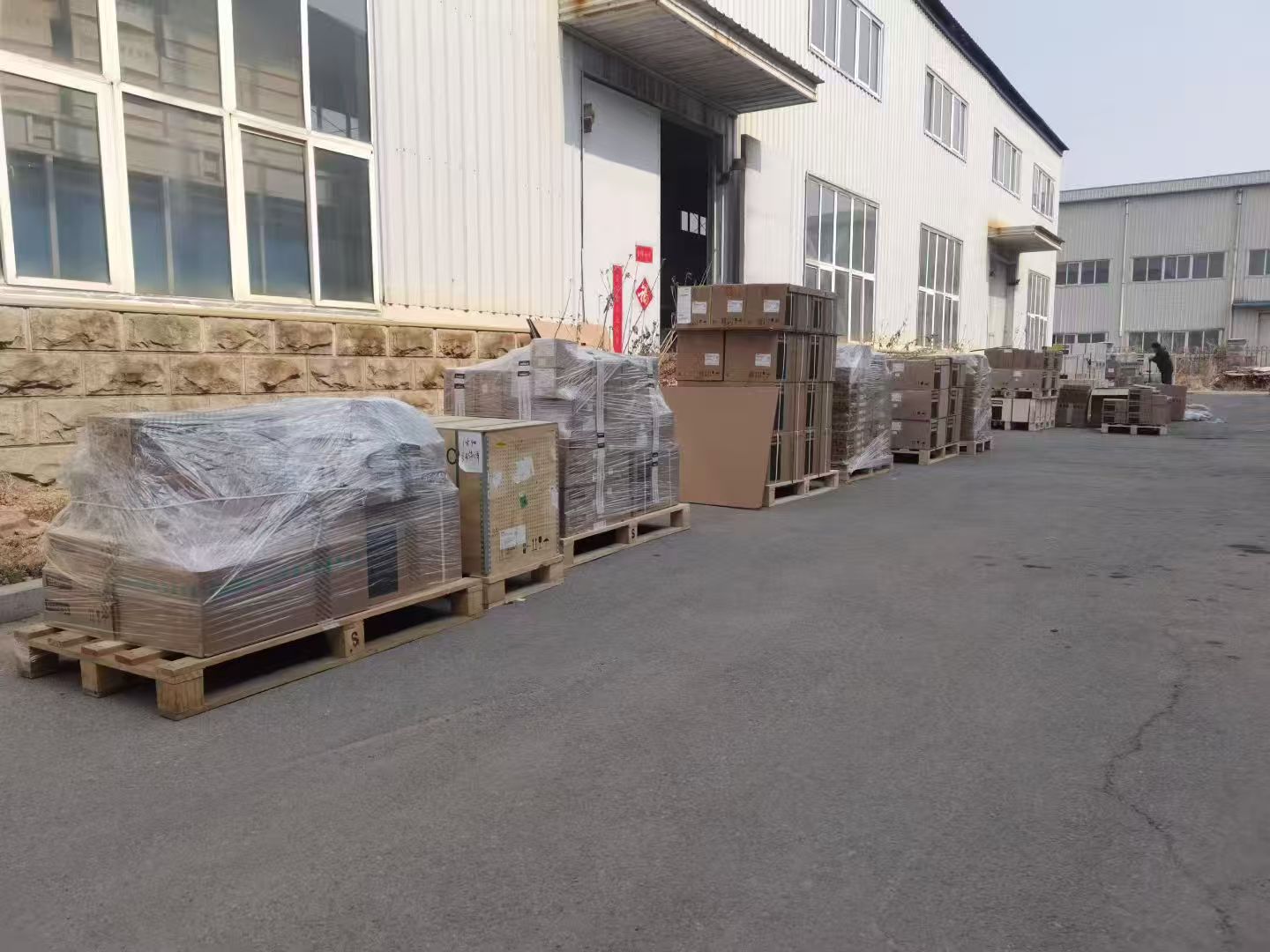
Factory environment: the communication architecture is set by machine layout and installed devices, not by the controller alone.
Choosing between a serial link and PROFINET on a Siemens S7-1200 PLC is a decision about where data enters the controller, not about which fieldbus sounds more current. On this platform, PROFINET is integrated into the CPU, while point-to-point serial communication is added through a separate communication module. That single architectural difference drives most of the practical consequences — wiring, device selection, engineering effort, spares and lifecycle planning — and it is the fact a decision-stage buyer should hold onto.
The short answer is conditional. When cyclic process data has to move between the CPU and distributed I/O, HMIs or networked drives along a production line, the integrated PROFINET path is the architecturally simpler route, because the controller already provides the interface. When a machine has to read a serial instrument — a weighing terminal, an energy meter, a drive or a measuring device using a compatible protocol — a communication module is the supported way to add that port. Real machines often need both, and the useful question is which path carries the control architecture and which one is a device interface.
Why this decision usually surfaces at procurement, not at design
In new machinery projects the communication architecture is normally fixed by the machine builder, and the end user inherits it. In maintenance, retrofit and spare-parts procurement the order is reversed: the installed CPU, the occupied module slots and the field devices are already in place, and the buyer has to reconstruct the original logic quickly enough to avoid a wrong order. Two order numbers that look interchangeable can differ in memory, port count or product generation, and the difference often becomes visible only after commissioning.
That is why a comparison of RS232-class serial links against PROFINET is worth doing at the part-number level rather than the protocol level. The questions that actually decide the purchase are concrete: where does the port physically live, how many devices can it serve, what has to be configured, what happens at end of life, and what must be verified before the purchase order is released.
The two communication paths, defined
Serial communication: added through a communication module
On the S7-1200, serial data exchange is provided by industrial PLC communication modules. The product set used for this comparison includes two Siemens communication module order numbers, 6ES7241-1AH32-0XB0 and 6ES7241-1CH32-0XB0, described as modules that enable serial data communication between SIMATIC S7-1200 controllers and compatible RS422/RS485 industrial devices.
The documented application scope is device integration rather than network building: data exchange with variable frequency drives, energy meters, weighing instruments, industrial controllers and measuring equipment using compatible communication protocols. Serial integration projects in that scenario include Modbus RTU network installation, PLC communication expansion and drive or instrument networking. The module scenario specifies an operating temperature range of -20 °C to +60 °C for horizontal installation and -20 °C to +50 °C for vertical installation.
PROFINET: integrated in the CPU
PROFINET is not an add-on for the S7-1200; it is part of the CPU. A Siemens technical record for the CPU 1214C identifies an integrated PROFINET interface with native TCP/IP and ISO-on-TCP communication capability. Port count varies by CPU: the CPU 1211C and CPU 1214C each carry one PROFINET port, while the CPU 1215C carries two.
In operation the CPU acts as the PROFINET IO controller and exchanges process data cyclically with remote I/O devices. A compatible ET 200SP station is a typical counterpart: the interface module handles communication, while digital and analog I/O modules connect field sensors and actuators. An ET 200SP station is not a single article number — it typically combines an interface module or a CPU-compatible configuration, BaseUnits, I/O modules and the required terminating components. Reliable operation depends on correct device configuration, network settings, BaseUnit selection and power-supply arrangements.
A comparison on the dimensions that decide the purchase
| Decision dimension | Serial path (communication module) | PROFINET path (integrated) |
|---|---|---|
| Where the interface lives | Added module: 6ES7241-1AH32-0XB0 or 6ES7241-1CH32-0XB0 | Integrated in the CPU; CPU 1214C record lists PROFINET, TCP/IP native and ISO-on-TCP |
| Ports per controller | One communication module per slot position used; total depends on station configuration | CPU 1211C: 1 PROFINET port; CPU 1214C: 1; CPU 1215C: 2 |
| Typical counterpart devices | Variable frequency drives, energy meters, weighing instruments, industrial controllers, measuring equipment using compatible protocols | ET 200SP remote I/O stations, HMI panels, networked drives and other PROFINET IO devices |
| Data-exchange model | Serial data exchange using a compatible communication protocol | Cyclic PROFINET IO data exchange with the CPU as IO controller |
| Electrical basis | RS422/RS485 signal environment, as specified in the module scenario | Industrial Ethernet / PROFINET |
| Engineering prerequisites | Module selection, protocol configuration, device-specific parameter settings | Device configuration, network settings, BaseUnit selection, power-supply arrangement, project compatibility |
| Distance and cabling | Segment length governed by the serial interface and installation practice; confirm for the actual port type | Network topology distance; field-cable limits belong to the I/O module, e.g. analog shielded cable 200 m (BA) versus 1,000 m (ST) |
| Channel and panel density | Adds a module to the controller rack; channels stay in the panel | Moves channels to the field; local signal modules can remain in the panel when distances are short |
| Spare-part sensitivity | Exact communication-module order number and physical port type | Exact CPU generation and article number, interface module, BaseUnits |
| Lifecycle exposure | Availability follows the module product lifecycle | Availability follows CPU generation lifecycle; a Siemens notification states S7-1200 Generation 1 phase-out with effect from 1 November 2026 |
Table basis: Siemens product and technical records plus the application scenarios supplied for this comparison. It describes documented characteristics, not measured performance of either path in a specific machine.
Which path should carry the machine?
A workable decision rule is to assign the control architecture to PROFINET and the device interfaces to serial, then check whether installed equipment forces the reverse. The scenarios below follow that rule and stay inside the documented application scope.
- Packaging machinery. Where the line has many measurement points, remote I/O over PROFINET keeps signal acquisition close to the sensors. The 8-channel analog current input module (6ES7134-6GF00-0AA1) is documented as suited to high-density current signal acquisition, multi-sensor process monitoring, packaging machinery and production line monitoring. Serial modules then handle the few instruments that only speak a serial protocol.
- Conveyor control. Digital signals distribute along the line. Distributed digital input and output modules over PROFINET reduce long parallel cable runs to the panel, while the CPU keeps the sequence logic.
- Assembly automation. HMI panels, remote I/O and drives normally share the PROFINET network, with the CPU as IO controller. Adding a serial module here is a device decision, not an architecture decision.
- Temperature and analog process control. An 8-channel analog input module acquires 0–20 mA, 4–20 mA and ±10 V signals and converts pressure, flow, level or temperature values into digital process data. Whether those channels sit in the panel or in a remote station depends on cable length, not on the protocol.
- Pump and motor control. A 4-channel analog output module can carry speed references to compatible variable frequency drives, proportional valves or actuators. Where the drive instead exposes a serial protocol, the same setpoint can travel through a communication module — the choice is usually dictated by the drive, not by the PLC.
Local versus remote is the second half of the decision. If field wiring is short and channel counts are modest, signal modules mounted with the CPU keep the topology simple; the supplied scenarios describe up to 16 digital input channels, up to 16 digital output channels, 8 analog input channels and 4 analog output channels across S7-1200 and ET 200SP signal modules. If devices are spread along a line, an ET 200SP station configured over PROFINET usually shortens the copper. Mixed architectures are normal: the CPU executes the control program, the ET 200SP interface module carries remote I/O communication, and a communication module handles the serial instrument.
The four limits that actually change the answer
1. Analog cable reach is a module property, not a network property
Buyers sometimes expect remote I/O to remove every cable-length constraint. It does not. The 8-channel BA analog input module (6ES7134-6GF00-0AA1) specifies a maximum shielded cable length of 200 m; the 4-channel ST module (6ES7134-6GD01-0BA1) specifies 1,000 m, which is five times that limit and is subject to installation requirements. Both offer 16-bit maximum resolution, ±0.3 % basic accuracy at 25 °C, a ±0.5 % operational error limit, 2-wire and 4-wire transmitter support, module diagnostics and BaseUnit compatibility, and both are 15 mm wide.
The density trade-off is explicit: for an eight-channel requirement, one BA module replaces two ST modules, cutting signal-module width from 30 mm to 15 mm excluding BaseUnits and accessories, and the specified typical power loss falls from 1.70 W for two ST modules (0.85 W each) to 0.7 W for one BA module. A long-cable installation may still justify the lower-density ST module, because reach, not channel count, becomes the binding constraint.
2. No verified performance benchmark exists in this evidence set
The supplied material contains no cycle-time, baud-rate or communication-load measurements for either path. Claims that one option is faster, more deterministic or better suited to high-speed machinery cannot be supported here. Buyers should treat performance as an application-engineering question to be validated with the machine builder, and select first on integration, device scope and cable reach.
3. Generation and memory must be matched, never averaged
CPU 1214C records show materially different memory values. The legacy 6ES7214-1AG31-0XB0 lists 75 KB program/data memory with 14 digital inputs, 10 transistor digital outputs, 2 analog inputs and 1 PROFINET port. The newer 6ES7214-1AG40-0XB0 lists 150 KB with the same onboard I/O counts — 75 KB more memory, a 100 % increase, with no change in integrated channels. A separate G2 record for 6ES7214-1AH50-0XB0 lists 250 kB program memory, 750 kB data memory and the same 14 DI / 10 DO onboard configuration. These are distinct catalog records; they must not be merged into one specification.
4. Multi-port and engineering scope are real cost drivers
The CPU 1215C offers 200 KB memory, 28 integrated I/O channels including 2 analog outputs and 2 PROFINET ports, which may reduce separate expansion requirements in a demanding application. Migration between CPU generations, however, requires software, firmware and project compatibility checks, whereas an exact-model legacy replacement may preserve the existing hardware configuration.
What to verify before the purchase order
- Complete Siemens article numbers for the CPU, communication module, interface module, signal modules and BaseUnits. Family names such as CPU 1214C are not orderable.
- Physical port type. Confirm whether the installed device needs RS232, RS422 or RS485, and match the module variant to it; do not assume the family covers the port on the machine.
- CPU generation and memory. Identify the exact generation before comparing memory figures, because catalog records differ.
- Firmware and project compatibility. Confirm the engineering software version and the existing project before committing to a successor CPU.
- Station architecture for remote I/O. Confirm module functions, signal types, BaseUnit requirements and power-group configuration, and verify that the interface module or CPU is compatible with the intended station.
- Temperature and installation position. The communication module scenario rates -20 °C to +60 °C horizontally and -20 °C to +50 °C vertically; analog accuracy figures are stated at 25 °C.
- Supplier-side facts. Confirm channel authorization, warranty terms, stock status and delivery arrangements for the exact order numbers, whichever supplier is used.
- Commercial data. The evidence set used here contains no verified price, MOQ or lead-time figures, so a genuine landed-cost comparison requires written quotations for both architectures.
Lifecycle: what changes for buyers in 2026 and 2027
A Siemens Industry Online Support lifecycle notification dated 8 October 2026 states that the SIMATIC S7-1200 Generation 1 family is declared phased out with effect from 1 November 2026, with availability as a new part until 30 September 2027. For new projects this argues for specifying current-generation hardware from the outset. For maintenance it argues for matching the exact installed article number rather than accepting a generic CPU description, because a generation change can affect memory, firmware platform and project compatibility.
The notification covers the Generation 1 family as a whole; the supplied evidence does not map individual order numbers to a generation. That mapping has to be confirmed for the specific part before a replacement is ordered. Third-party commercial research covering 2024 estimated Siemens at 42.3 % of the global small PLC segment. For a buyer that figure is relevant mainly as an indicator of long-term spares and engineering-support availability across a large installed base — it is not a product-performance claim and it does not establish suitability for any specific machine.
Where a supplier such as JILIN BATU fits
JILIN BATU Trade Co.,ltd is an industrial automation products and spare-parts supplier based in Changchun, Jilin Province, China, founded in 2017, with 15 employees including 2 engineers and a 100 % export focus covering markets such as India, Indonesia, the United States, Brazil, Mexico and South Korea. Its portfolio centres on SIEMENS and Mitsubishi Electric automation components — PLC CPUs, PLC modules, distributed I/O, HMI, servo products, variable frequency drives, communication modules and power supplies — with S7-1200 PLCs and ET 200SP distributed I/O as key categories, supported by a model-based procurement process built around exact part numbers, BOM lists and technical specification verification.
In a communication decision, that procurement model matters more than the product list. The differences that decide a rebuild are article numbers, generations and port types, and a supplier workflow that starts from the exact order number rather than the family name reduces the risk of a mismatched module. Buyers should still confirm channel authorization, warranty and firmware compatibility appropriate to their own project.

Siemens automation product stock held for procurement and spare-parts supply.
Contact for specification-based enquiries: Valia Li, email 414335049@qq.com, telephone and WhatsApp +86 15144176061, Lvyuan District, Changchun City, Jilin Province, China. The company brochure is available for download: Jilin BATU Brochure (PDF).
Frequently asked questions
Does the Siemens S7-1200 have an onboard RS232 port?
The CPU records in this evidence set describe an integrated PROFINET interface, with the CPU 1214C record listing native TCP/IP and ISO-on-TCP capability. Serial communication is added through communication modules such as 6ES7241-1AH32-0XB0 and 6ES7241-1CH32-0XB0, whose supplied application scenario specifies RS422/RS485 signal environments. Because these interfaces differ electrically and in pinout, the exact module variant and port type should be confirmed in Siemens documentation before ordering.
Can an S7-1200 control ET 200SP remote I/O over PROFINET?
Yes. A compatible ET 200SP PROFINET IO station can exchange data with an S7-1200 CPU configured as a PROFINET IO controller. The interface module handles communication while the digital and analog I/O modules connect sensors and actuators. A complete station typically includes an interface module or CPU-compatible configuration, BaseUnits, I/O modules and the required terminating components, and reliable operation requires correct device configuration, network settings, BaseUnit selection and power-supply arrangements.
When is serial communication the better choice than PROFINET?
Serial communication fits when the task is to connect a limited number of devices that expose a compatible serial protocol — variable frequency drives, energy meters, weighing instruments, industrial controllers or measuring equipment — rather than to build a networked I/O architecture. Where the machine needs distributed I/O, HMIs or networked drives across a line, the integrated PROFINET interface avoids adding a module purely for communication. Many machines use both, with PROFINET carrying the control architecture and serial handling individual instruments.
What should be verified before buying an S7-1200 CPU or communication module for a retrofit?
Confirm the complete Siemens article numbers, the product generation and memory specification, the physical serial port type, firmware and project compatibility, and — for remote I/O — module functions, signal types, BaseUnit requirements and power-group configuration. The legacy 6ES7214-1AG31-0XB0 and the newer 6ES7214-1AG40-0XB0 share the same onboard I/O counts but list 75 KB and 150 KB of program/data memory respectively, so the exact order number determines whether a like-for-like replacement or a supported migration is being planned.
How does the S7-1200 Generation 1 phase-out affect the communication decision?
According to a Siemens Industry Online Support lifecycle notification dated 8 October 2026, the SIMATIC S7-1200 Generation 1 family is declared phased out with effect from 1 November 2026, with availability as a new part until 30 September 2027. New projects are better served by current-generation hardware, while maintenance work should match the exact installed article number. The notification addresses the family as a whole, so the generation of a specific order number should be confirmed before purchase.
Outlook
The communication decision is unlikely to become simpler, but it is becoming easier to document. As generation changes move through the S7-1200 range, buyers who already work from exact order numbers, confirmed port types and verified station architecture will absorb the transition with predictable effort. The practical priority for the next procurement cycle is therefore not a protocol preference but a data discipline: record the CPU generation, the module order numbers and the physical interfaces now, while the installed system is still visible on the machine.
Have Questions or Need More Details?
Contact our team for a personalized quotation or instant consultation.
Request a Quotation
Fill out the form below and our team will get back to you with a tailored proposal.
WhatsApp Direct Chat
Prefer to chat in real-time? Message us on WhatsApp for instant assistance & quick answers.
- Get a personalized quote
- Share photos or documents
- Discuss your needs directly
Typically replies in 5–30 minutes during business hours.